Liquid cooling loop
1344×768 · AVIF · CC BY 4.0
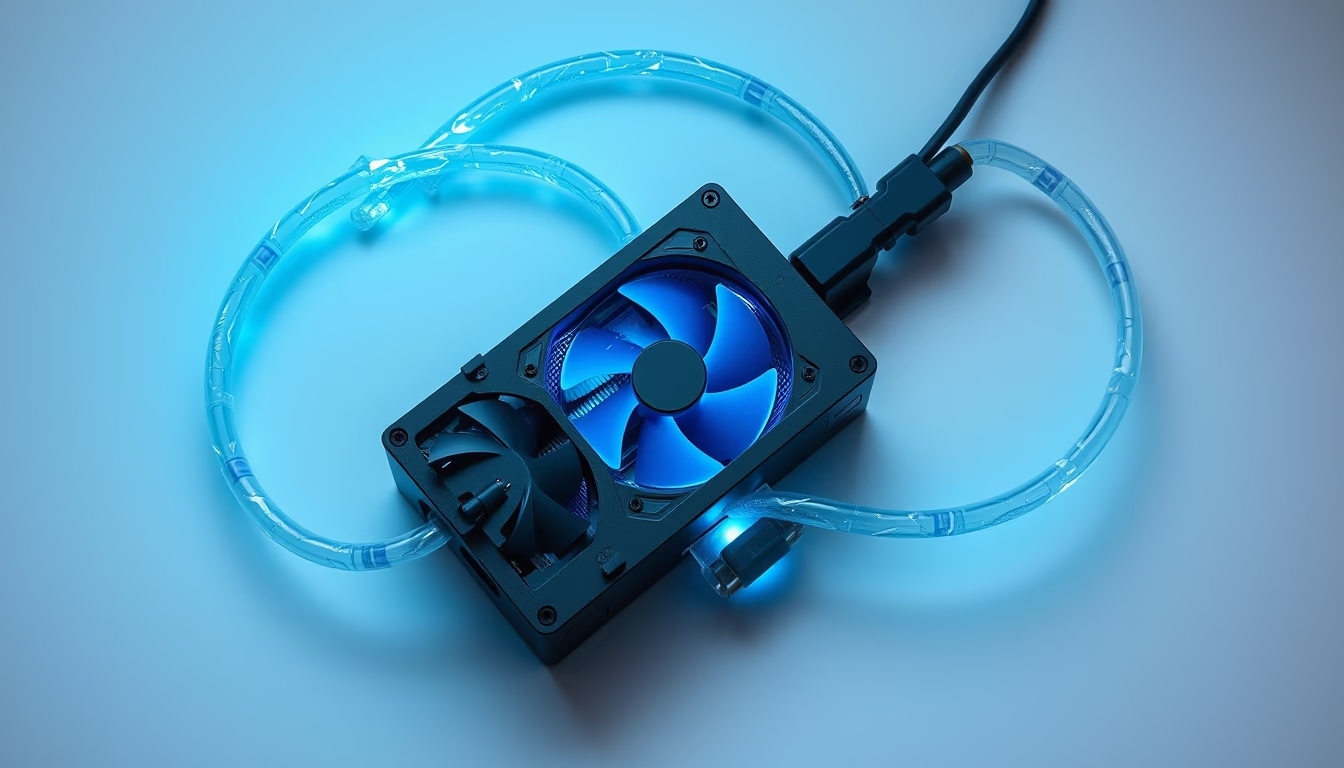
Liquid cooling loop for PCs: components, operation, and advantages over air cooling.
About this subject
A liquid cooling loop is a computer cooling system that uses a coolant fluid to dissipate heat from components like CPU and GPU. Unlike air coolers that rely on metal heatsinks and fans, the liquid circulates through a closed circuit comprising water blocks, a pump, a radiator, a reservoir, and tubing. The pump pushes the liquid through the block atop the hot component, absorbing heat; the heated fluid travels to the radiator, where heat is exchanged with ambient air via fins and fans, then returns to the reservoir to restart the cycle.
There are two main types: custom loops and all-in-one (AIO) coolers. Custom loops allow selecting each component individually, often using rigid or flexible tubing and copper or nickel blocks, offering greater cooling capacity and customizable aesthetics. AIOs are sealed units, easier to install and requiring minimal maintenance, but with limited performance and customization options. Loop efficiency depends on radiator surface area, pump flow rate, and coolant type (typically distilled water with anticorrosive and biocide additives, or dielectric fluids).
Liquid cooling is especially beneficial for overclocked systems or high-performance hardware, keeping temperatures lower and more stable than air coolers. However, it requires careful planning: the loop must be assembled to avoid leaks, and the coolant should be replaced periodically (every 12-24 months) to prevent corrosion or biological growth. Choosing between aluminum and copper parts is critical, as mixing metals can cause galvanic corrosion. Although more expensive and complex, liquid cooling provides superior thermal management and is widely adopted by enthusiasts and workstations.
Frequently Asked Questions
What is the difference between an AIO and a custom loop?
An AIO (all-in-one) is a sealed, pre-assembled system with minimal maintenance, ideal for beginners. A custom loop lets you choose individual parts, offering better performance, customization, and expandability, but requires more complex assembly and upkeep.
How often should I replace the coolant?
Typically every 12 to 24 months, depending on the fluid type and component quality. Distilled water with additives should be monitored to prevent corrosion or algal growth.
Is liquid cooling safe for a PC?
Yes, if properly installed. Leaks are rare with quality components and careful assembly. AIOs are factory-tested and have low risk. For custom loops, it's essential to check all fittings and use appropriate coolants.
Direct URL
https://pub-c7d6a6ea828543ac903a74a341ccb2e1.r2.dev/imagens/liquid-cooling-loop-isometric-flat-lay-p0.avifHow to credit
Include a visible link back to UtilizAí. Copy one of the snippets below:
<a href="https://xn--utiliza-eza.com/en/midia/imagens/liquid-cooling-loop-isometric-flat-lay-p0">Liquid cooling loop</a> by <a href="https://xn--utiliza-eza.com">UtilizAí</a>, licensed under <a href="https://creativecommons.org/licenses/by/4.0/">CC BY 4.0</a>.
[Liquid cooling loop](https://xn--utiliza-eza.com/en/midia/imagens/liquid-cooling-loop-isometric-flat-lay-p0) by [UtilizAí](https://xn--utiliza-eza.com), CC BY 4.0
License: CC-BY-4.0





