Home automation dashboard
1344×768 · AVIF · CC BY 4.0
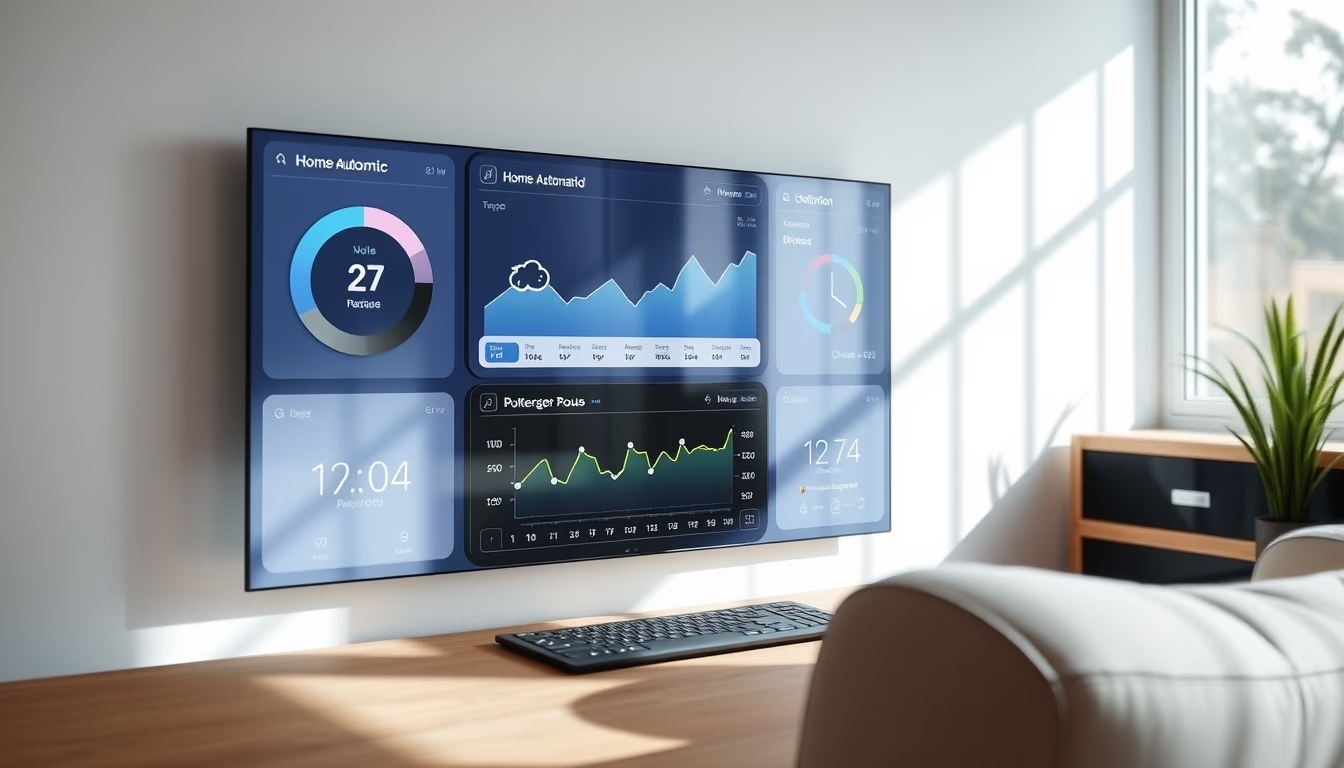
A home automation dashboard centralizes control of smart devices, sensors, and routines through a minimalist and efficient interface.
About this subject
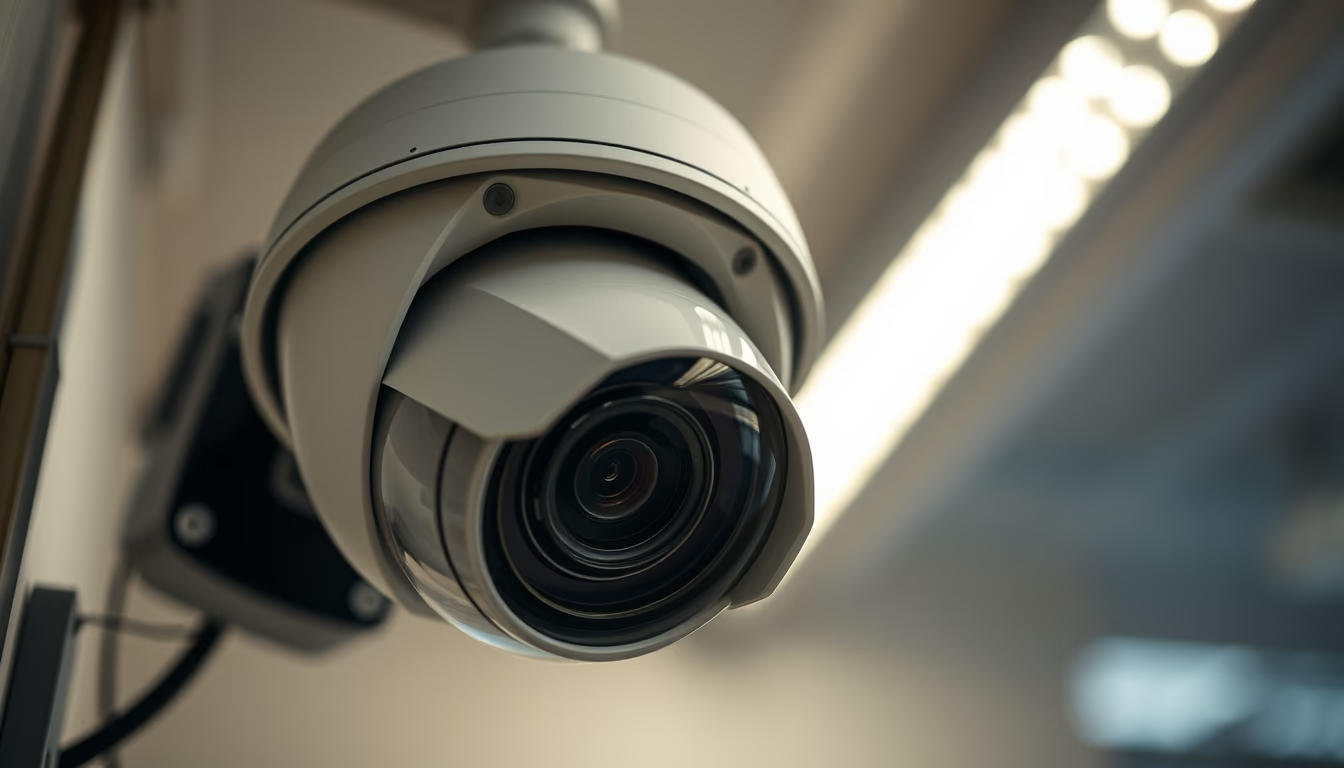
A home automation dashboard serves as the command center of a smart home. It aggregates data from temperature, humidity, motion sensors, energy meters, and security cameras, while enabling control of lights, blinds, appliances, and locks. The minimalist interface emphasizes visual clarity: standardized icons, real-time graphs, and notification cards that facilitate rapid decision-making.
The popularity of these dashboards has grown alongside the adoption of protocols like Zigbee, Z-Wave, and Matter, which ensure cross-brand interoperability. By 2026, the trend is for dashboards to incorporate predictive artificial intelligence to suggest routine adjustments, such as lowering heating when the house is empty or optimizing lighting based on natural light availability. Security, with end-to-end encryption and biometric authentication, is becoming standard.
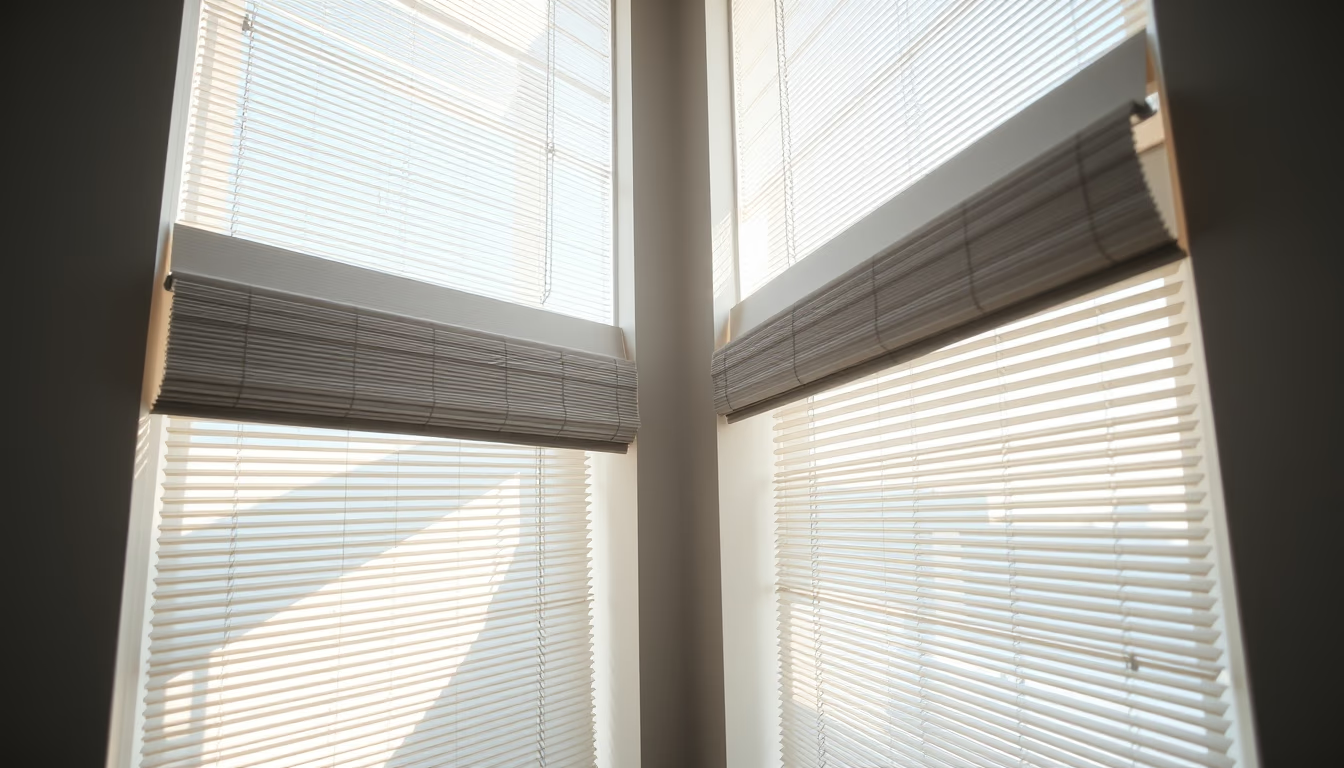
A well-designed dashboard offers deep customization: users can create scenes (e.g., "Movie Mode" that closes curtains and dims lights), define triggers based on time or geolocation, and integrate voice assistants like Alexa or Google Assistant. The mobile-first experience is essential, but many systems also provide versions for wall-mounted tablets or smart displays.
The minimalist design trend reflects the demand for interfaces that are visually unobtrusive and intuitive for all residents, including elderly individuals and children. Companies such as Home Assistant, OpenHAB, and proprietary platforms (Apple HomeKit, Samsung SmartThings) compete in offering cleaner, more functional dashboards. Hardware choices (screen, processor) impact interface fluidity, especially in systems processing real-time camera feeds.
Frequently Asked Questions
Which communication protocols are compatible with most home automation dashboards?
The most common are Wi-Fi, Zigbee, Z-Wave, and Matter. The choice depends on your devices; Matter is becoming the universal standard for cross-brand interoperability.
Can I control the dashboard remotely via smartphone?
Yes, most systems offer iOS and Android apps with secure remote access, allowing you to monitor and adjust devices from anywhere with an internet connection.
Is a minimalist dashboard suitable for beginners in home automation?
Yes, minimalist design reduces visual clutter and makes navigation intuitive. Many apps include tutorials and step-by-step setup guides to ease the configuration process.
Direct URL
https://pub-c7d6a6ea828543ac903a74a341ccb2e1.r2.dev/imagens/home-automation-dashboard-minimalist-composition-p1.avifHow to credit
Include a visible link back to UtilizAí. Copy one of the snippets below:
<a href="https://xn--utiliza-eza.com/en/midia/imagens/home-automation-dashboard-minimalist-composition-p1">Home automation dashboard</a> by <a href="https://xn--utiliza-eza.com">UtilizAí</a>, licensed under <a href="https://creativecommons.org/licenses/by/4.0/">CC BY 4.0</a>.
[Home automation dashboard](https://xn--utiliza-eza.com/en/midia/imagens/home-automation-dashboard-minimalist-composition-p1) by [UtilizAí](https://xn--utiliza-eza.com), CC BY 4.0
License: CC-BY-4.0