Cable organizer minimalist
1344×768 · AVIF · CC BY 4.0
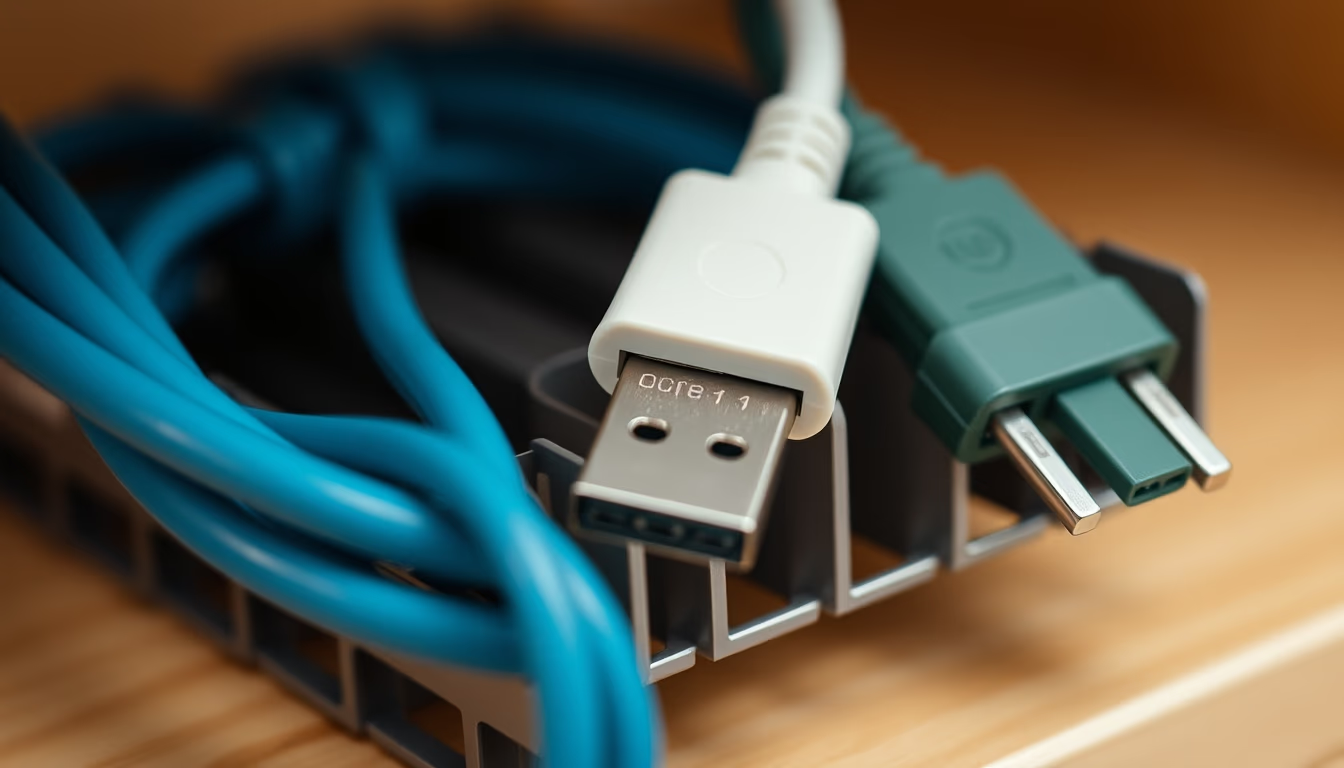
Minimalist cable organizer: functional design that reduces clutter and enhances desk and office aesthetics.
About this subject
Minimalist cable organizers emerged as a response to the excess of wires in workspaces and homes. They are designed to manage cables from devices such as monitors, keyboards, chargers, and peripherals, keeping surfaces clean and organized. The minimalist concept prioritizes simple shapes, neutral colors (black, white, gray), and materials like silicone, recycled plastic, or brushed metal, blending discreetly with decor.
These organizers can be attached under desks, on walls, or on surfaces, with channels or clips that guide cables. Magnetic models or those with 3M adhesive allow tool-free installation. Their popularity grew with remote work and the 'desk setup' trend on YouTube and Instagram, where a clean aesthetic is valued. Brands like Ikea, Belkin, and Ugreen offer affordable versions, while independent designers create handcrafted pieces.
A good cable organizer prevents tangles, reduces risk of damage to wires, and facilitates cleaning. It also contributes to ergonomics by freeing space for arm movement. Interior design studies show that visual organization reduces stress and increases productivity. For 2026, we expect sustainable materials and RFID technology to identify cables.
Frequently Asked Questions
What is the best position to install a minimalist cable organizer?
The ideal position depends on use. Under the desk for computer and charger cables keeps them out of sight. On the wall near power outlets for phone chargers. On the desk for frequently used cables like headphones or keyboard.
Do minimalist cable organizers work for thick cables like those from monitors?
Yes, many models have adjustable channels or clips with openings that accommodate different cable thicknesses, including HDMI, DisplayPort, and power cables. Check the maximum diameter specification before purchasing.
How to clean a silicone or plastic cable organizer?
Use a damp cloth with mild soap and dry thoroughly. Avoid abrasive products or solvents. For adhesive models, do not wet the adhesive area to maintain adhesion.
Direct URL
https://pub-c7d6a6ea828543ac903a74a341ccb2e1.r2.dev/imagens/cable-organizer-minimalist-macro-closeup-p3.avifHow to credit
Include a visible link back to UtilizAí. Copy one of the snippets below:
<a href="https://xn--utiliza-eza.com/en/midia/imagens/cable-organizer-minimalist-macro-closeup-p3">Cable organizer minimalist</a> by <a href="https://xn--utiliza-eza.com">UtilizAí</a>, licensed under <a href="https://creativecommons.org/licenses/by/4.0/">CC BY 4.0</a>.
[Cable organizer minimalist](https://xn--utiliza-eza.com/en/midia/imagens/cable-organizer-minimalist-macro-closeup-p3) by [UtilizAí](https://xn--utiliza-eza.com), CC BY 4.0
License: CC-BY-4.0