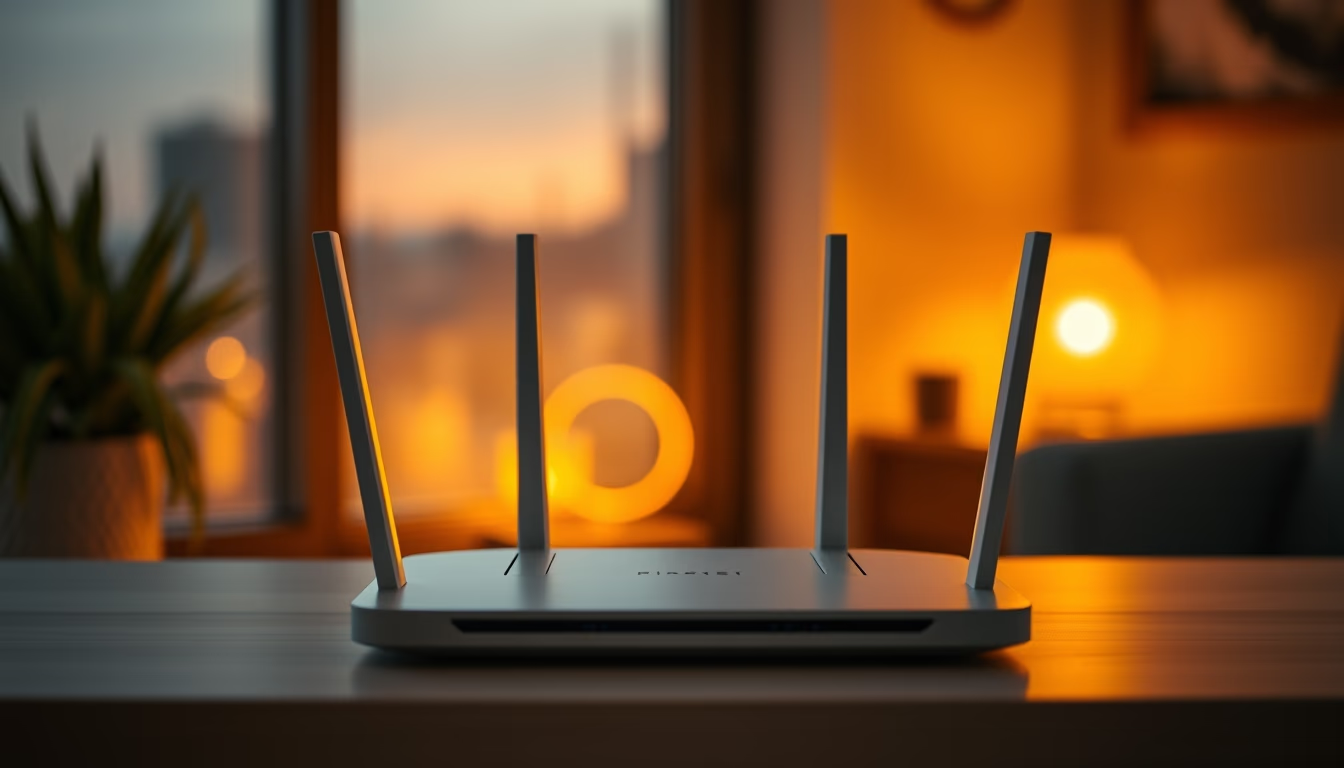
Wifi router modern
1344×768 · AVIF · CC BY 4.0
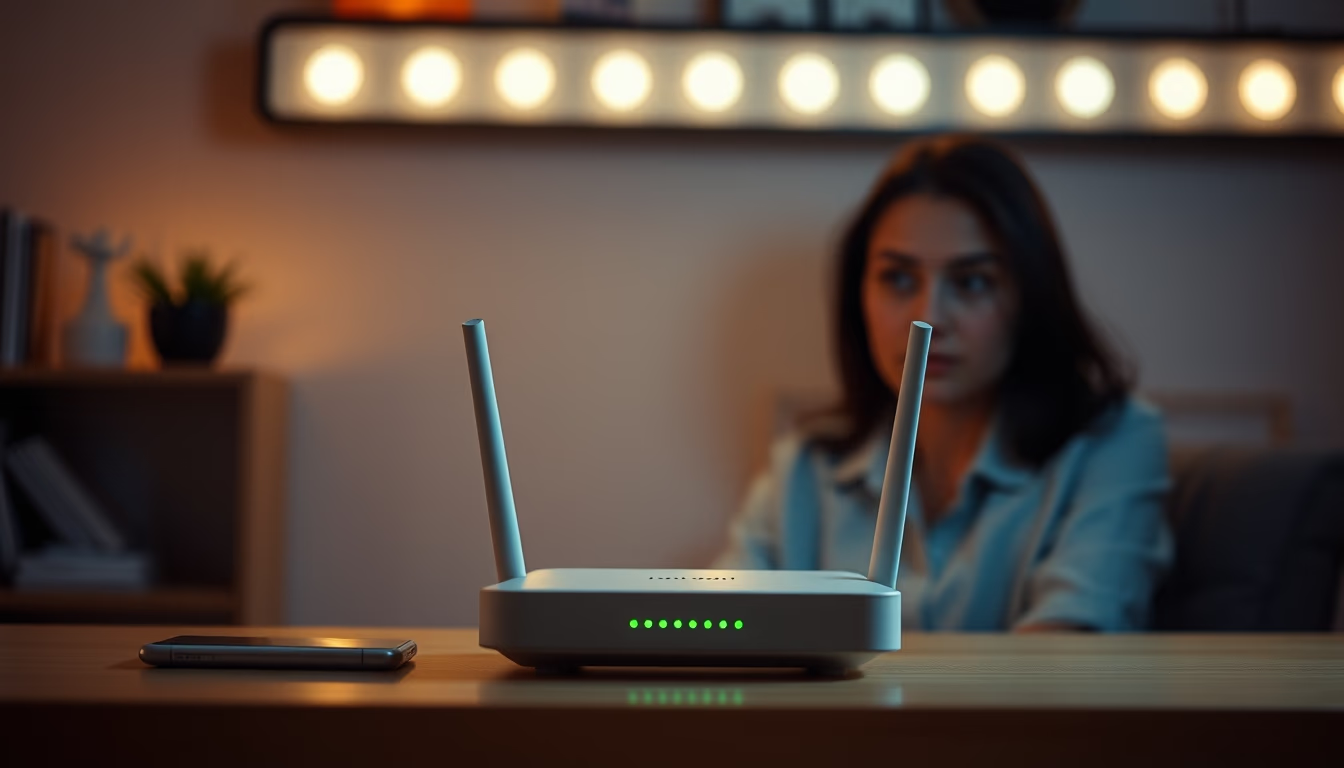
Modern WiFi routers are the backbone of the home office, with Wi-Fi 6 and mesh technology ensuring stable connectivity for remote work.
About this subject
Modern WiFi routers have evolved significantly since the early models of the early 2000s. Currently, devices supporting the Wi-Fi 6 standard (802.11ax) offer speeds up to 9.6 Gbps and greater efficiency in environments with many connected devices. Technologies like MU-MIMO (Multi-User, Multiple-Input, Multiple-Output) and OFDMA (Orthogonal Frequency Division Multiple Access) allow multiple devices to transmit data simultaneously without performance degradation, which is essential for remote work requiring video conferencing, cloud server access, and large file transfers.
Mesh systems have become popular for eliminating dead zones in homes and offices. Unlike traditional routers with a single access point, a mesh system uses multiple units that communicate with each other to create a single, continuous network. Setup is simplified via apps, and features like beamforming direct the signal to priority devices. Security has also been strengthened with the adoption of the WPA3 standard, which protects against brute-force attacks and offers more robust encryption for sensitive data.
The importance of the router in the home office context cannot be overstated. With the global increase in remote work, demand for stable, high-speed connections has skyrocketed. According to Cisco data, global internet traffic increased by over 40% between 2020 and 2023, driven by activities like Zoom meetings, VPN usage, and collaboration platforms. A modern router with QoS (Quality of Service) support allows prioritization of critical application traffic, ensuring uninterrupted video calls even with multiple devices connected simultaneously.
Technical curiosities include compatibility with 2.4 GHz and 5 GHz bands, and the recent launch of Wi-Fi 6E operating in the 6 GHz band, offering less interference and cleaner channels. By 2026, the popularization of Wi-Fi 7 (802.11be) is expected, with theoretical speeds exceeding 30 Gbps and even lower latency. These advances position the router as a central component of the home digital infrastructure, as relevant as the computer or smartphone for the remote professional.
Frequently Asked Questions
What is the difference between Wi-Fi 5 and Wi-Fi 6?
Wi-Fi 6 (802.11ax) offers higher speeds (up to 9.6 Gbps vs. 3.5 Gbps for Wi-Fi 5), lower latency, and the ability to connect more devices simultaneously thanks to technologies like OFDMA and MU-MIMO.
What is a mesh system and when should you use it?
A mesh system uses multiple access points that communicate with each other to cover large areas without dead zones. It is recommended for homes over 150 m² or with thick walls that block the signal.
How to choose the ideal router for home office?
Prioritize routers with Wi-Fi 6 support, QoS for prioritizing video conferencing traffic, WPA3 security, and, if necessary, a mesh system. Also check the number of Gigabit Ethernet ports for wired devices.
Direct URL
https://pub-c7d6a6ea828543ac903a74a341ccb2e1.r2.dev/imagens/wifi-router-modern-lo-fi-disposable-camera-p3.avifHow to credit
Include a visible link back to UtilizAí. Copy one of the snippets below:
<a href="https://xn--utiliza-eza.com/en/midia/imagens/wifi-router-modern-lo-fi-disposable-camera-p3">Wifi router modern</a> by <a href="https://xn--utiliza-eza.com">UtilizAí</a>, licensed under <a href="https://creativecommons.org/licenses/by/4.0/">CC BY 4.0</a>.
[Wifi router modern](https://xn--utiliza-eza.com/en/midia/imagens/wifi-router-modern-lo-fi-disposable-camera-p3) by [UtilizAí](https://xn--utiliza-eza.com), CC BY 4.0
License: CC-BY-4.0