Usb-c connector macro
1344×768 · AVIF · CC BY 4.0
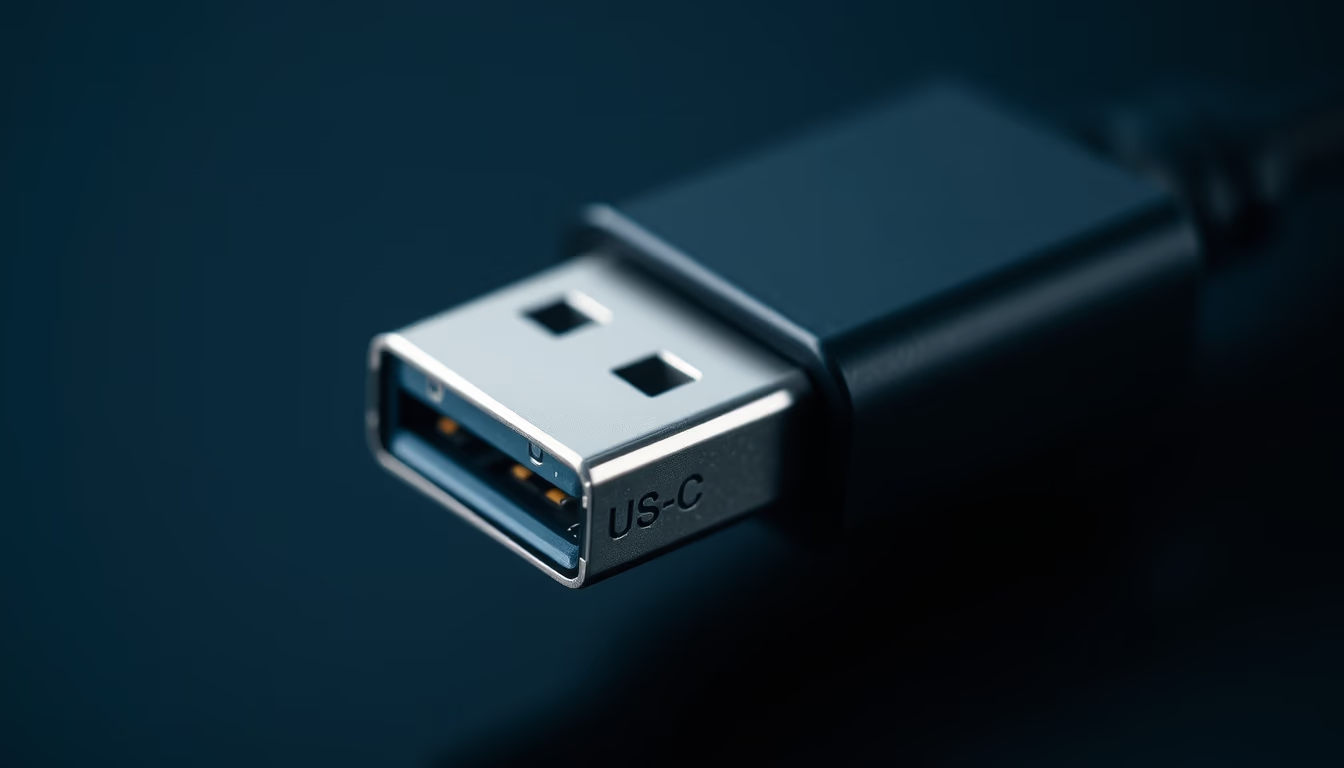
The USB-C connector is a reversible and compact standard for data transfer and charging, adopted globally since 2014.
About this subject
The USB-C connector, or USB Type-C, was developed by the USB Implementers Forum (USB-IF) and launched in August 2014. Unlike previous USB connectors, it is symmetrical and can be inserted in any orientation, eliminating the frustration of trying to plug in the cable the right way. Physically, it has 24 pins and supports multiple protocols, including USB 3.2, USB4, Thunderbolt 3 and 4, DisplayPort, and HDMI via alternate mode.
One of the main advantages of USB-C is its ability to deliver up to 240 watts of power with the USB Power Delivery (USB PD) 3.1 standard, allowing it to charge everything from smartphones to high-performance laptops. Data transfer can reach 40 Gbps with USB4 and Thunderbolt 4, making it ideal for high-bandwidth peripherals such as 8K monitors and external SSDs.
USB-C is now the standard connector on most modern devices, including laptops, tablets, smartphones, cameras, and video game consoles. The European Union in 2022 approved a directive mandating USB-C as the universal charger for portable electronic devices by 2024, further driving its global adoption. Durability is also a strong point: the connector is rated for at least 10,000 insertion and removal cycles.
Frequently Asked Questions
Is the USB-C connector compatible with USB-A devices?
Yes, adapters or cables with USB-C on one end and USB-A on the other can be used, but speed and power may be limited by the slower standard.
What is the maximum data transfer speed of USB-C?
It depends on the protocol: USB 3.2 Gen 2x2 reaches 20 Gbps, while USB4 and Thunderbolt 4 achieve 40 Gbps. High-quality cables and compatible devices are required.
Are all USB-C cables the same?
No. USB-C cables vary in data support (USB 2.0, 3.0, 3.1, USB4, Thunderbolt), charging power (up to 240W), and features like video. Always check cable specifications to ensure performance.
Direct URL
https://pub-c7d6a6ea828543ac903a74a341ccb2e1.r2.dev/imagens/usb-c-connector-macro-macro-closeup-p2.avifHow to credit
Include a visible link back to UtilizAí. Copy one of the snippets below:
<a href="https://xn--utiliza-eza.com/en/midia/imagens/usb-c-connector-macro-macro-closeup-p2">Usb-c connector macro</a> by <a href="https://xn--utiliza-eza.com">UtilizAí</a>, licensed under <a href="https://creativecommons.org/licenses/by/4.0/">CC BY 4.0</a>.
[Usb-c connector macro](https://xn--utiliza-eza.com/en/midia/imagens/usb-c-connector-macro-macro-closeup-p2) by [UtilizAí](https://xn--utiliza-eza.com), CC BY 4.0
License: CC-BY-4.0





