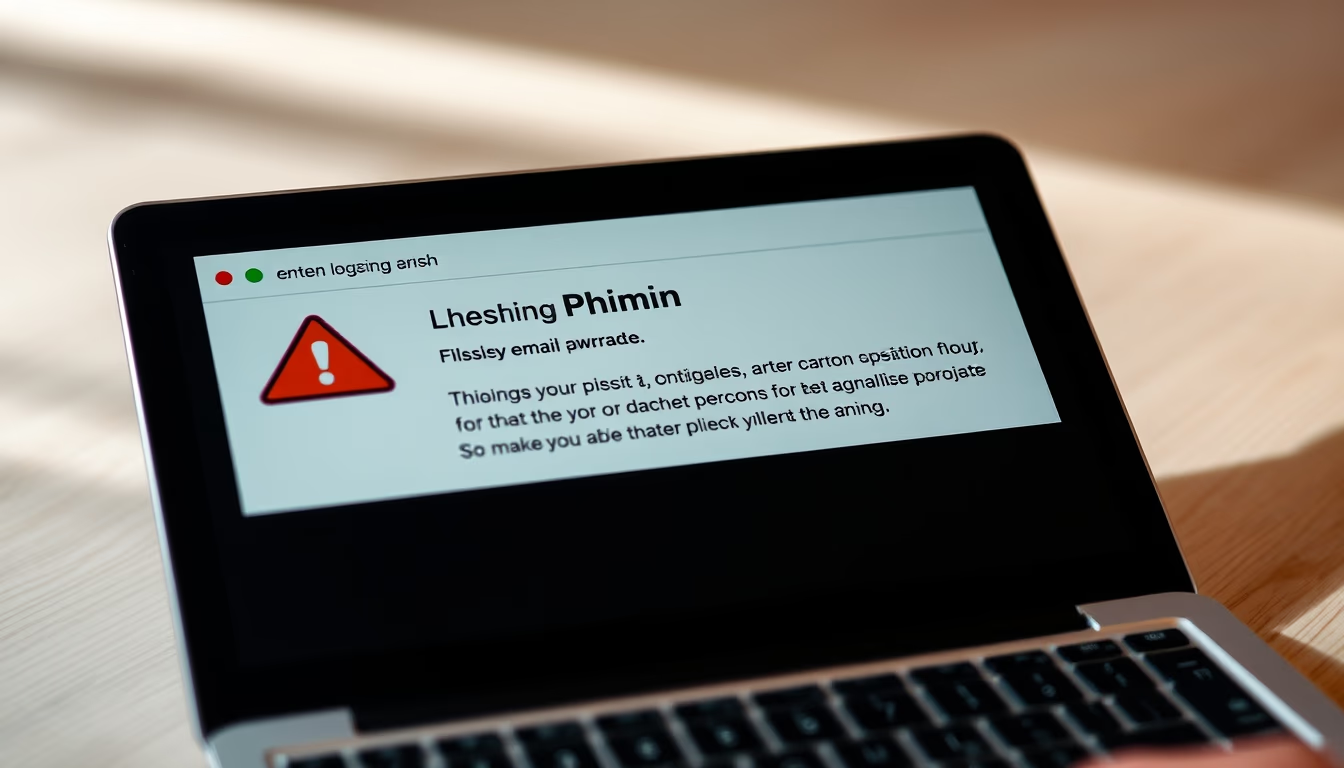
Two factor authentication phone
1344×768 · AVIF · CC BY 4.0

Two-factor authentication (2FA) adds an extra security layer to online accounts, requiring a temporary code in addition to your password.
About this subject
Two-factor authentication (2FA) has become a cornerstone of online security. It requires two distinct elements: a password (something you know) and a second factor (something you have, like a smartphone, or something you are, like a fingerprint). The most prevalent method today is SMS-based codes or time-based one-time passwords (TOTP) generated by authenticator apps such as Google Authenticator or Microsoft Authenticator. According to Microsoft, enabling 2FA can block 99.9% of automated account attacks. In Brazil, banks and social media platforms like Instagram and WhatsApp strongly recommend or mandate its use.
Despite its popularity, SMS-based 2FA has known weaknesses. SIM swapping attacks, where attackers trick mobile carriers into porting a victim's number to a new SIM card, can intercept codes. Consequently, the US National Institute of Standards and Technology (NIST) discourages SMS as a second factor and promotes app-based or hardware keys (e.g., YubiKey). Nonetheless, for average users, SMS 2FA remains far more secure than passwords alone.
Global adoption of 2FA has surged. A Google study in 2023 found that two-step verification reduced account takeovers by 50%. Tech giants like Apple and Samsung have baked 2FA into their operating systems. Setting up 2FA on a phone typically involves scanning a QR code to sync the authenticator app with the service, generating codes that refresh every 30 seconds. This convenience, however, requires the phone to be accessible, making backup codes or alternative devices essential for account recovery.
Frequently Asked Questions
What is two-factor authentication?
It is a security process that requires two different forms of identification to access an account: your password (something you know) and a second factor like a temporary code sent to your phone (something you have) or your fingerprint (something you are).
Why is SMS-based 2FA less secure than authenticator apps?
SMS codes can be intercepted via SIM swapping attacks. Authenticator apps generate codes locally on your device, making them immune to phone number hijacking and more secure against phishing.
How do I enable two-factor authentication on my phone?
Go to the security settings of the service (e.g., Google or Instagram), select 'two-factor authentication,' and follow the prompts to scan a QR code with an authenticator app or receive codes via SMS.
Direct URL
https://pub-c7d6a6ea828543ac903a74a341ccb2e1.r2.dev/imagens/two-factor-authentication-phone-macro-closeup-p2.avifHow to credit
Include a visible link back to UtilizAí. Copy one of the snippets below:
<a href="https://xn--utiliza-eza.com/en/midia/imagens/two-factor-authentication-phone-macro-closeup-p2">Two factor authentication phone</a> by <a href="https://xn--utiliza-eza.com">UtilizAí</a>, licensed under <a href="https://creativecommons.org/licenses/by/4.0/">CC BY 4.0</a>.
[Two factor authentication phone](https://xn--utiliza-eza.com/en/midia/imagens/two-factor-authentication-phone-macro-closeup-p2) by [UtilizAí](https://xn--utiliza-eza.com), CC BY 4.0
License: CC-BY-4.0