Thermal paste application
1344×768 · AVIF · CC BY 4.0
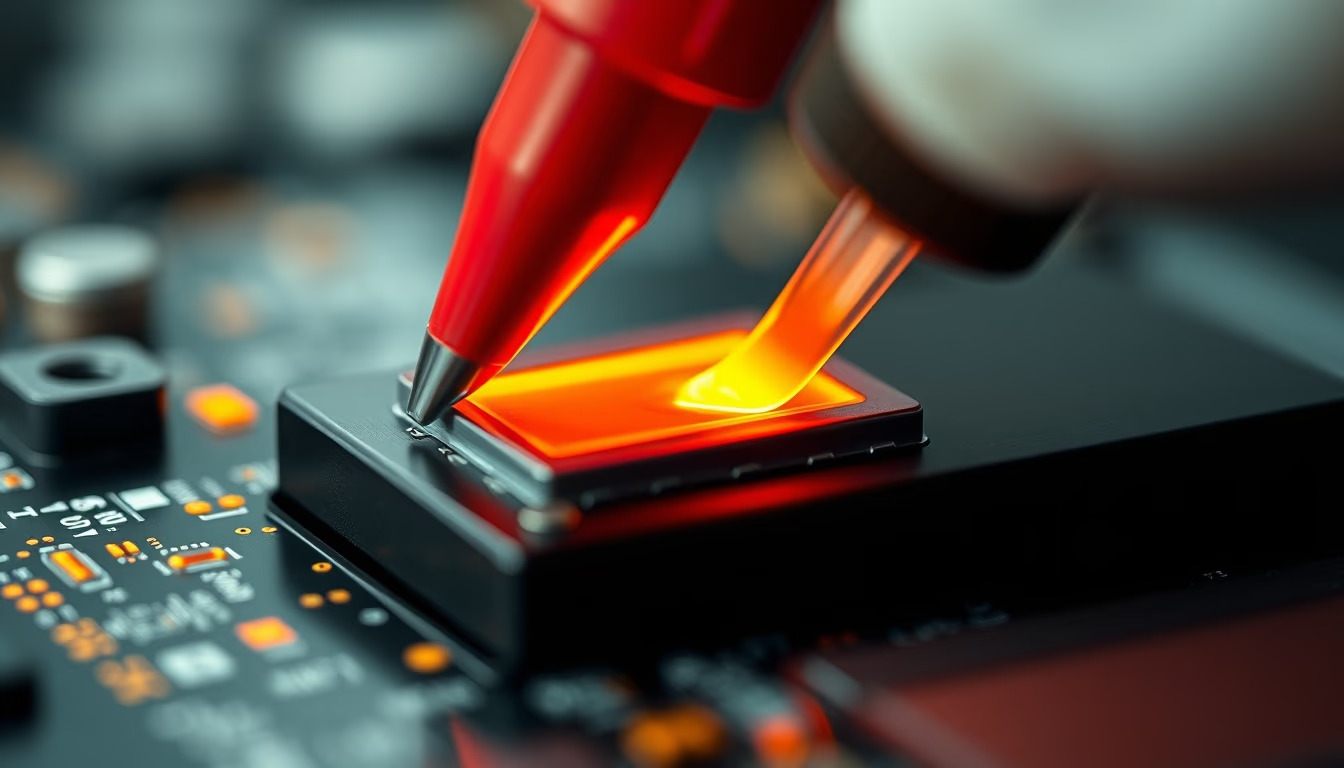
Thermal paste is essential for heat transfer between the processor and cooler, preventing overheating in computers.
About this subject
Thermal paste, also known as thermal compound, is a heat conductive material applied between a processor (CPU or GPU) and a heat sink (cooler). Its primary function is to fill microscopic imperfections on the metal surfaces, eliminating air pockets that act as thermal insulators. Without it, the heat generated by the chip would not be dissipated efficiently, leading to high temperatures and potential hardware damage.
Various types of thermal paste exist, differing in composition and thermal conductivity. Common types include ceramic-based, liquid metal, and carbon-based pastes. Ceramic pastes are popular because they are non-conductive, while liquid metal offers the highest heat transfer but requires careful handling to avoid short circuits. The correct application method depends on the chip and cooler shape: the most common technique is a small dot in the center of the processor, which spreads evenly when the cooler is pressed down. Other methods include a line (for elongated processors) or manual spreading with a spatula.
The ideal amount of thermal paste is critical. Too much can ooze out and dirty the motherboard, while too little leaves uncovered areas creating hot spots. A pea-sized drop is usually sufficient for desktop CPUs. Additionally, thermal paste dries out or degrades over time (typically after 2 to 5 years), losing efficiency. Therefore, periodic reapplication is recommended, especially when changing the cooler or after cleaning the computer.
Interestingly, thermal paste is not exclusive to computers. It is also used in video game consoles, high-power LEDs, and even solar energy systems to improve heat dissipation. Thermal conductivity is measured in W/mK (watts per meter per Kelvin), and values above 8 W/mK are considered high performance for home use.
Frequently Asked Questions
What is the ideal amount of thermal paste to apply on a processor?
A pea-sized or rice-grain-sized drop in the center of the processor is sufficient. The cooler's pressure will spread the paste evenly over the surface.
How often should I replace the thermal paste on my computer?
It is recommended to replace it every 2 to 5 years, or whenever you remove the cooler for cleaning or upgrades. Dried paste loses thermal efficiency.
Can I use expired or dried thermal paste?
No. Dried or expired thermal paste does not fill imperfections properly, compromising heat transfer. Always use fresh paste stored correctly.
Direct URL
https://pub-c7d6a6ea828543ac903a74a341ccb2e1.r2.dev/imagens/thermal-paste-application-macro-closeup-p8.avifHow to credit
Include a visible link back to UtilizAí. Copy one of the snippets below:
<a href="https://xn--utiliza-eza.com/en/midia/imagens/thermal-paste-application-macro-closeup-p8">Thermal paste application</a> by <a href="https://xn--utiliza-eza.com">UtilizAí</a>, licensed under <a href="https://creativecommons.org/licenses/by/4.0/">CC BY 4.0</a>.
[Thermal paste application](https://xn--utiliza-eza.com/en/midia/imagens/thermal-paste-application-macro-closeup-p8) by [UtilizAí](https://xn--utiliza-eza.com), CC BY 4.0
License: CC-BY-4.0





