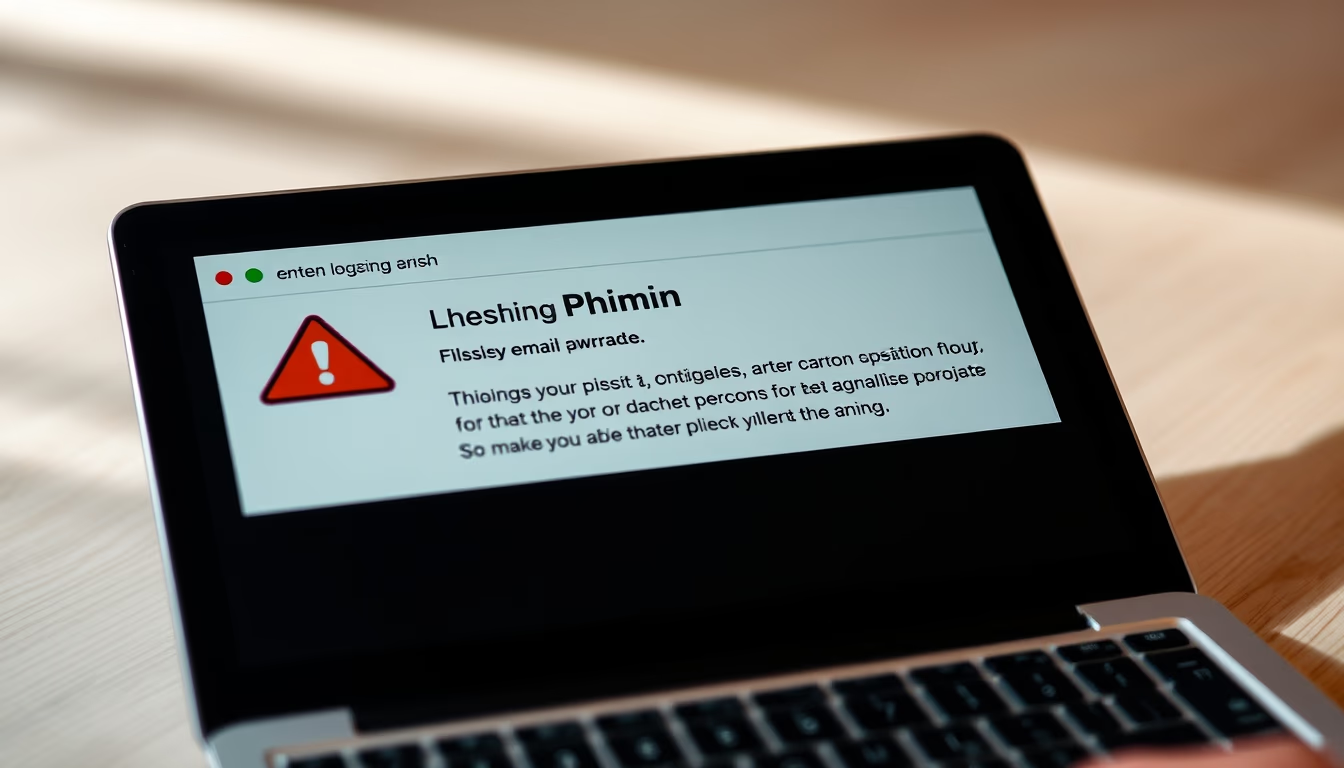
Ssl certificate browser
1344×768 · AVIF · CC BY 4.0

SSL certificates are the foundation of web security, ensuring encrypted connections between browsers and servers.
About this subject
An SSL (Secure Sockets Layer) certificate is a data file that associates a cryptographic key with an organization's details. When installed on a web server, it activates the HTTPS protocol and enables secure connections from the browser to the server. The presence of a padlock icon in the browser's address bar indicates that the certificate is valid and that transmitted data is encrypted. This protection is essential to prevent interception of sensitive information such as passwords and credit card data.
SSL certificates are issued by trusted Certificate Authorities (CAs) like Let's Encrypt, DigiCert, or Comodo. The browser verifies the trust chain up to a root authority. By 2023, over 90% of pages loaded in Google Chrome used HTTPS. The most common type is DV (Domain Validation), which only confirms domain ownership, but there are also OV (Organization Validation) and EV (Extended Validation) certificates, which require more rigorous verification and display the organization's name in the address bar.
In high fashion editorials, the padlock symbol and browser interface appear as visual metaphors for digital trust and vulnerability in the information age. Designers and photographers use these tech icons to provoke reflections on privacy, surveillance, and the aesthetics of security. An editorial image might depict a browser with an SSL certificate highlighted, combined with futuristic costumes or luxury elements, creating a contrast between the virtual and the tangible.
Curiously, the SSL protocol was developed by Netscape in 1995, but evolved into TLS (Transport Layer Security) in 1999. Despite the common name, current certificates are technically TLS. The maximum validity period was reduced to 13 months as of September 2020, a measure to increase security. To view a certificate in the browser, users can click the padlock and then "Connection is secure" to inspect details such as issuer and validity.
Frequently Asked Questions
What does the padlock in the browser mean?
The padlock indicates the page uses HTTPS and has a valid SSL/TLS certificate, ensuring communication between your browser and the server is encrypted.
How do I check an SSL certificate in Chrome?
Click the padlock icon in the address bar, then 'Connection is secure' and 'Certificate details'. You will see information like issuer, validity, and fingerprint.
What is the difference between SSL and TLS?
SSL is the original protocol, but TLS is the current and more secure version. Today, 'SSL certificate' is a popular term for what is technically a TLS certificate.
Direct URL
https://pub-c7d6a6ea828543ac903a74a341ccb2e1.r2.dev/imagens/ssl-certificate-browser-high-fashion-editorial-p3.avifHow to credit
Include a visible link back to UtilizAí. Copy one of the snippets below:
<a href="https://xn--utiliza-eza.com/en/midia/imagens/ssl-certificate-browser-high-fashion-editorial-p3">Ssl certificate browser</a> by <a href="https://xn--utiliza-eza.com">UtilizAí</a>, licensed under <a href="https://creativecommons.org/licenses/by/4.0/">CC BY 4.0</a>.
[Ssl certificate browser](https://xn--utiliza-eza.com/en/midia/imagens/ssl-certificate-browser-high-fashion-editorial-p3) by [UtilizAí](https://xn--utiliza-eza.com), CC BY 4.0
License: CC-BY-4.0