Ssl certificate browser
1344×768 · AVIF · CC BY 4.0
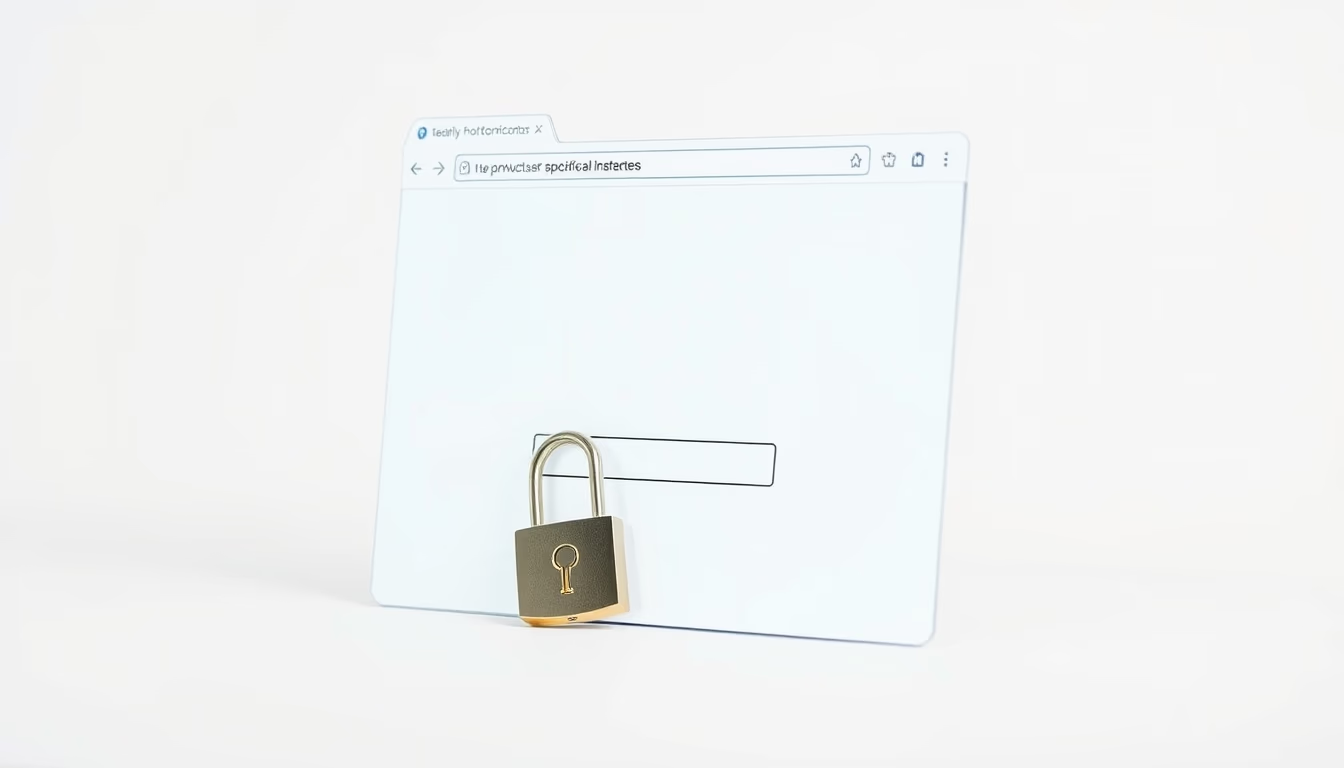
SSL certificates are the backbone of web security, authenticating websites and encrypting data between browser and server.
About this subject
SSL (Secure Sockets Layer) certificates, now succeeded by TLS (Transport Layer Security), are fundamental to online security. They act as digital identities that authenticate a website, ensuring that users are communicating with the legitimate server. When a browser visits a site with a valid SSL certificate, the padlock icon appears in the address bar and the URL uses HTTPS protocol, indicating that all transmitted data, passwords, credit card numbers, messages, is encrypted and cannot be intercepted by third parties.
There are different levels of SSL certificate validation. Domain Validation (DV) is the most basic, confirming only that the requester controls the domain. Organization Validation (OV) requires verification of the company's identity, while Extended Validation (EV) is the strictest level, displaying the organization's name in the green address bar. Major e-commerce platforms and banks typically use EV certificates to instill greater trust in users.
Modern browsers play a crucial role in certificate management. They maintain lists of trusted Certificate Authorities (CAs) and automatically check certificate validity, including expiration and revocation status. If a certificate is invalid or self-signed, the browser displays a security warning, blocking or alerting the user about the risk. This mechanism protects against attacks such as phishing and man-in-the-middle, which attempt to impersonate legitimate websites.
The widespread adoption of HTTPS, driven by initiatives like Let's Encrypt offering free DV certificates, has made encryption nearly universal on the web. However, security depends not only on technical certificate validity but also on proper server configuration, protocol updates, and user awareness to check for the padlock before entering sensitive information.
Frequently Asked Questions
What is an SSL certificate and what is it used for?
An SSL (now TLS) certificate is a digital file that authenticates a website's identity and enables an encrypted connection between the browser and server. It ensures that transmitted data cannot be intercepted or tampered with by third parties.
How can I check if a website has a valid SSL certificate?
Look at the browser's address bar: if a padlock icon appears and the URL starts with 'https://', the certificate is valid. Clicking the padlock reveals certificate details, such as the issuing authority and expiration date.
What is a self-signed certificate and why do browsers warn about it?
A self-signed certificate is created by the website owner without validation by a trusted certificate authority. Browsers warn because the website's identity cannot be verified, making it vulnerable to man-in-the-middle attacks.
Direct URL
https://pub-c7d6a6ea828543ac903a74a341ccb2e1.r2.dev/imagens/ssl-certificate-browser-commercial-product-photography-p0.avifHow to credit
Include a visible link back to UtilizAí. Copy one of the snippets below:
<a href="https://xn--utiliza-eza.com/en/midia/imagens/ssl-certificate-browser-commercial-product-photography-p0">Ssl certificate browser</a> by <a href="https://xn--utiliza-eza.com">UtilizAí</a>, licensed under <a href="https://creativecommons.org/licenses/by/4.0/">CC BY 4.0</a>.
[Ssl certificate browser](https://xn--utiliza-eza.com/en/midia/imagens/ssl-certificate-browser-commercial-product-photography-p0) by [UtilizAí](https://xn--utiliza-eza.com), CC BY 4.0
License: CC-BY-4.0