Ssd nvme stick
1344×768 · AVIF · CC BY 4.0
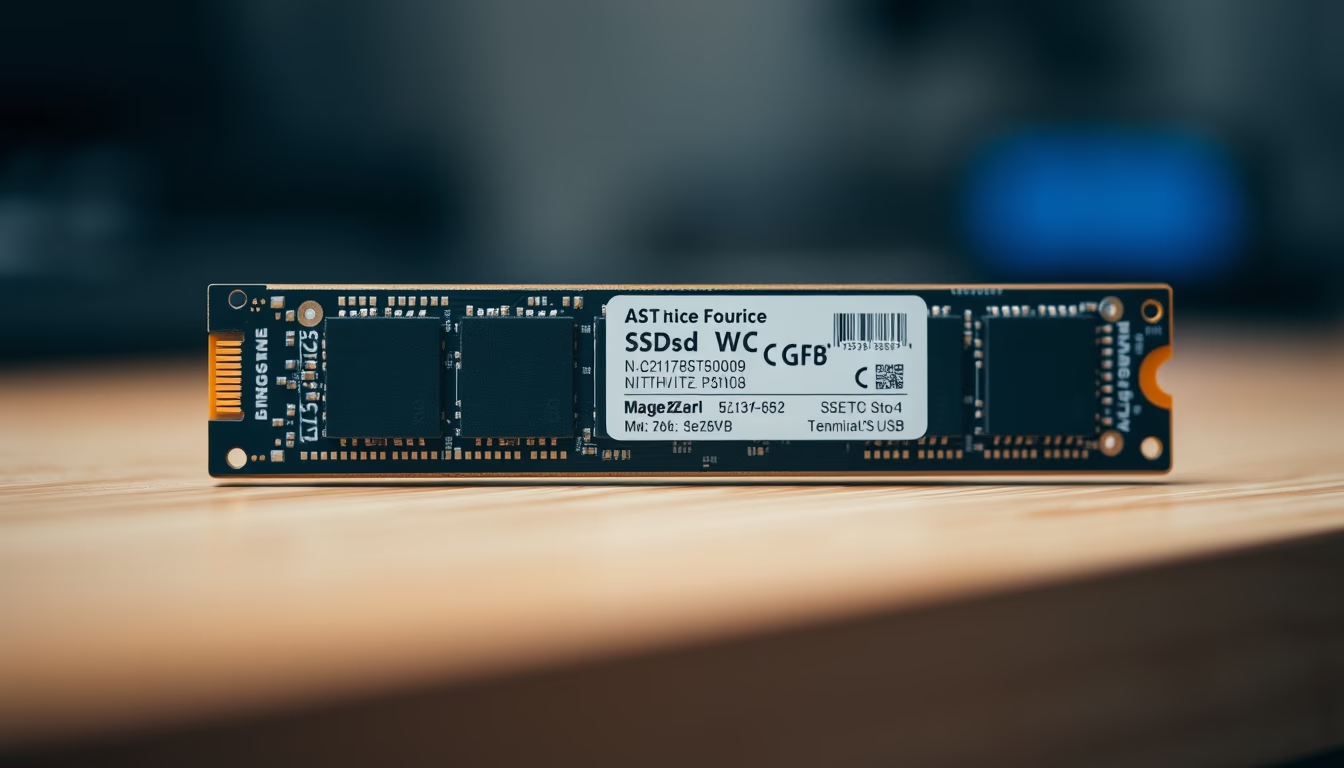
NVMe SSDs are ultra-fast storage drives that use the PCI Express bus, dramatically outperforming traditional SATA SSDs.
About this subject
NVMe SSDs (Non-Volatile Memory Express) represent the most advanced solid-state storage technology for personal and professional computers. Unlike SATA SSDs, which are limited by the SATA III interface with a theoretical maximum speed of 600 MB/s, NVMe SSDs use the PCI Express bus directly, delivering transfer rates that can exceed 7000 MB/s on the latest PCIe 4.0 and 5.0 versions. This performance gap is crucial for tasks demanding high bandwidth, such as 4K/8K video editing, loading heavy games, and instant operating system boot.
The most common form factor for NVMe SSDs is M.2, a compact connector that plugs directly into the motherboard, eliminating cables and saving space. M.2 NVMe drives come in various lengths (2230, 2242, 2260, 2280), with 2280 being the standard for desktops and laptops. The interface uses up to 4 PCIe lanes, which, combined with the NVMe protocol optimized for parallelism, reduces latency and increases input/output operations per second (IOPS) compared to the AHCI used by SATA SSDs.
In practice, an NVMe SSD can cut Windows boot time to under 10 seconds and accelerate the launch of heavy applications like Adobe Premiere or AutoCAD. In gaming, maps load in seconds, eliminating waiting screens. For professionals handling large data volumes, such as databases or machine learning, NVMe drives are nearly indispensable. Moreover, many ultra-thin laptops now come with built-in or replaceable M.2 NVMe slots, allowing easy upgrades.
A fascinating fact: the NVMe standard was developed by a consortium of companies (Intel, Samsung, Micron, etc.) to overcome the limitations of the AHCI protocol, which was designed for mechanical hard drives (HDDs). Thus, NVMe fully exploits the parallel nature of NAND flash memory, delivering deeper command queues and lower software overhead. Currently, PCIe 5.0 NVMe SSDs are already on the market, with sequential read speeds exceeding 10,000 MB/s, paving the way for future artificial intelligence and virtual reality applications.
Frequently Asked Questions
What is an NVMe SSD and how does it work?
An NVMe SSD is a storage device that uses the Non-Volatile Memory Express protocol to communicate with the computer via the PCI Express bus. It offers much higher speeds than SATA SSDs by leveraging multiple PCIe lanes and parallel command queues, reducing latency.
What is the practical difference between NVMe and SATA in everyday use?
In daily use, NVMe SSDs are significantly faster at system boot, loading heavy applications, and game loading. For example, an NVMe can transfer large files at 3,500 MB/s or more, while a SATA caps at 550 MB/s. The difference is noticeable in tasks requiring high throughput.
How do I install or replace an NVMe SSD in my computer?
Installation is straightforward: locate the M.2 slot on the motherboard (usually labeled), insert the SSD at a 30-degree angle, and press it down until it clicks into the mounting screw. On desktops, ensure your motherboard supports NVMe (not just SATA M.2). On laptops, check the manual; many allow replacement, but some have soldered SSDs.
Direct URL
https://pub-c7d6a6ea828543ac903a74a341ccb2e1.r2.dev/imagens/ssd-nvme-stick-tilt-shift-miniature-p7.avifHow to credit
Include a visible link back to UtilizAí. Copy one of the snippets below:
<a href="https://xn--utiliza-eza.com/en/midia/imagens/ssd-nvme-stick-tilt-shift-miniature-p7">Ssd nvme stick</a> by <a href="https://xn--utiliza-eza.com">UtilizAí</a>, licensed under <a href="https://creativecommons.org/licenses/by/4.0/">CC BY 4.0</a>.
[Ssd nvme stick](https://xn--utiliza-eza.com/en/midia/imagens/ssd-nvme-stick-tilt-shift-miniature-p7) by [UtilizAí](https://xn--utiliza-eza.com), CC BY 4.0
License: CC-BY-4.0





