Ssd nvme stick
1344×768 · AVIF · CC BY 4.0
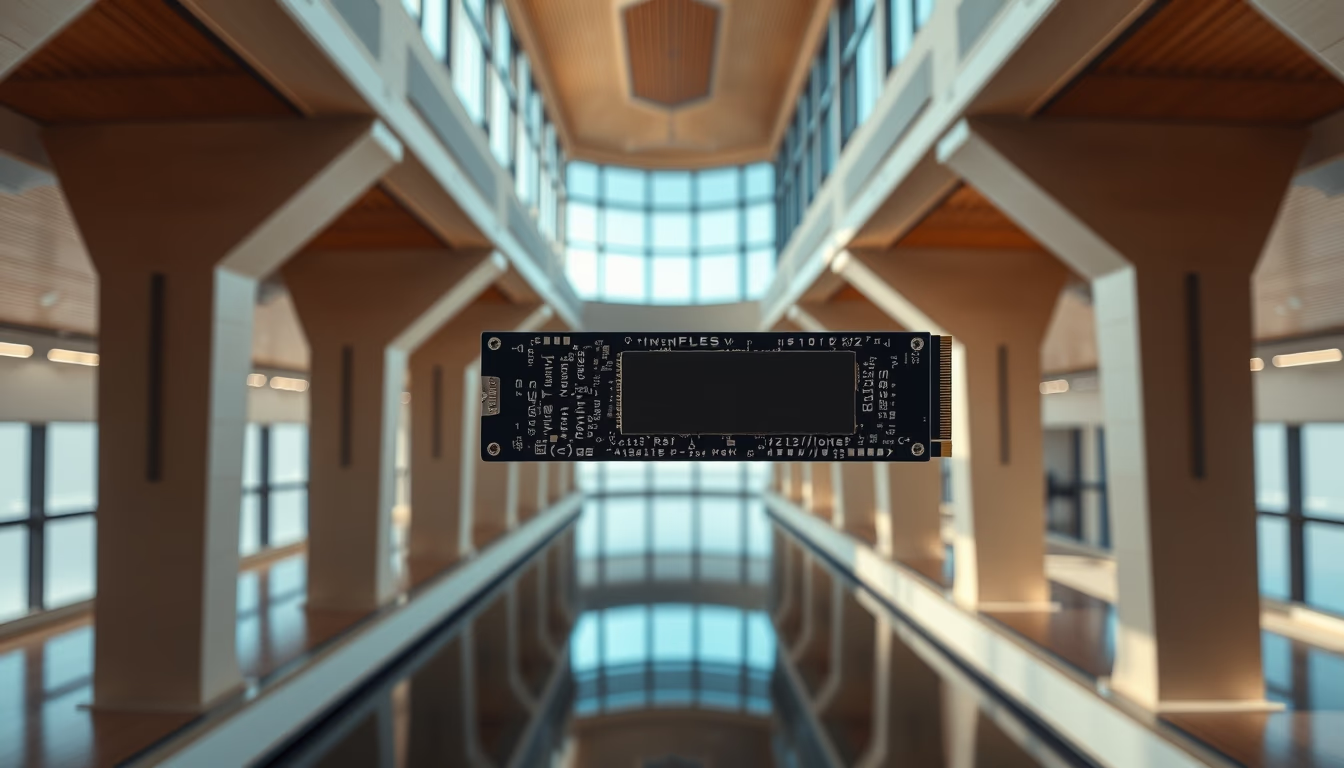
NVMe M.2 SSDs have revolutionized data storage with read and write speeds far exceeding SATA SSDs. Learn about their specifications and applications.
About this subject
NVMe M.2 SSDs, often referred to as sticks, represent the evolution of solid-state storage. Unlike SATA SSDs limited to 6 Gbps, NVMe uses the Non-Volatile Memory Express protocol over the PCI Express bus, enabling much higher bandwidth. An NVMe SSD with four PCIe 3.0 lanes can achieve sequential read speeds up to 3.5 GB/s, while PCIe 4.0 and 5.0 versions double and quadruple those figures, respectively. This makes them ideal for tasks requiring high data throughput, such as 4K video editing, modern gaming, and high-performance servers.
The M.2 form factor is compact and cable-free, plugging directly into the motherboard. There are three main variants: M.2 SATA (slower), M.2 NVMe with PCIe 3.0, and the latest PCIe 4.0 and 5.0 models. Most NVMe SSDs use the NVMe 1.4 protocol, which optimizes command queues and reduces latency. Capacities range from 128 GB to 4 TB for consumers, reaching 30 TB in enterprise models. To achieve maximum performance, the motherboard must support PCIe 4.0 or higher; otherwise, the SSD runs at reduced speeds compatible with the slot.
Adoption of NVMe SSDs has grown exponentially since their standardization in 2011 by the NVM Express consortium. Today, they are essential components in ultra-thin laptops and gaming desktops. Brands such as Samsung, Western Digital, Crucial, and Kingston compete in performance and durability, offering models resistant to shocks and operating temperatures up to 70°C. NVMe technology continues to evolve: new NVMe 2.0 standards and the incorporation of 3D NAND memory with QLC and TLC cells promise higher density and lower cost per gigabyte. For those seeking the best value, PCIe 3.0 NVMe SSDs remain an excellent entry point with increasingly affordable prices.
Frequently Asked Questions
What is the difference between an NVMe SSD and a SATA SSD?
The main difference lies in the interface and protocol. SATA SSDs use the SATA III bus, limited to 6 Gbps (around 550 MB/s in practice), while NVMe uses the PCI Express bus, offering speeds from 3.5 GB/s (PCIe 3.0) to 14 GB/s (PCIe 5.0). This results in up to 7 times faster sequential performance and lower latency.
My NVMe SSD is running at reduced speed. What could be the cause?
This usually happens when the SSD is installed in a PCIe 3.0 slot but the drive is PCIe 4.0 or 5.0. To achieve maximum speed, the motherboard and CPU must support the corresponding PCIe generation. Check your motherboard specifications and use a compatible slot if possible.
What precautions should I take when installing an NVMe M.2?
Power off the computer and discharge static electricity. Insert the SSD at a 30-degree angle and press until it clicks; secure with the screw. Avoid touching the gold contacts. Verify that the motherboard supports M.2 NVMe (some slots are SATA only) and that the form factor (2230, 2280, etc.) fits available space.
Direct URL
https://pub-c7d6a6ea828543ac903a74a341ccb2e1.r2.dev/imagens/ssd-nvme-stick-architectural-photography-p0.avifHow to credit
Include a visible link back to UtilizAí. Copy one of the snippets below:
<a href="https://xn--utiliza-eza.com/en/midia/imagens/ssd-nvme-stick-architectural-photography-p0">Ssd nvme stick</a> by <a href="https://xn--utiliza-eza.com">UtilizAí</a>, licensed under <a href="https://creativecommons.org/licenses/by/4.0/">CC BY 4.0</a>.
[Ssd nvme stick](https://xn--utiliza-eza.com/en/midia/imagens/ssd-nvme-stick-architectural-photography-p0) by [UtilizAí](https://xn--utiliza-eza.com), CC BY 4.0
License: CC-BY-4.0





