Product photography studio setup
1344×768 · AVIF · CC BY 4.0
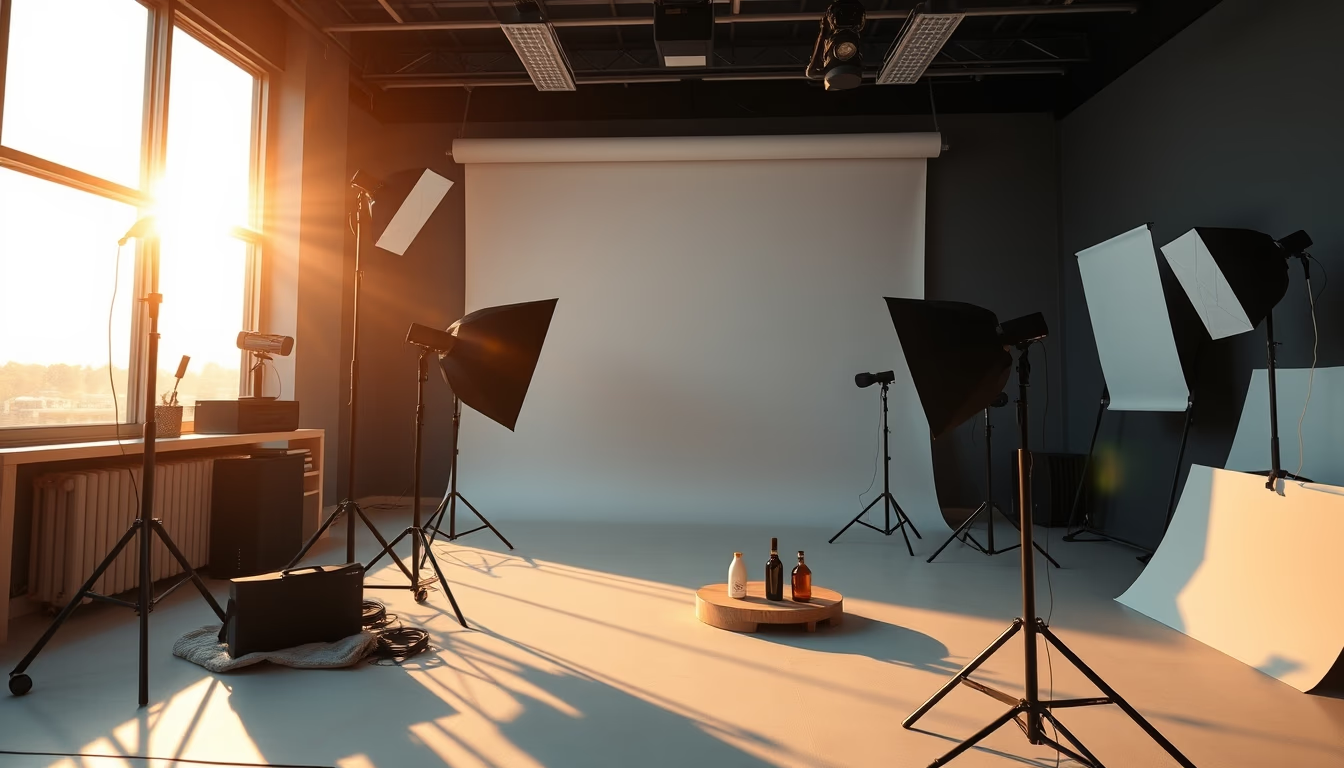
Discover a professional product photography studio setup, featuring specialized equipment and lighting.
About this subject
A product photography studio is a controlled environment designed to capture high-quality images of commercial objects. The typical setup includes neutral backgrounds (such as seamless paper or fabric), support tables, and stands for positioning items. Lighting is the most critical element: softboxes, reflectors, and adjustable LED lights allow control over shadows, highlight textures, and eliminate unwanted reflections. Many studios also use light tables or translucent surfaces to create backlighting effects.
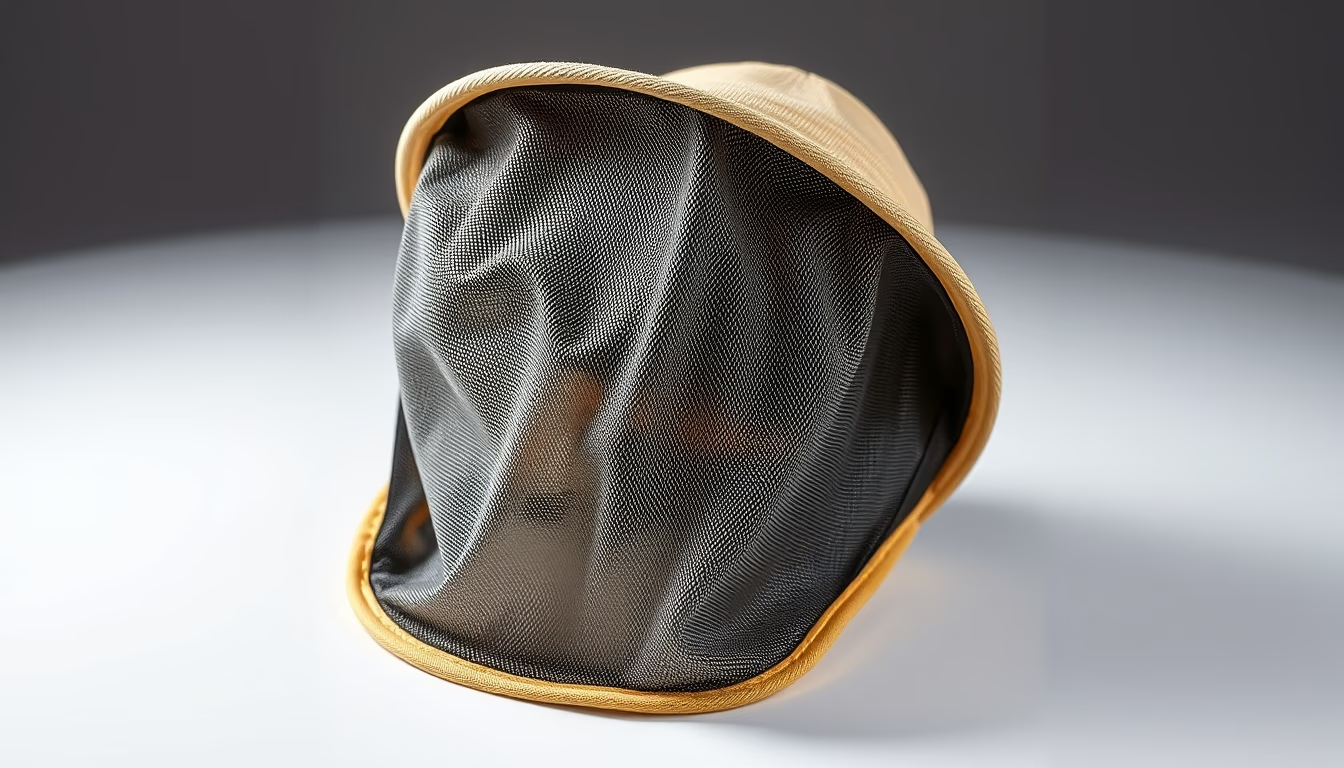
Equipment choice depends on the product type. For small items like jewelry or electronics, a portable light tent and macro lenses are common. For larger objects, such as furniture or clothing, spacious areas with reflectors and multiple light sources are needed. Medium format cameras or full-frame DSLRs, coupled with high-sharpness lenses, ensure faithful color and detail reproduction. Sturdy tripods and remote triggers prevent vibrations during capture.
Product photography goes beyond visual recording: it communicates value and functionality. Therefore, post-production is an integral part of the process. Software like Adobe Lightroom and Photoshop is used to adjust exposure, correct white balance, and remove imperfections. Techniques such as focus stacking ensure that the entire product appears sharp, even in close-ups.
In Brazil, professional product studios serve from small e-commerces to large industries. The demand for optimized images for platforms like Mercado Livre, Shopee, and Amazon has driven specialization in this area. A good studio can reduce returns and increase conversion rates, as quality photos convey trust to the consumer.
Frequently Asked Questions
What is the ideal lighting for product photography?
The ideal lighting depends on the product, but typically uses softboxes for diffused light, reflectors to fill shadows, and adjustable LED lights for color temperature control. For shiny objects like metals, light tents or diffusers are common to avoid reflections.
Do I need an expensive camera for product photography?
Not necessarily. An entry-level DSLR or mirrorless camera with a macro lens can produce good results. The most important factors are lighting control and accessories like a tripod and remote shutter. Advanced smartphone cameras can also be used for e-commerce.
How do I remove the background from a product photo?
The most common method is to use a seamless background (paper or fabric) and then cut out the image in software like Photoshop or GIMP. Tools like the pen tool or quick selection help isolate the product. There are also online apps that automate background removal.
Direct URL
https://pub-c7d6a6ea828543ac903a74a341ccb2e1.r2.dev/imagens/product-photography-studio-setup-cinematic-wide-shot-v2.avifHow to credit
Include a visible link back to UtilizAí. Copy one of the snippets below:
<a href="https://xn--utiliza-eza.com/en/midia/imagens/product-photography-studio-setup-cinematic-wide-shot-v2">Product photography studio setup</a> by <a href="https://xn--utiliza-eza.com">UtilizAí</a>, licensed under <a href="https://creativecommons.org/licenses/by/4.0/">CC BY 4.0</a>.
[Product photography studio setup](https://xn--utiliza-eza.com/en/midia/imagens/product-photography-studio-setup-cinematic-wide-shot-v2) by [UtilizAí](https://xn--utiliza-eza.com), CC BY 4.0
License: CC-BY-4.0