Pcie expansion slot
1344×768 · AVIF · CC BY 4.0
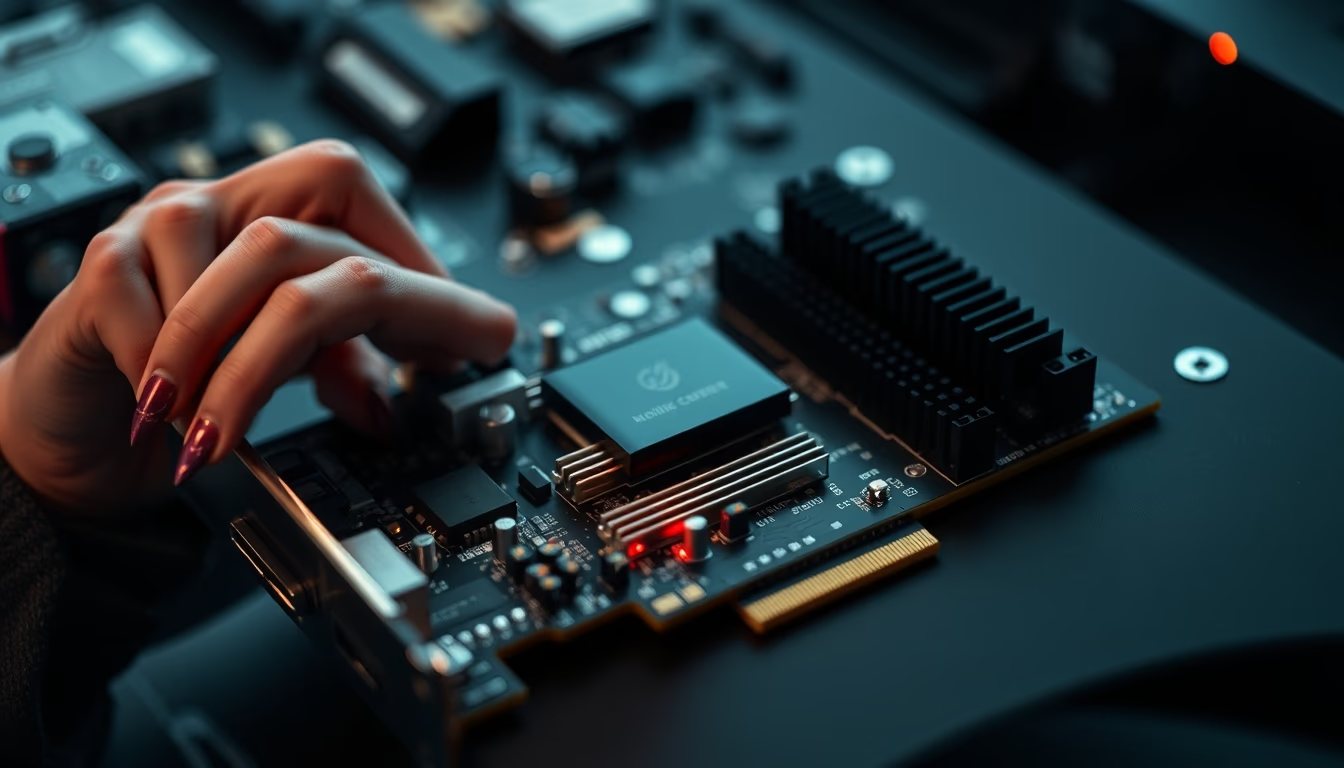
PCIe expansion slot, the current standard for connecting graphics cards, SSDs, and other high-performance peripherals in computers.
About this subject
The PCI Express slot, or PCIe, is the dominant expansion interface in modern computers. Introduced in 2003 by Intel, it replaced the older PCI and AGP buses, offering higher bandwidth and serial point-to-point communication. Each slot has a varying number of lanes, such as x1, x4, x8, and x16, which determine transfer rates. For instance, a x16 slot used for graphics cards delivers up to 16 GB/s per direction in PCIe 4.0.
Versions have evolved from PCIe 1.0 (2.5 GT/s per lane) to PCIe 5.0 (32 GT/s) and the recent PCIe 6.0, which reaches 64 GT/s using PAM-4 signaling. Backward compatibility is maintained: a PCIe 4.0 card works in a 3.0 slot but at the slower speed. Connectors are keyed to prevent incorrect insertion, with different physical sizes matching lane counts.
Common applications include graphics cards (GPUs), NVMe SSDs via adapters or M.2 slots, network cards, RAID controllers, and video capture cards. In data centers, PCIe is vital for interconnecting AI accelerators and high-speed storage. The total system bandwidth depends on the chipset and CPU, which may offer from 20 to 44 lanes.
Interestingly, the PCIe standard is maintained by the PCI-SIG, a consortium including Intel, AMD, NVIDIA, and other companies. Each new generation doubles the speed, enabling ever faster data transfers for demanding applications.
Frequently Asked Questions
What is the difference between PCIe 3.0 and 4.0?
PCIe 4.0 doubles the transfer rate per lane from 8 GT/s to 16 GT/s. This results in double the bandwidth: a x16 slot in PCIe 4.0 offers 32 GB/s bidirectional, compared to 16 GB/s in 3.0.
Can I use a PCIe 4.0 card in a PCIe 3.0 slot?
Yes, PCIe is backward compatible. The card will work but at the speed of the 3.0 slot. For example, a PCIe 4.0 GPU in a 3.0 slot performs similarly to a PCIe 3.0 equivalent, with negligible loss in most games.
How many PCIe lanes does a graphics card need?
Most GPUs use up to 16 lanes (x16) for maximum performance, but many work at x8 with minimal loss. Entry-level cards may use x4. It is recommended to use the primary x16 slot, usually connected directly to the CPU.
Direct URL
https://pub-c7d6a6ea828543ac903a74a341ccb2e1.r2.dev/imagens/pcie-expansion-slot-high-fashion-editorial-p10.avifHow to credit
Include a visible link back to UtilizAí. Copy one of the snippets below:
<a href="https://xn--utiliza-eza.com/en/midia/imagens/pcie-expansion-slot-high-fashion-editorial-p10">Pcie expansion slot</a> by <a href="https://xn--utiliza-eza.com">UtilizAí</a>, licensed under <a href="https://creativecommons.org/licenses/by/4.0/">CC BY 4.0</a>.
[Pcie expansion slot](https://xn--utiliza-eza.com/en/midia/imagens/pcie-expansion-slot-high-fashion-editorial-p10) by [UtilizAí](https://xn--utiliza-eza.com), CC BY 4.0
License: CC-BY-4.0





