Pc fan rgb glowing
1344×768 · AVIF · CC BY 4.0
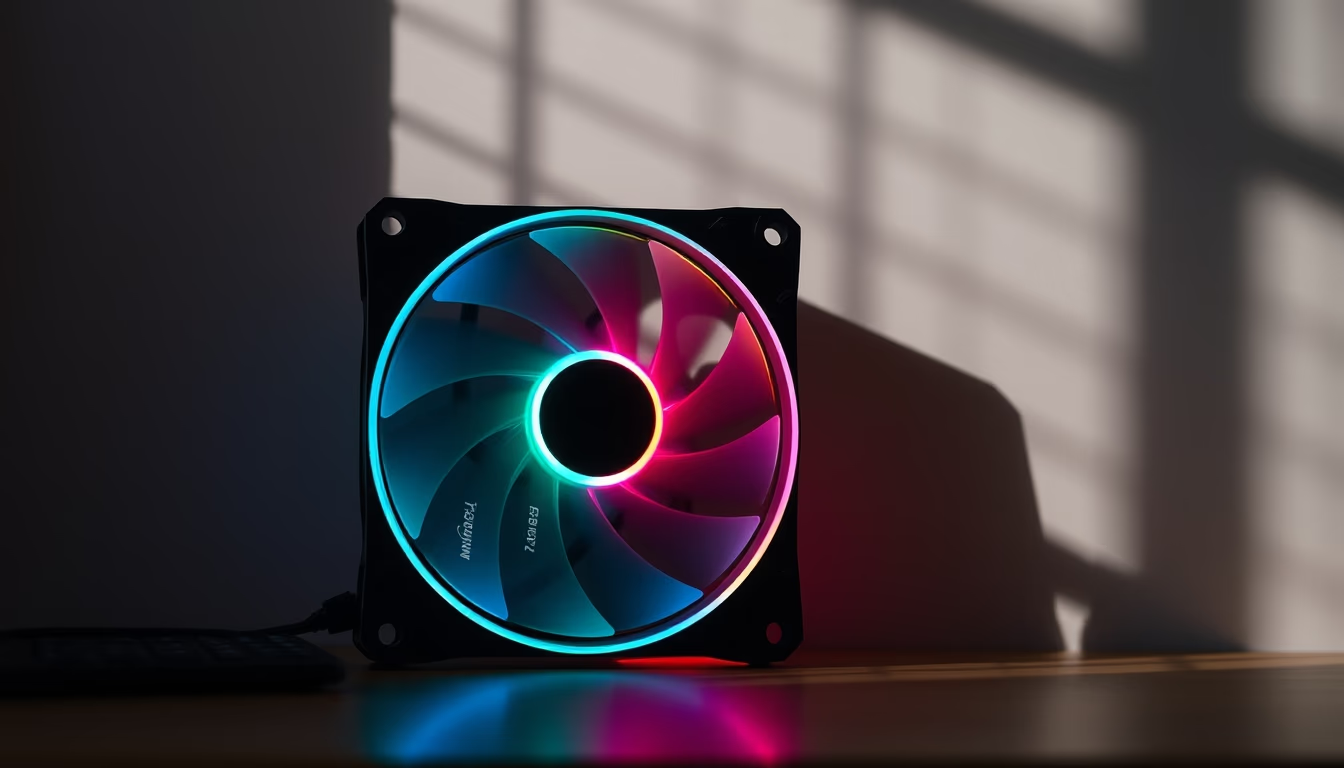
PC fans with RGB lighting combine thermal performance and aesthetic customization, essential in gaming builds and workstations.
About this subject
Computer fans are critical components for dissipating heat generated by CPUs, GPUs, and other internal peripherals. With the advancement of RGB (Red, Green, Blue) technology, these devices have evolved from purely functional to design elements. Addressable lighting allows each LED to be controlled individually, creating dynamic effects such as rainbows, pulsing, or music synchronization. This customization is especially valued by enthusiasts of personalized builds, where the case aesthetics reflect the user's identity.
In the market, there are two main types of RGB fans: those with integrated LEDs (usually with their own controllers) and those using translucent blades or rims through which light spreads. Brands like Corsair, Cooler Master, and NZXT have popularized lighting ecosystems, enabling synchronization of all components via software. The minimalism trend, as indicated by the tag "minimalist-composition," focuses on clean designs with few strategically placed fans and subtle lighting, contrasting with heavily lit builds.
Beyond aesthetics, fan efficiency has improved: aerodynamically optimized blades reduce noise while increasing airflow. Models with magnetic or hydraulic bearings offer greater durability. Choosing an RGB fan involves considering size (120 mm, 140 mm, or 200 mm), static pressure (ideal for radiators), and airflow (for cases). Lighting does not impact cooling performance but can affect price, advanced control kits usually cost more.
Trivia: The first RGB fan was released by Corsair in 2014, the SP120 RGB, which quickly became a benchmark. Today, even low-cost fans feature basic lighting, democratizing access to this technology. For a clean look, users prefer "breathing mode" or single colors, while gamers opt for vibrant effects. Always check motherboard compatibility (3-pin or 4-pin connectors) and the need for extra hubs.
Frequently Asked Questions
Can I control RGB fan lighting without software?
Yes, many RGB fans come with a manual controller to cycle through preset effects. For advanced customization, software like iCUE (Corsair), Mystic Light (MSI), or RGB Fusion (Gigabyte) is required.
Do RGB fans consume more power?
The additional power draw from LEDs is minimal, usually under 1 watt per fan. The main consumption remains the fan motor, ranging from 1 to 4 watts depending on model and speed.
What is the difference between addressable RGB and regular RGB?
Regular RGB (4-pin 12V) lights all LEDs with the same color simultaneously. Addressable RGB (3-pin 5V) allows individual control of each LED, enabling complex effects like gradients and animations.
Direct URL
https://pub-c7d6a6ea828543ac903a74a341ccb2e1.r2.dev/imagens/pc-fan-rgb-glowing-minimalist-composition-p6.avifHow to credit
Include a visible link back to UtilizAí. Copy one of the snippets below:
<a href="https://xn--utiliza-eza.com/en/midia/imagens/pc-fan-rgb-glowing-minimalist-composition-p6">Pc fan rgb glowing</a> by <a href="https://xn--utiliza-eza.com">UtilizAí</a>, licensed under <a href="https://creativecommons.org/licenses/by/4.0/">CC BY 4.0</a>.
[Pc fan rgb glowing](https://xn--utiliza-eza.com/en/midia/imagens/pc-fan-rgb-glowing-minimalist-composition-p6) by [UtilizAí](https://xn--utiliza-eza.com), CC BY 4.0
License: CC-BY-4.0





