Pc fan rgb glowing
1344×768 · AVIF · CC BY 4.0
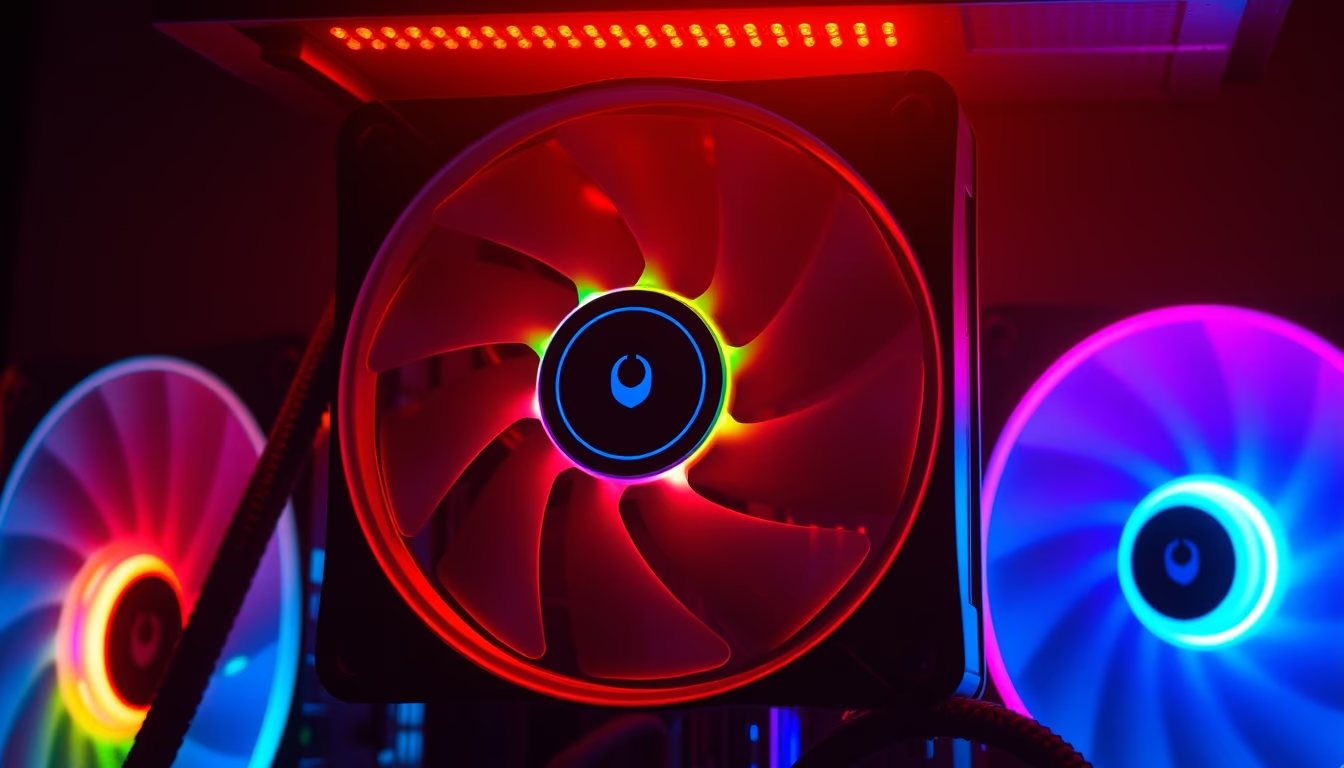
PC fan with RGB lighting: how color LED technology turns computer cooling into a customizable visual experience.
About this subject
RGB (Red, Green, Blue) PC fans are essential components for cooling processors, graphics cards, and cases, combining thermal functionality with aesthetic customization. Unlike standard fans, these use addressable (ARGB) or non-addressable LEDs that allow users to define colors, pulse patterns, and synchronization effects with other peripherals. Most modern RGB fans operate with 3- or 4-pin connectors (for PWM control) plus a separate LED power connector, or integrate everything into a single cable.
ARGB technology, found in newer models, offers individual control over each fan LED, enabling complex gradients and animations. These fans are controlled by proprietary software from manufacturers like ASUS (Aura Sync), MSI (Mystic Light), Gigabyte (RGB Fusion), and Corsair (iCUE), or directly by the motherboard with support for open standards. Visual effects can be synced with other components such as RAM sticks, keyboards, and mice, creating a unified RGB ecosystem.
Beyond aesthetics, RGB fans contribute to heat dissipation with blade designs optimized for airflow or static pressure. Common sizes include 120 mm and 140 mm, with larger fans moving more air at lower speeds, resulting in less noise. RGB lighting does not affect thermal performance but requires additional power, usually supplied by the motherboard or an external hub.
The popularity of RGB fans has grown alongside the gaming and PC building enthusiast market, where customization is a key differentiator. Many users choose fans with transparent or diffuser blades to maximize light propagation. LED longevity exceeds 50,000 hours, and power consumption is low, around 1 to 3 watts per fan (LEDs only). In summary, RGB fans blend form and function, now considered essential for high-performance builds with visual appeal.
Frequently Asked Questions
What does RGB mean on PC fans?
RGB stands for Red, Green, Blue. These fans use colored LEDs to create millions of colors by mixing the three primary hues. Fans come in standard RGB (all LEDs same color) or ARGB (each LED individually controllable) versions.
How do I control the colors of RGB fans?
Control is done via motherboard software (e.g., ASUS Aura Sync, MSI Mystic Light) or fan manufacturer software (e.g., Corsair iCUE). The fan must be connected to a motherboard RGB header or a dedicated controller. Hubs can be used to expand the number of fans.
What is the difference between RGB and ARGB fans?
Standard RGB fans use a 4-pin connector (12V, G, R, B) and all LEDs display the same color. ARGB (Addressable RGB) uses a 3-pin connector (5V, D, G) and allows individual LED control, enabling gradient and animation effects. ARGB is more versatile and modern.
Direct URL
https://pub-c7d6a6ea828543ac903a74a341ccb2e1.r2.dev/imagens/pc-fan-rgb-glowing-cinematic-wide-shot-p2.avifHow to credit
Include a visible link back to UtilizAí. Copy one of the snippets below:
<a href="https://xn--utiliza-eza.com/en/midia/imagens/pc-fan-rgb-glowing-cinematic-wide-shot-p2">Pc fan rgb glowing</a> by <a href="https://xn--utiliza-eza.com">UtilizAí</a>, licensed under <a href="https://creativecommons.org/licenses/by/4.0/">CC BY 4.0</a>.
[Pc fan rgb glowing](https://xn--utiliza-eza.com/en/midia/imagens/pc-fan-rgb-glowing-cinematic-wide-shot-p2) by [UtilizAí](https://xn--utiliza-eza.com), CC BY 4.0
License: CC-BY-4.0





