Patch cable bundle
1344×768 · AVIF · CC BY 4.0
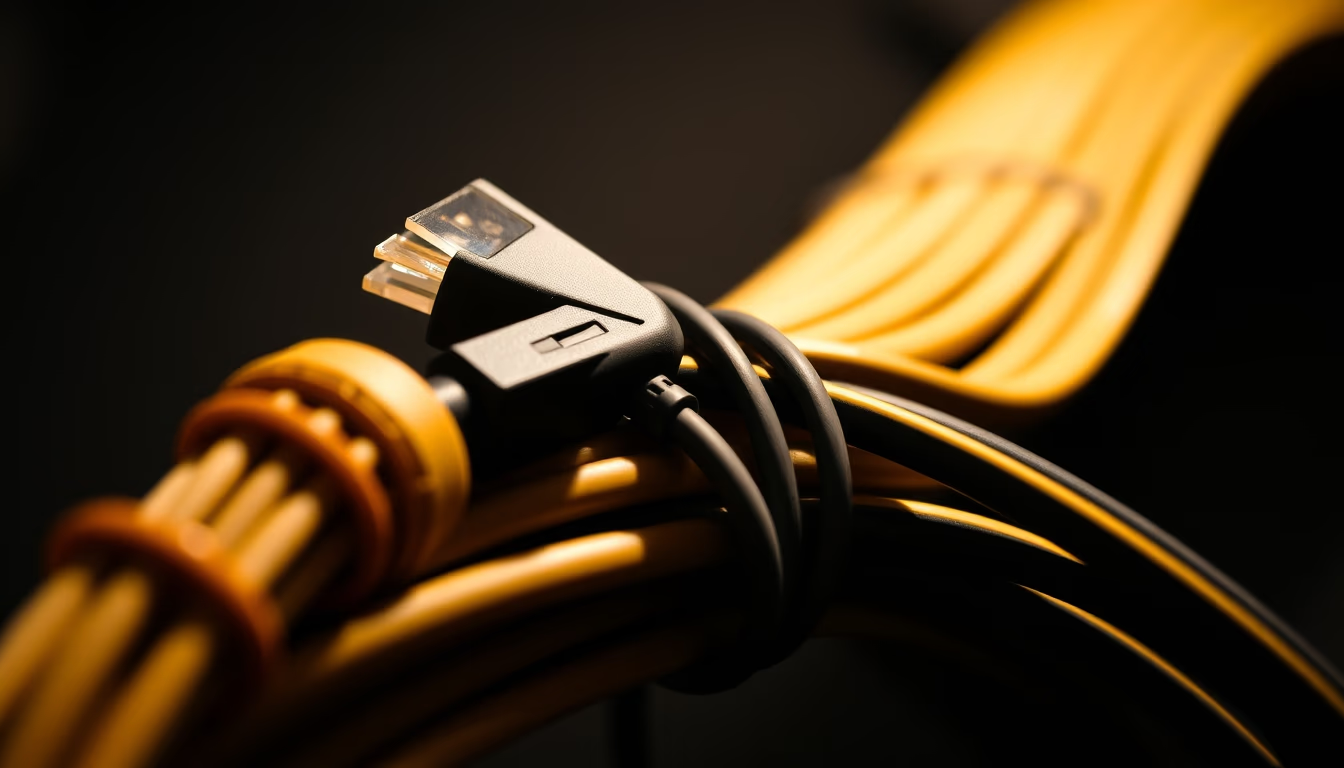
A bundle of network patch cables, essential for connecting devices in local area networks and data centers.
About this subject
Network patch cables are fundamental components in any network infrastructure, connecting computers, switches, routers, and other devices for high-speed data transmission. Common types include Cat5e, Cat6, Cat6a, and Cat7, each supporting different frequencies and transfer rates. For instance, Cat5e operates at up to 100 MHz and supports Gigabit Ethernet (1 Gbps), while Cat6a reaches 500 MHz and can transmit 10 Gbps over distances of up to 100 meters. Choosing the right cable depends on bandwidth needs and cable length.
In data centers and corporate environments, the organization of patch cables is crucial for maintenance and airflow. Well-bundled cables or those arranged in patch panels help prevent tangles and simplify fault identification. The "Rembrandt lighting" technique is often used in product photography to highlight textures and details, such as gold-plated RJ45 connectors and the internal twisted pairs. These connectors follow the TIA/EIA-568 standard, which defines correct pin assignments to avoid interference.
Cable categorization also considers shielding: UTP cables (unshielded) are common in homes, while FTP or STP are used in areas with high electromagnetic interference. Proper installation follows standards like ANSI/TIA-568, specifying maximum lengths and grounding practices. For high performance, Cat6a or higher cables are recommended for applications like 4K streaming, online gaming, and high-demand servers.
Interestingly, the term "patch" comes from "patch panel," a panel where cables are connected. Common lengths range from 0.5 to 30 meters, with 1, 3, and 5 meters being popular for home use. Connector durability is tested to withstand hundreds of insertions without signal loss.
Frequently Asked Questions
What is the difference between Cat5e and Cat6 cables?
Cat5e supports up to 1 Gbps at 100 MHz, while Cat6 can achieve 1 Gbps at 250 MHz or 10 Gbps over short distances. Cat6 has better shielding against interference.
Can I use a patch cable to connect my computer to a router?
Yes, patch cables are ideal for this connection. Use a straight-through cable to connect a computer to a router or switch.
How can I identify the category of a patch cable?
The category is usually printed on the cable jacket (e.g., Cat6, Cat6a). Connectors and packaging also indicate the specification.
Direct URL
https://pub-c7d6a6ea828543ac903a74a341ccb2e1.r2.dev/imagens/patch-cable-bundle-rembrandt-lighting-dramatic-shadows-fresh15.avifHow to credit
Include a visible link back to UtilizAí. Copy one of the snippets below:
<a href="https://xn--utiliza-eza.com/en/midia/imagens/patch-cable-bundle-rembrandt-lighting-dramatic-shadows-fresh15">Patch cable bundle</a> by <a href="https://xn--utiliza-eza.com">UtilizAí</a>, licensed under <a href="https://creativecommons.org/licenses/by/4.0/">CC BY 4.0</a>.
[Patch cable bundle](https://xn--utiliza-eza.com/en/midia/imagens/patch-cable-bundle-rembrandt-lighting-dramatic-shadows-fresh15) by [UtilizAí](https://xn--utiliza-eza.com), CC BY 4.0
License: CC-BY-4.0