Patch cable bundle
1344×768 · AVIF · CC BY 4.0
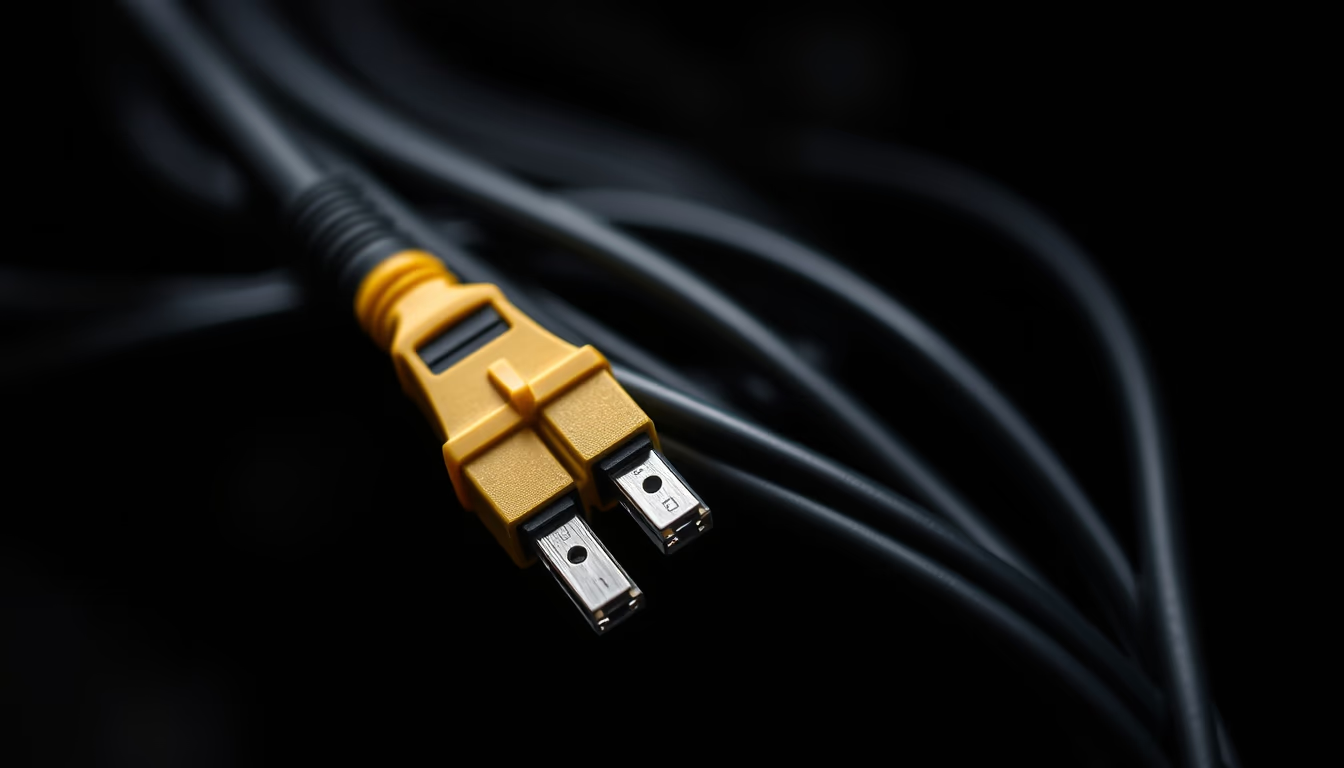
A bundle of patch cables, essential for connecting devices in computer networks and telecommunications.
About this subject
Patch cables are one of the most fundamental components in any network infrastructure. They are used to connect devices such as computers, switches, routers, and servers in local area networks (LAN) or data centers. Their function is as simple as it is critical: to allow data transmission between equipment through standardized connectors, typically RJ45 in Ethernet networks.
There are various categories of patch cables, such as CAT5e, CAT6, and CAT6a, which differ in supported bandwidth and shielding against interference. CAT6, for example, operates at frequencies up to 250 MHz and is suitable for Gigabit Ethernet up to 100 meters. Choosing the right cable depends on the required speed and distance. The varied colors of the cables aid in visual identification in racks and patch panels.
Historically, patch cables evolved from the coaxial cables used in early Ethernet standards (10BASE2 and 10BASE5) to the twisted-pair standard with RJ45 connectors that has dominated since the 1990s. The patch panel, where patch cables are connected, is a central component of structured cabling, making network organization and maintenance easier.
In everyday use, patch cables are found both in homes, connecting computers to routers, and in large enterprises, where thousands of them organize communication between servers. Proper cable management, including labeling and tying, prevents confusion and facilitates future network changes.
Frequently Asked Questions
What is a patch cable?
A patch cable is a short segment of network cable with connectors on both ends, used to connect network devices to each other or to patch panels. It is essential in computer networks for reliable data transmission.
What is the difference between CAT5e and CAT6?
CAT6 supports frequencies up to 250 MHz, while CAT5e goes up to 100 MHz. This means CAT6 can handle higher transfer rates (up to 10 Gbps over short distances) and has better shielding against interference.
How to organize patch cables in a rack?
Use horizontal and vertical cable managers, bundle cables with Velcro (not zip ties), and label both ends. Keep lengths appropriate to avoid excess slack and simplify future maintenance.
Direct URL
https://pub-c7d6a6ea828543ac903a74a341ccb2e1.r2.dev/imagens/patch-cable-bundle-fine-art-photography-fresh2.avifHow to credit
Include a visible link back to UtilizAí. Copy one of the snippets below:
<a href="https://xn--utiliza-eza.com/en/midia/imagens/patch-cable-bundle-fine-art-photography-fresh2">Patch cable bundle</a> by <a href="https://xn--utiliza-eza.com">UtilizAí</a>, licensed under <a href="https://creativecommons.org/licenses/by/4.0/">CC BY 4.0</a>.
[Patch cable bundle](https://xn--utiliza-eza.com/en/midia/imagens/patch-cable-bundle-fine-art-photography-fresh2) by [UtilizAí](https://xn--utiliza-eza.com), CC BY 4.0
License: CC-BY-4.0