Password screen blurred
1344×768 · AVIF · CC BY 4.0
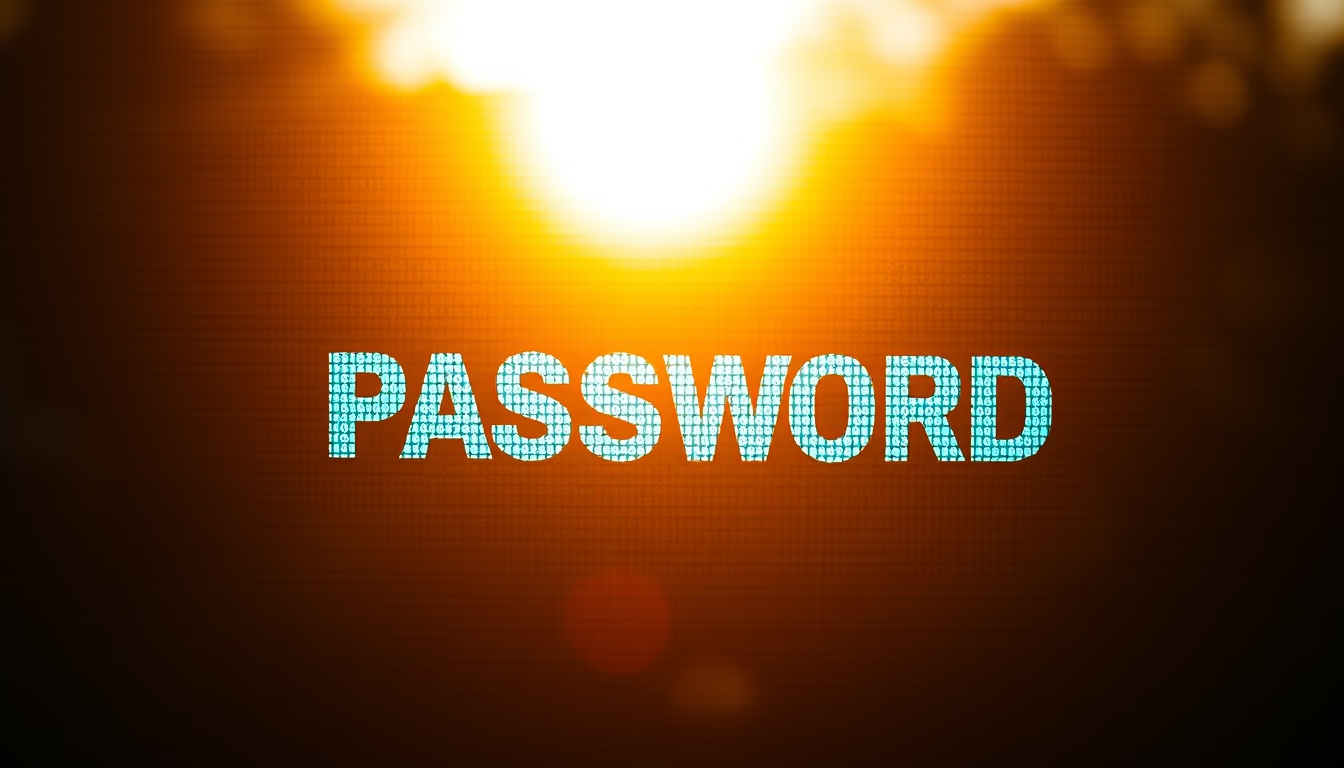
Blurred password screens are a common security technique to prevent confidential information from being seen by others in public or shared environments.
About this subject
Blurring password fields on login screens is a standard visual security measure that prevents credential theft by nearby individuals or cameras, particularly in public spaces like coffee shops, airports, and offices. Operating systems, browsers, and password managers such as LastPass and 1Password often implement this by automatically masking typed text.
Many modern devices include privacy modes that enable blurring when they detect unfamiliar faces or when screens are shared. Smartphones may use proximity sensors to hide passwords as the device approaches the user's face. In Windows, the option "Display password characters" can be turned off to keep the field blurred.
The importance of password blurring has increased with data protection regulations like Brazil's LGPD, which mandate extra protection for sensitive data. Trends for 2026 suggest dynamic blurring combined with biometrics, reducing reliance on typed passwords. Studies indicate that blurring can lower the risk of shoulder surfing by up to 40%, although critics note that lack of visual feedback may cause typing errors.
In editorial and software demonstration contexts, password blurring is crucial to prevent accidental exposure. It is commonly used in tutorial videos and screenshots to protect example credentials. Despite its limitations, blurring remains a simple and effective layer of visual security.
Frequently Asked Questions
Why are password screens often blurred?
Blurring prevents nearby people or cameras from seeing the typed password, reducing the risk of shoulder surfing in public places.
How do I enable password blurring in Windows?
Go to Settings > Accounts > Sign-in options and turn off "Show password characters" to keep the field blurred.
Is password blurring effective against video recordings?
Yes, blurring makes it harder for cameras to read the password, but it is not foolproof if the recording has high resolution or the password is typed very slowly.
Direct URL
https://pub-c7d6a6ea828543ac903a74a341ccb2e1.r2.dev/imagens/password-screen-blurred-cinematic-wide-shot-p6.avifHow to credit
Include a visible link back to UtilizAí. Copy one of the snippets below:
<a href="https://xn--utiliza-eza.com/en/midia/imagens/password-screen-blurred-cinematic-wide-shot-p6">Password screen blurred</a> by <a href="https://xn--utiliza-eza.com">UtilizAí</a>, licensed under <a href="https://creativecommons.org/licenses/by/4.0/">CC BY 4.0</a>.
[Password screen blurred](https://xn--utiliza-eza.com/en/midia/imagens/password-screen-blurred-cinematic-wide-shot-p6) by [UtilizAí](https://xn--utiliza-eza.com), CC BY 4.0
License: CC-BY-4.0