Password screen blurred
1344×768 · AVIF · CC BY 4.0
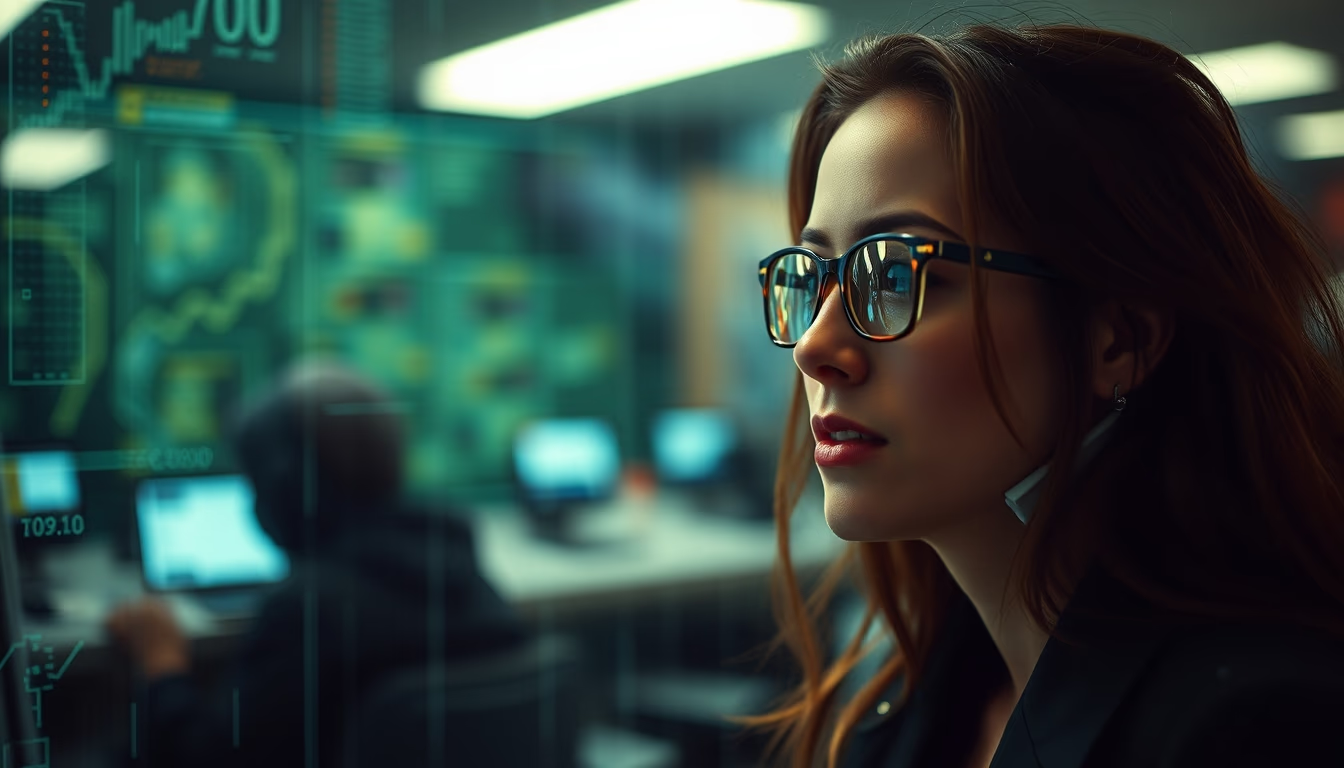
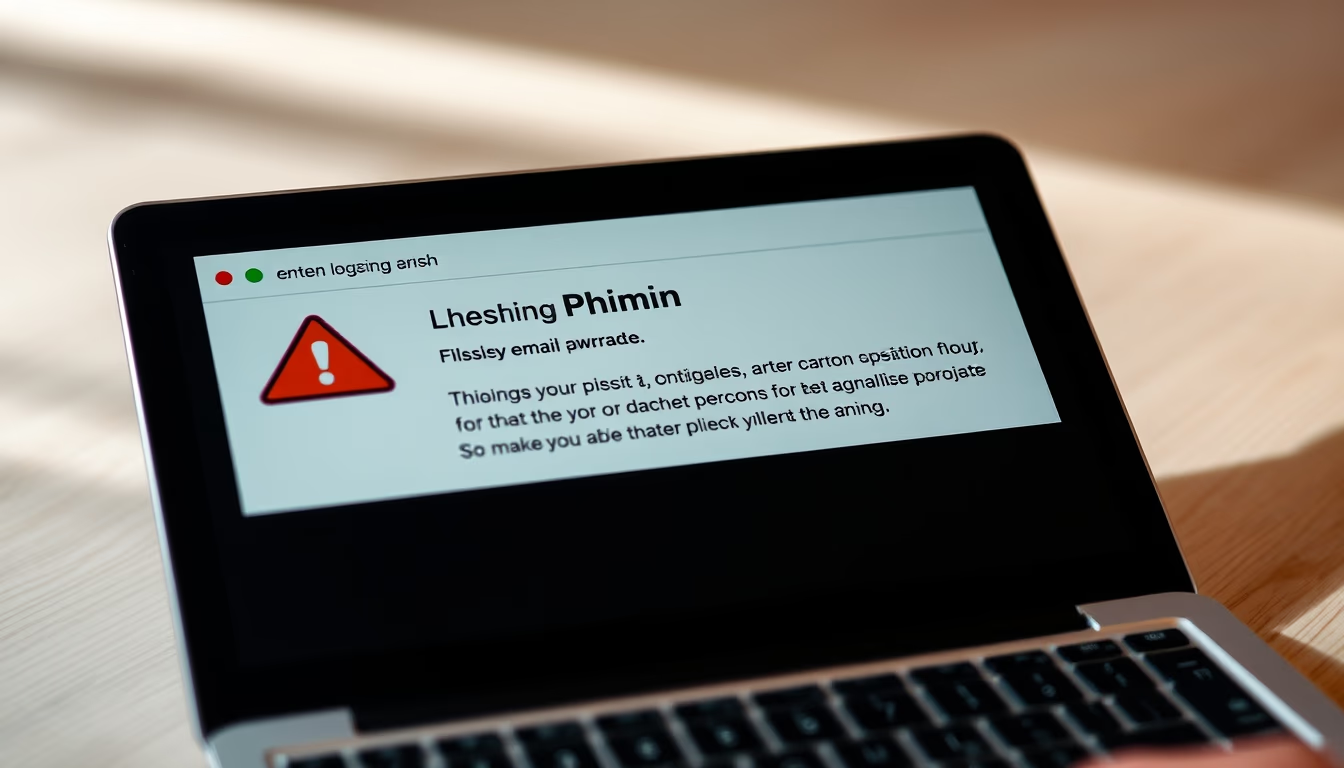
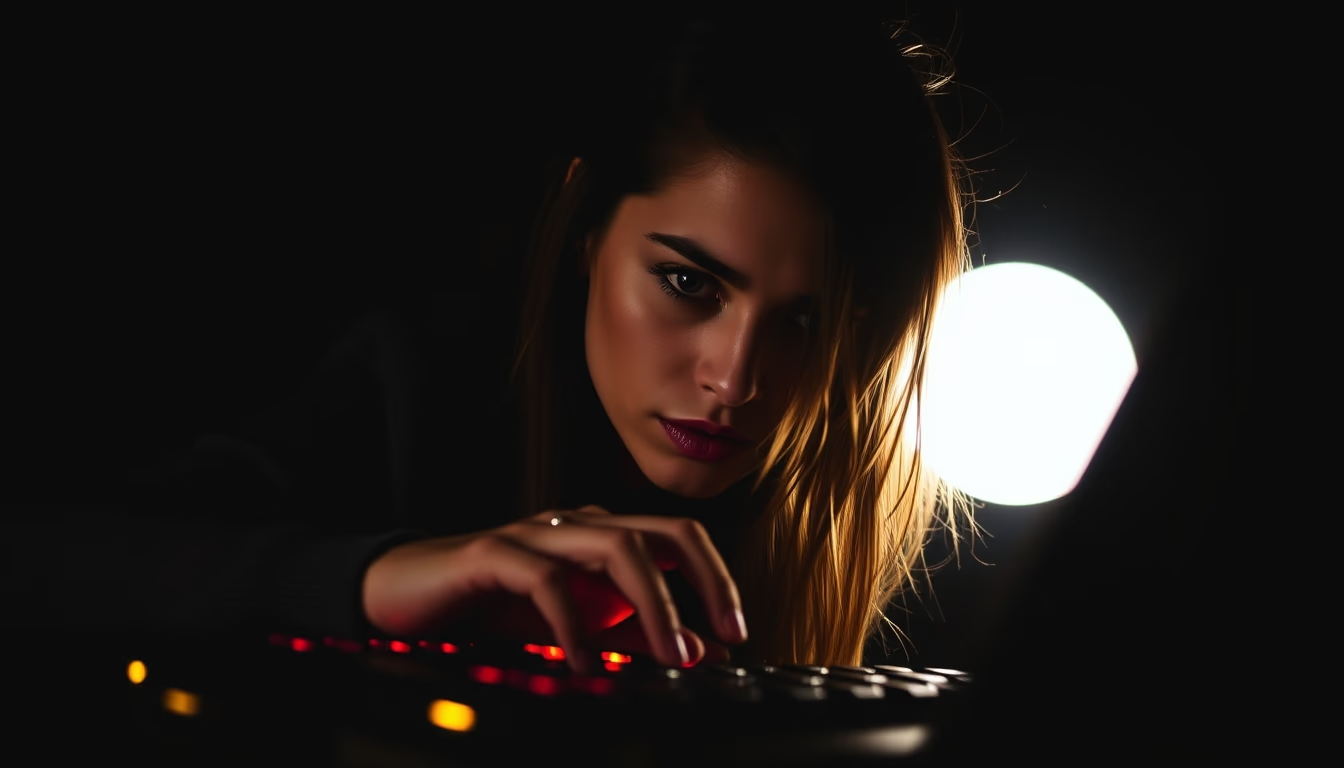
Blurred password screens are a common privacy measure in public spaces, shielding data from prying eyes.
About this subject
The practice of blurring password screens, whether through software or physical filters, has become essential in environments such as airports, cafés, and shared offices. The goal is to prevent bystanders from viewing sensitive information like bank passwords or access credentials. This precaution is part of 'digital hygiene', a set of habits recommended by cybersecurity experts.
Technically, blurring can be applied in real time by screen protection programs or by privacy settings in operating systems. Some monitors have built-in privacy filters that restrict the viewing angle. In Brazil, the General Data Protection Law (LGPD) encourages practices that avoid accidental data exposure, making screen blurring a measure aligned with legal compliance.
Although effective, blurring does not replace other security layers such as two-factor authentication and strong passwords. In crowded places, experts recommend using physical screen protectors or typing passwords with body positioning that blocks lateral view. Interestingly, some studies show that even blurred screens can be partially reconstructed using advanced image processing techniques, hence the importance of combining methods.
In summary, the blurred password screen is a simple yet powerful tool for privacy protection in everyday digital life. Its adoption reflects a growing awareness of the risks of visual exposure, especially in a post pandemic world where remote work in public spaces has become more common.
Frequently Asked Questions
Why is it important to blur the password screen in public places?
To prevent people nearby from seeing your password, protecting bank accounts, emails, and other services from unauthorized access. It is a basic cybersecurity measure.
What tools can I use to blur the password screen?
You can use physical privacy filters (films that reduce the viewing angle) or software that applies dynamic blurring to the screen. Some operating systems already offer this option in accessibility settings.
Does screen blurring replace the need for strong passwords?
No. Blurring is an additional layer of protection, but it does not replace strong passwords, multifactor authentication, or other security habits. It should be used together with good practices.
Direct URL
https://pub-c7d6a6ea828543ac903a74a341ccb2e1.r2.dev/imagens/password-screen-blurred-architectural-photography-p2.avifHow to credit
Include a visible link back to UtilizAí. Copy one of the snippets below:
<a href="https://xn--utiliza-eza.com/en/midia/imagens/password-screen-blurred-architectural-photography-p2">Password screen blurred</a> by <a href="https://xn--utiliza-eza.com">UtilizAí</a>, licensed under <a href="https://creativecommons.org/licenses/by/4.0/">CC BY 4.0</a>.
[Password screen blurred](https://xn--utiliza-eza.com/en/midia/imagens/password-screen-blurred-architectural-photography-p2) by [UtilizAí](https://xn--utiliza-eza.com), CC BY 4.0
License: CC-BY-4.0