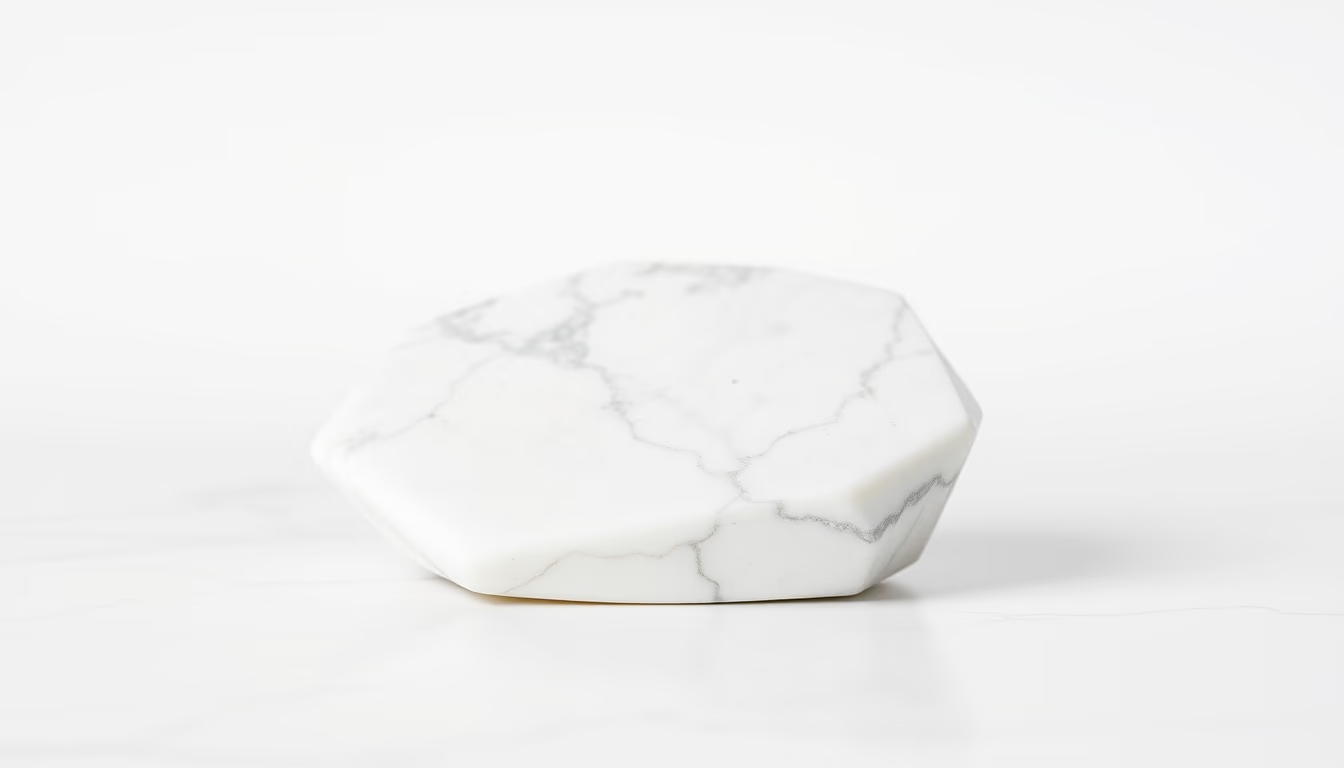
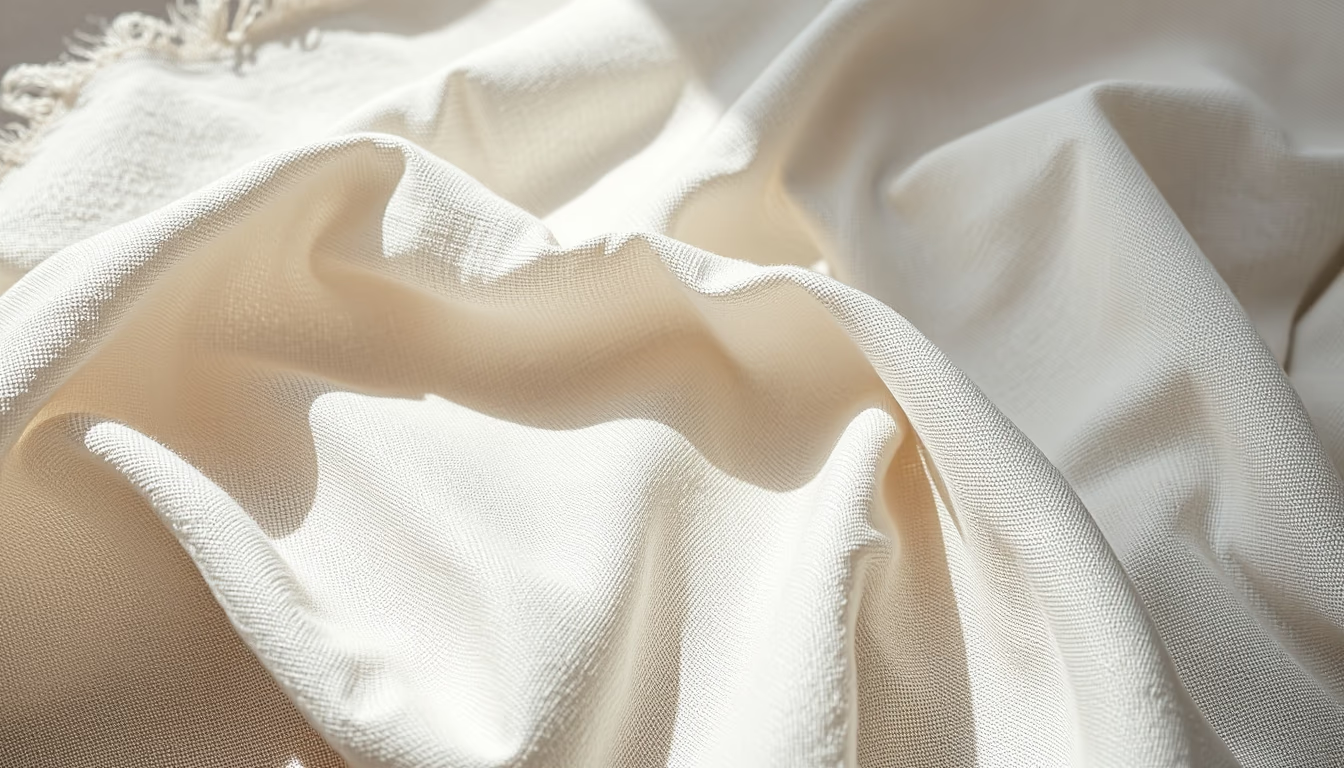
Noise grain abstract
1344×768 · AVIF · CC BY 4.0
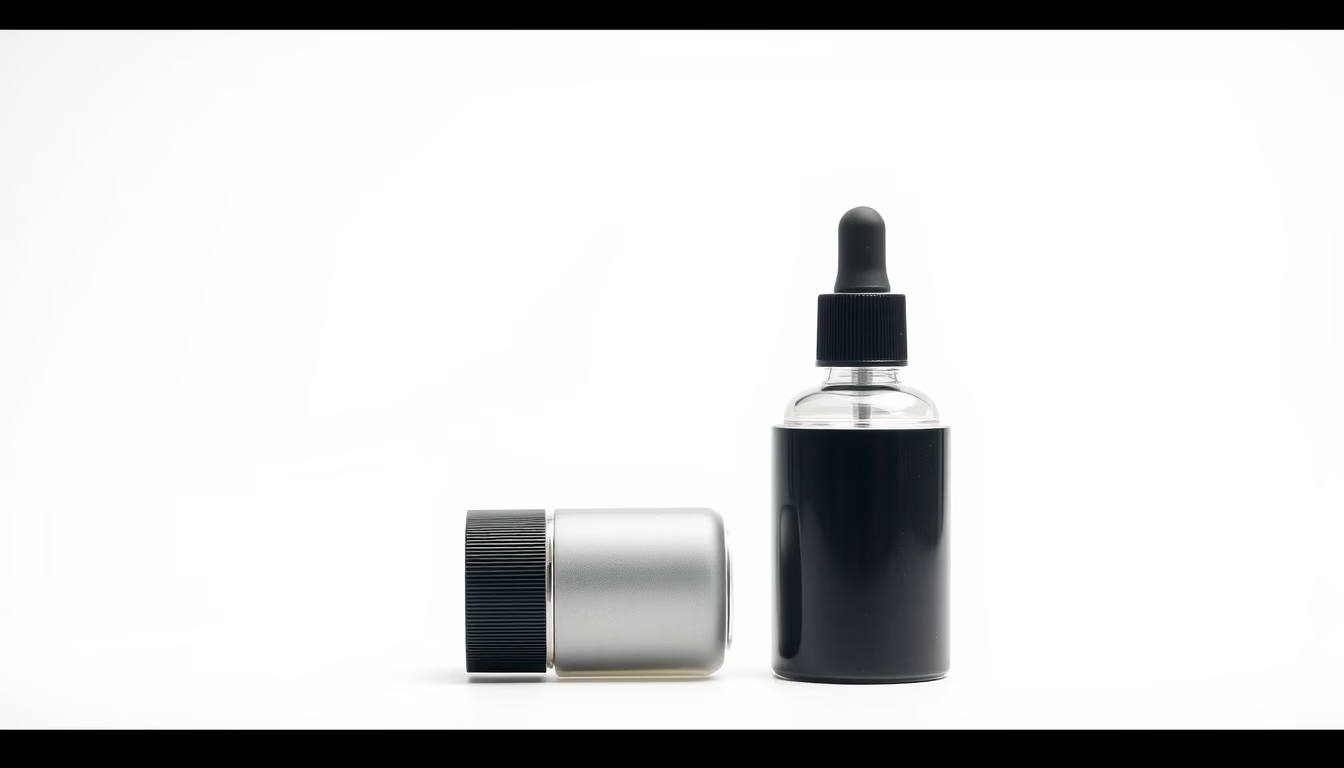
Noise grain is a visual effect that adds texture and atmosphere to commercial product photography, evoking nostalgia and authenticity.
About this subject
Noise grain is a visual effect that simulates the granular texture characteristic of analog photographic film. Unlike digital noise, which is usually unwanted, noise grain is deliberately applied to give images a vintage, textured, or atmospheric look. In commercial product photography, its use has grown as brands seek a more authentic and less polished aesthetic, aligning with the lo-fi trends gaining traction in 2026.
Historically, grain was a natural byproduct of film sensitivity. With the digital era, removing noise became a priority, but artists and designers rediscovered its expressive value. Today, noise grain is used in advertising campaigns, packaging, and social media to evoke nostalgia, convey human warmth, or simply add visual layers that capture consumer attention. It is particularly effective for products with organic or artisanal materials, such as clothing, food, and cosmetics.
Technically, the effect can be reproduced in software like Adobe Photoshop, Lightroom, or through PNG overlays and textures. Adjustments to the amount, size, and opacity of the grain allow control over the intensity. It is also possible to apply noise grain selectively, only in shadows or highlights, to maintain sharpness in critical product areas. The 2026 trend points to more creative uses, such as combining it with pastel colors and soft lighting, creating a hybrid look between analog and digital.
Frequently Asked Questions
What is noise grain in photography?
Noise grain is a visual effect that mimics the granular texture of analog film, adding texture and atmosphere to an image. Unlike digital noise, it is applied intentionally for aesthetic purposes.
Why is noise grain becoming popular in 2026?
The trend reflects a desire for authenticity and nostalgia amid an oversaturation of polished digital images. Brands use grain to create an emotional connection with consumers, conveying warmth and calculated imperfection.
How can I add a grain effect to product photos?
Use software like Adobe Photoshop or Lightroom. Apply the 'Add Noise' filter (Photoshop) or adjust the texture slider in Lightroom. You can also overlay grain PNGs with blend modes like 'Multiply' or 'Overlay'.
Direct URL
https://pub-c7d6a6ea828543ac903a74a341ccb2e1.r2.dev/imagens/noise-grain-abstract-commercial-product-photography-p1.avifHow to credit
Include a visible link back to UtilizAí. Copy one of the snippets below:
<a href="https://xn--utiliza-eza.com/en/midia/imagens/noise-grain-abstract-commercial-product-photography-p1">Noise grain abstract</a> by <a href="https://xn--utiliza-eza.com">UtilizAí</a>, licensed under <a href="https://creativecommons.org/licenses/by/4.0/">CC BY 4.0</a>.
[Noise grain abstract](https://xn--utiliza-eza.com/en/midia/imagens/noise-grain-abstract-commercial-product-photography-p1) by [UtilizAí](https://xn--utiliza-eza.com), CC BY 4.0
License: CC-BY-4.0