Motherboard atx detail
1344×768 · AVIF · CC BY 4.0
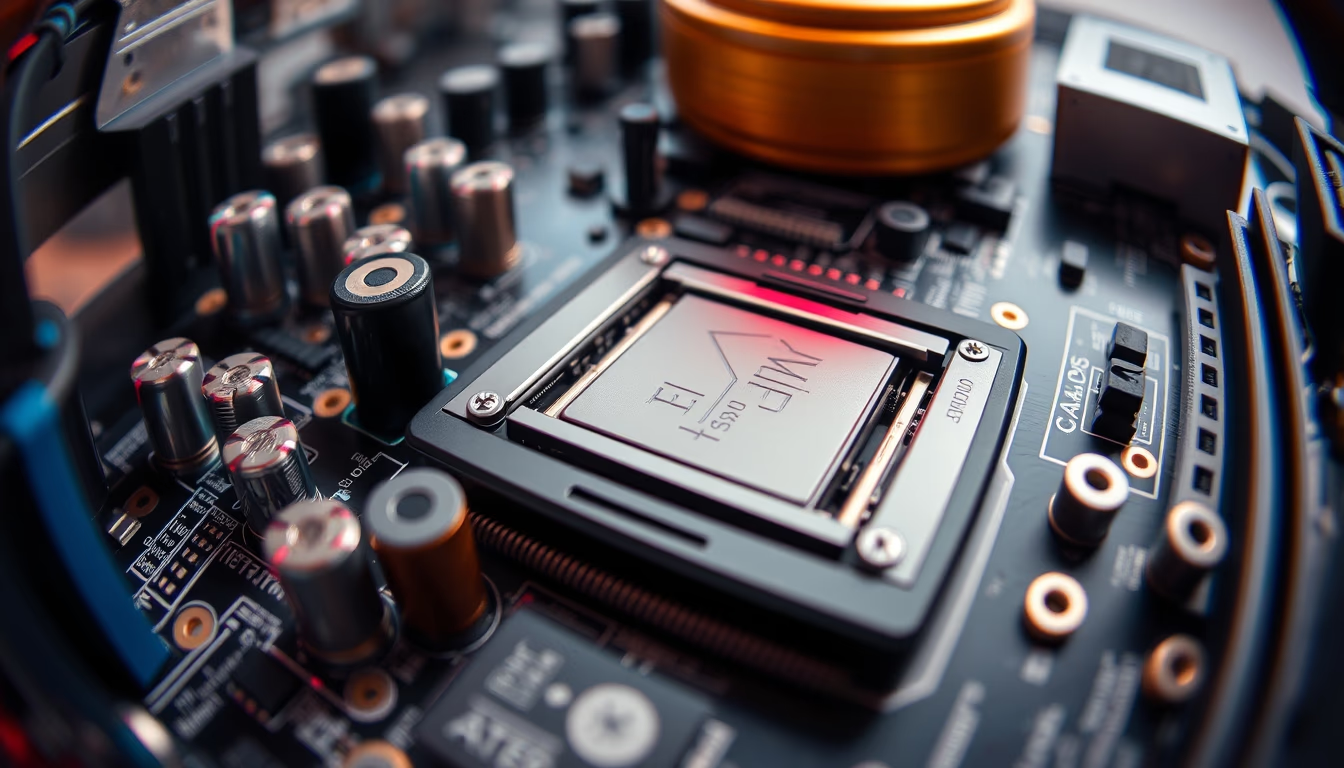
Close-up detail of an ATX motherboard with fisheye lens, highlighting components such as PCIe slots, CPU socket and capacitors.
About this subject
The ATX (Advanced Technology eXtended) motherboard form factor was introduced by Intel in 1995 to replace the aging AT standard. Measuring 305 mm x 244 mm, it provides ample room for expansion slots and connectors. This fisheye close-up reveals essential components: the CPU socket (typically LGA or PGA), PCIe slots for graphics cards and other peripherals, electrolytic capacitors and inductors that filter power for the processor and memory, plus the 24‑pin and 8‑pin EPS power connectors.
The fisheye lens accentuates depth, showing the dense arrangement of resistors, smaller chips (chipset, I/O controllers) and copper traces on the PCB. The choice of solid or aluminum capacitors affects board durability and stability. Modern motherboards also include heatsinks for the VRM (voltage regulator module), critical for keeping temperatures low under load.
ATX revolutionized PC assembly by organizing connectors more logically: the CPU is placed near the power connector, and expansion slots align parallel to the power supply. Standardized rear I/O shields simplify case installation. Observing these details up close reveals the sheer number of solder points and tiny components required for a modern computer to function.
Despite the emergence of ATX12VO and smaller form factors like microATX and mini-ITX, ATX still dominates gaming desktops and workstations. This fisheye close‑up helps convey the complexity of a motherboard layout, highlighting the careful engineering behind performance and reliability.
Frequently Asked Questions
What does ATX stand for?
ATX stands for Advanced Technology eXtended. It is a motherboard standard introduced by Intel in 1995, defining dimensions, mounting positions, and connectors for case and power supply compatibility.
Which components can you see in a motherboard close-up?
A typical close-up reveals the CPU socket, PCIe slots, capacitors, inductors, resistors, power connectors (24‑pin and 8‑pin EPS), the chipset, controllers, and copper traces on the circuit board.
Why is motherboard detail important?
Examining details helps assess component quality (e.g., solid vs. electrolytic capacitors), VRM layout, and overclocking capability. It also highlights the layout effort required for system stability and performance.
Direct URL
https://pub-c7d6a6ea828543ac903a74a341ccb2e1.r2.dev/imagens/motherboard-atx-detail-fish-eye-wide-angle-p4.avifHow to credit
Include a visible link back to UtilizAí. Copy one of the snippets below:
<a href="https://xn--utiliza-eza.com/en/midia/imagens/motherboard-atx-detail-fish-eye-wide-angle-p4">Motherboard atx detail</a> by <a href="https://xn--utiliza-eza.com">UtilizAí</a>, licensed under <a href="https://creativecommons.org/licenses/by/4.0/">CC BY 4.0</a>.
[Motherboard atx detail](https://xn--utiliza-eza.com/en/midia/imagens/motherboard-atx-detail-fish-eye-wide-angle-p4) by [UtilizAí](https://xn--utiliza-eza.com), CC BY 4.0
License: CC-BY-4.0





