Motherboard atx detail
1344×768 · AVIF · CC BY 4.0
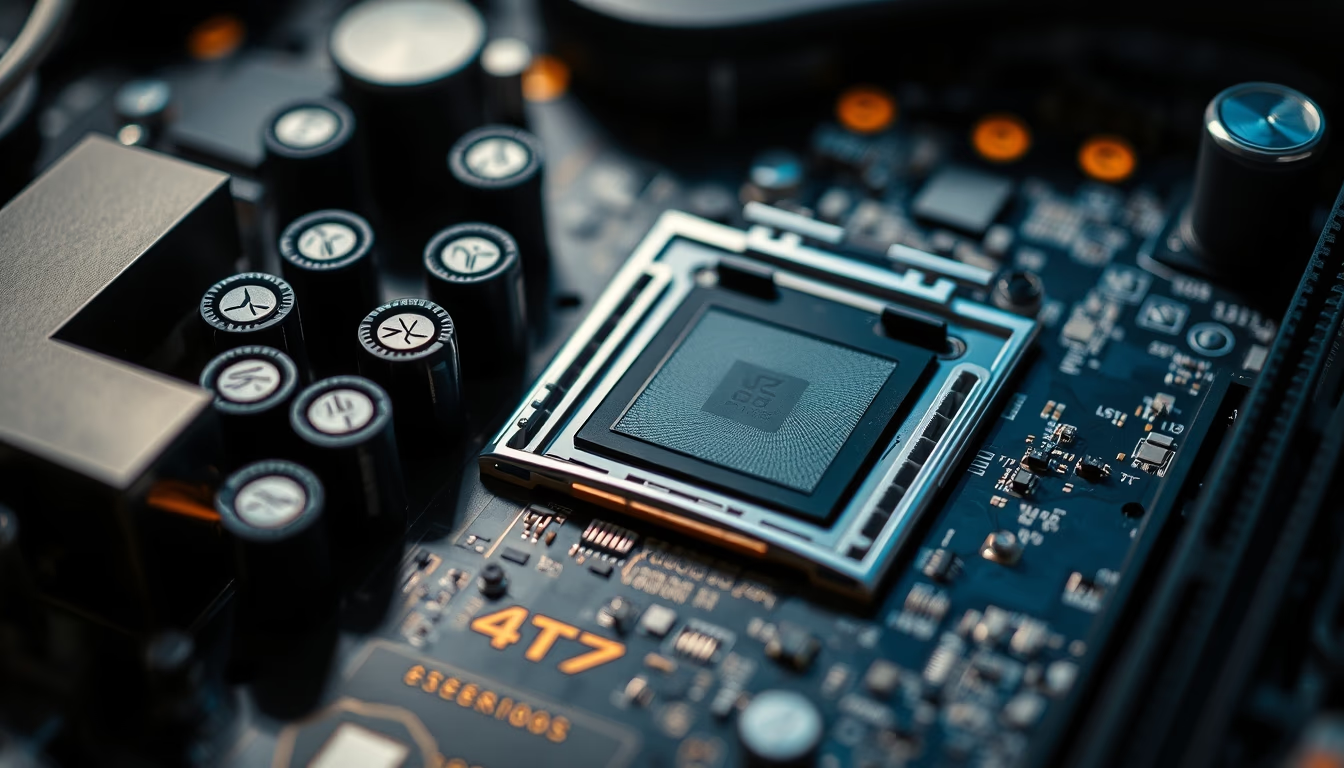
The ATX motherboard, introduced by Intel in 1995, is the most widespread standard for desktop computers, offering ample space for expansion and components.
About this subject
The ATX form factor was developed by Intel and launched in 1995 to replace the AT standard, which was no longer adequate for new technologies. Measuring 305 mm by 244 mm, the ATX motherboard introduced significant improvements, such as rotating the processor 90 degrees relative to the previous standard, allowing for more efficient airflow inside the case. Additionally, the main power connector changed to 20 pins (later 24 pins), unifying power distribution.
A hallmark of the ATX format is the number of expansion slots: up to seven PCI or PCIe connectors, enabling installation of multiple graphics cards, capture cards, sound cards, and network cards. The CPU socket and RAM memory slots are positioned close together to reduce latency, while SATA storage connectors and rear ports (USB, audio, video) follow a standardized layout ensuring compatibility with ATX cases and power supplies.
Over the decades, the ATX standard has evolved with variants such as microATX (244 mm x 244 mm) and mini-ITX (170 mm x 170 mm), maintaining electrical compatibility but reducing size. The original ATX motherboard, however, remains the preferred choice for enthusiasts seeking overclocking, multiple GPUs, and advanced cooling systems. Components like VRMs (voltage regulator modules) and solid capacitors are common in high-quality boards, ensuring electrical stability.
Interestingly, the ATX standard also defined the power supply unit (PSU) form factor, with dimensions of 150 mm x 86 mm x 140 mm, and the rear I/O panel, which today includes ports like USB-C and 2.5G Ethernet. Despite competition from smaller standards, ATX remains relevant for workstations and high-performance gaming PCs.
Frequently Asked Questions
What does ATX stand for?
ATX stands for Advanced Technology eXtended, a motherboard standard introduced by Intel in 1995 to replace the AT form factor.
What is the difference between ATX and microATX?
The main difference is size: ATX is 305 mm × 244 mm, while microATX is 244 mm × 244 mm. MicroATX has fewer expansion slots (up to 4) and fits in smaller cases, but maintains electrical compatibility.
How many graphics cards can fit on an ATX motherboard?
It depends on the number of PCIe x16 slots. A typical ATX motherboard has 2 to 3 PCIe x16 slots, allowing SLI or CrossFire configurations with up to 3 GPUs, but physical space and cooling may limit installation.
Direct URL
https://pub-c7d6a6ea828543ac903a74a341ccb2e1.r2.dev/imagens/motherboard-atx-detail-fine-art-photography-p12.avifHow to credit
Include a visible link back to UtilizAí. Copy one of the snippets below:
<a href="https://xn--utiliza-eza.com/en/midia/imagens/motherboard-atx-detail-fine-art-photography-p12">Motherboard atx detail</a> by <a href="https://xn--utiliza-eza.com">UtilizAí</a>, licensed under <a href="https://creativecommons.org/licenses/by/4.0/">CC BY 4.0</a>.
[Motherboard atx detail](https://xn--utiliza-eza.com/en/midia/imagens/motherboard-atx-detail-fine-art-photography-p12) by [UtilizAí](https://xn--utiliza-eza.com), CC BY 4.0
License: CC-BY-4.0





