Motherboard atx detail
1344×768 · AVIF · CC BY 4.0
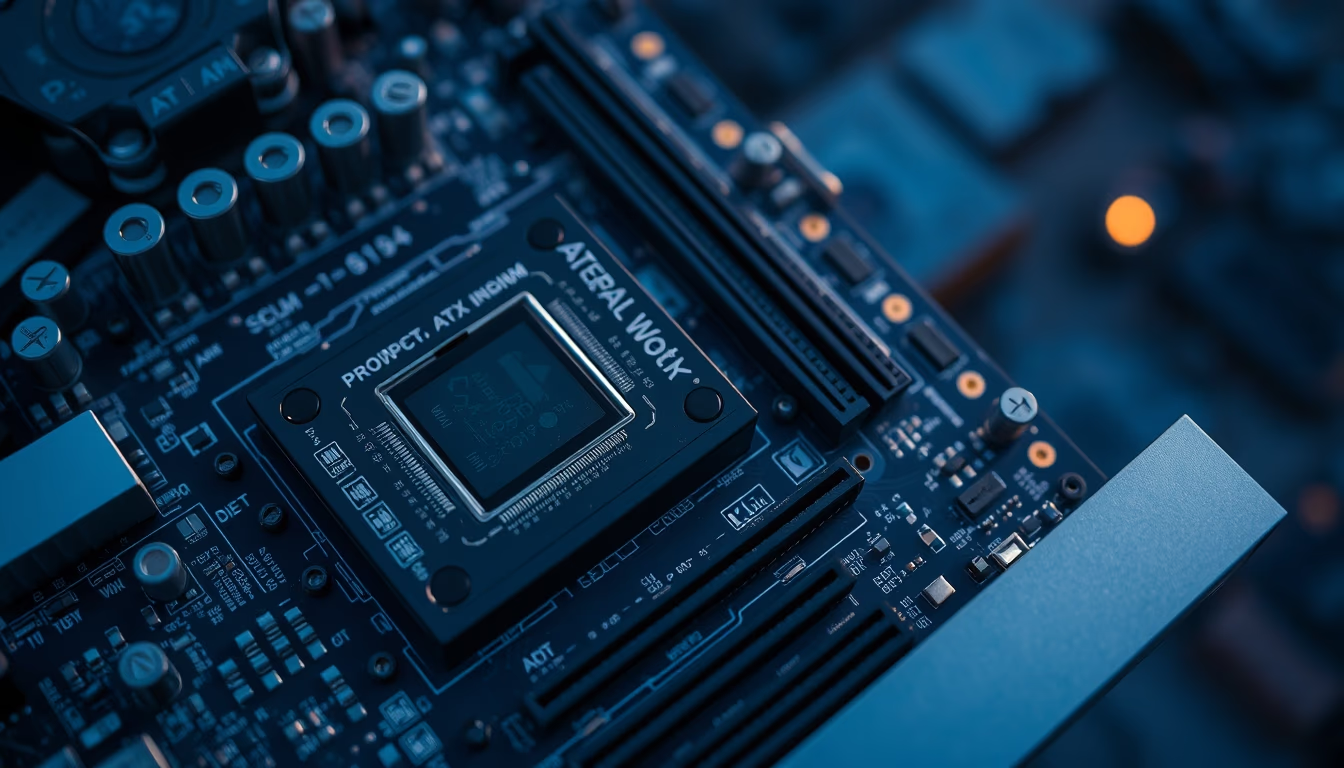
ATX motherboard detail: learn about the main components, connectors, and the importance of the ATX standard in desktop computer assembly.
About this subject
The ATX (Advanced Technology Extended) standard was introduced by Intel in 1995 to replace the older AT form factor. With dimensions of 305 mm x 244 mm, the ATX motherboard became the most used format in desktop computers, offering better component organization, optimized airflow, and support for modern connectors.
On an ATX motherboard, the main functional blocks include the CPU socket (such as LGA 1700 or AM5), RAM memory slots (usually 4 DDR4 or DDR5 slots), expansion slots PCIe (x16 for graphics cards and x1 for other peripherals), the chipset that manages communication between components, SATA and M.2 storage connectors for NVMe SSDs, as well as rear I/O ports (USB, audio, Ethernet, integrated video).
The component layout follows strict specifications: the CPU socket is near the 8-pin power connector, while memory slots are parallel to the socket to reduce latency. The chipset is located in the lower right area, and the southbridge (PCH) manages peripherals. The power supply connects via a 24-pin cable and one or two 8-pin cables for the CPU.
Modern ATX motherboards include features such as heatsinks for VRM (voltage regulator module), controllable RGB lighting, multiple M.2 slots with heatsinks, high-definition audio (Realtek or similar codec), and integrated Wi-Fi and Bluetooth connectivity. The robustness of the ATX standard ensures compatibility with standard cases and ATX power supplies, facilitating upgrades and custom builds.
Frequently Asked Questions
What does ATX stand for?
ATX stands for Advanced Technology Extended, a motherboard form factor standard developed by Intel in 1995 to replace the AT format.
What are the dimensions of an ATX motherboard?
The standard dimensions are 305 mm by 244 mm (12 inches by 9.6 inches).
What are the differences between ATX and Micro-ATX?
Micro-ATX is smaller (244 mm x 244 mm), with fewer PCIe expansion slots and usually fewer memory slots, but maintains mounting compatibility with ATX cases.
Direct URL
https://pub-c7d6a6ea828543ac903a74a341ccb2e1.r2.dev/imagens/motherboard-atx-detail-aerial-drone-shot-p9.avifHow to credit
Include a visible link back to UtilizAí. Copy one of the snippets below:
<a href="https://xn--utiliza-eza.com/en/midia/imagens/motherboard-atx-detail-aerial-drone-shot-p9">Motherboard atx detail</a> by <a href="https://xn--utiliza-eza.com">UtilizAí</a>, licensed under <a href="https://creativecommons.org/licenses/by/4.0/">CC BY 4.0</a>.
[Motherboard atx detail](https://xn--utiliza-eza.com/en/midia/imagens/motherboard-atx-detail-aerial-drone-shot-p9) by [UtilizAí](https://xn--utiliza-eza.com), CC BY 4.0
License: CC-BY-4.0





