Metamask wallet UI on smartphone screen
1344×768 · AVIF · CC BY 4.0
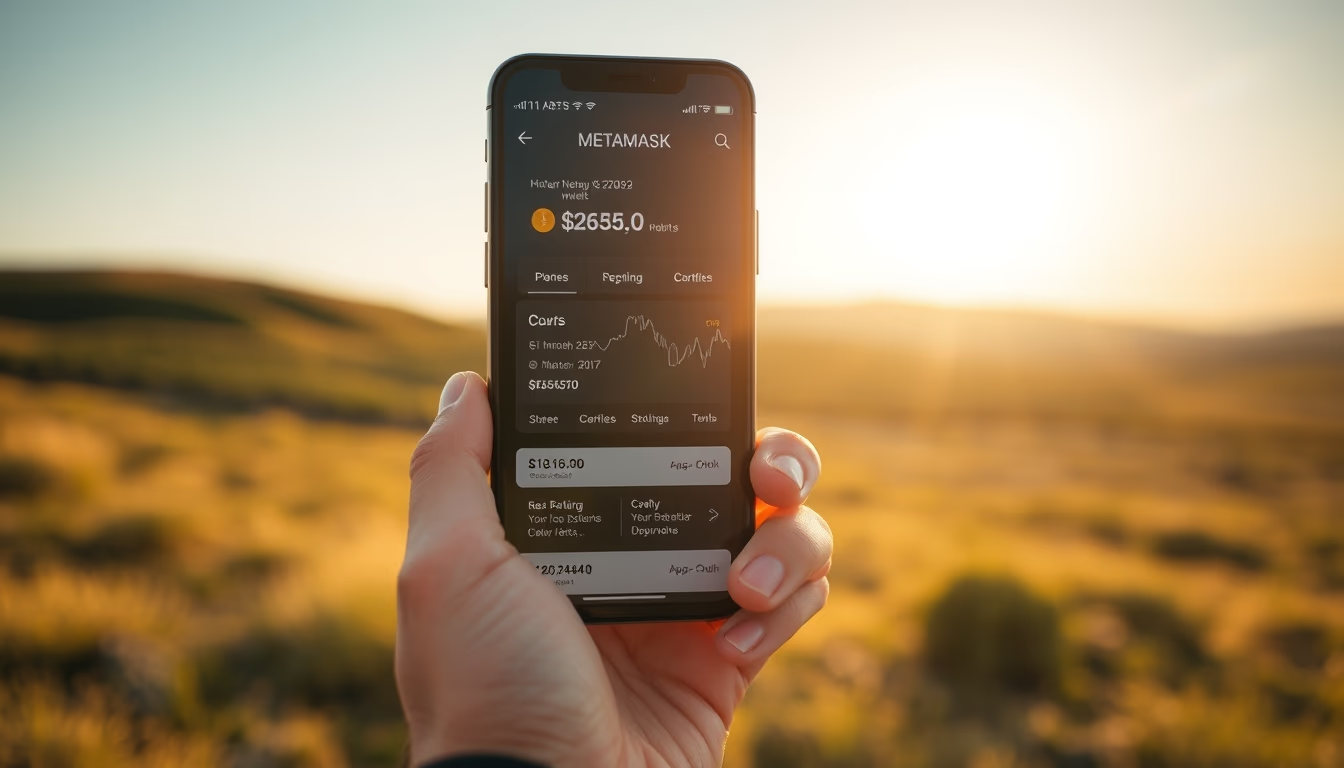
MetaMask app interface displayed on a smartphone screen, showing balance and cryptocurrency wallet options.
About this subject
MetaMask is a widely used cryptocurrency wallet that operates as both a browser extension and a mobile app. Launched in 2016 by ConsenSys, it allows users to interact with decentralized applications (dApps) on the Ethereum blockchain and compatible networks such as Binance Smart Chain and Polygon. The interface shown on the smartphone screen displays the balance in ETH or ERC-20 tokens, along with options to send, receive, and swap assets. The app also integrates a dApp browser, enabling direct access to DeFi platforms and NFTs.
MetaMask's popularity grew with the expansion of the Ethereum ecosystem, reaching over 30 million monthly active users in 2022. Its mobile version offers additional security with biometric authentication (fingerprint or Face ID) and a 12-word seed phrase for account recovery. The interface design prioritizes simplicity, with clear graphics and intuitive navigation, even for crypto beginners. However, exposure to scams and phishing requires caution: MetaMask itself warns that it never asks for the seed phrase via message.
Interestingly, MetaMask is a non-custodial wallet, meaning the user retains full control of private keys. This contrasts with exchange wallets, which hold funds. The smartphone screen, with its portability, facilitates quick transactions at events like blockchain conferences or payments at stores that accept crypto. The image captures the moment a user checks their balance or prepares a transaction, common in the daily life of decentralized finance enthusiasts.
Frequently Asked Questions
What is MetaMask and what is it used for?
MetaMask is a cryptocurrency wallet that allows you to store, send, and receive Ethereum and ERC-20 tokens, as well as connect to decentralized applications (dApps) directly from your browser or mobile app.
Is MetaMask safe to use on a smartphone?
Yes, MetaMask offers security features like biometric authentication and a 12-word seed phrase. However, never share your seed phrase and download the app only from official stores (App Store or Google Play).
How do I create a MetaMask wallet on my phone?
Download the MetaMask app from your app store, tap 'Create Wallet', set a password, and securely back up the 12-word seed phrase. Never share it online.
Direct URL
https://pub-c7d6a6ea828543ac903a74a341ccb2e1.r2.dev/imagens/metamask-wallet-ui-on-smartphone-screen-travel-photography.avifHow to credit
Include a visible link back to UtilizAí. Copy one of the snippets below:
<a href="https://xn--utiliza-eza.com/en/midia/imagens/metamask-wallet-ui-on-smartphone-screen-travel-photography">Metamask wallet UI on smartphone screen</a> by <a href="https://xn--utiliza-eza.com">UtilizAí</a>, licensed under <a href="https://creativecommons.org/licenses/by/4.0/">CC BY 4.0</a>.
[Metamask wallet UI on smartphone screen](https://xn--utiliza-eza.com/en/midia/imagens/metamask-wallet-ui-on-smartphone-screen-travel-photography) by [UtilizAí](https://xn--utiliza-eza.com), CC BY 4.0
License: CC-BY-4.0