Metamask wallet interface on smartphone screen with token list
1344×768 · AVIF · CC BY 4.0
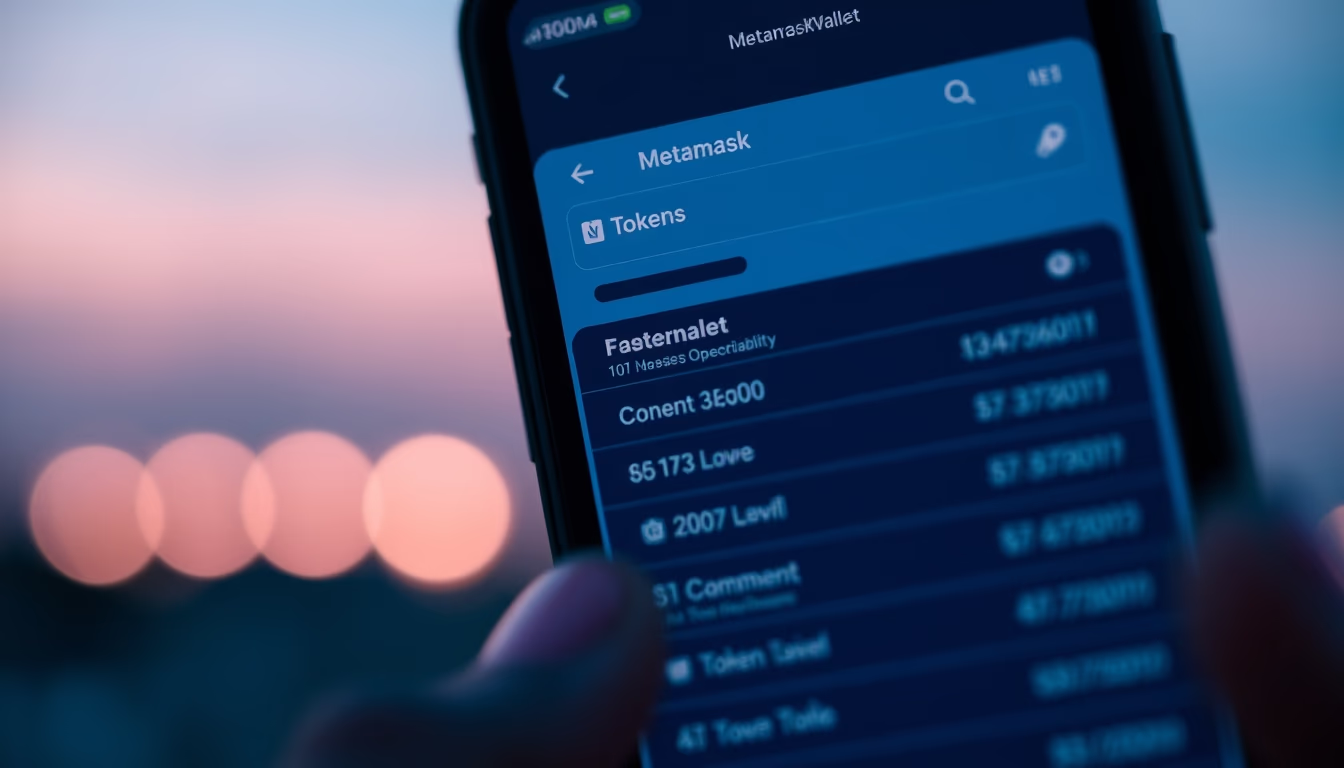
The MetaMask interface on a smartphone displays a token list, a key tool for interacting with decentralized applications (dApps) and managing crypto assets on the Ethereum blockchain.
About this subject
MetaMask is a cryptocurrency wallet that functions as a browser extension and mobile app, allowing users to store, send, and receive ERC-20 tokens and other Ethereum-based assets. Launched in 2016 by ConsenSys, MetaMask has become the most popular wallet for interacting with decentralized finance (DeFi), blockchain games, and NFT marketplaces. Its smartphone interface provides quick access to balances, transaction history, and dApp connections via an integrated browser.
The token list on the main screen displays assets such as ETH, stablecoins (USDC, DAI), and tokens from popular projects (UNI, LINK). Users can add custom tokens by entering the smart contract address. The wallet also supports multiple networks, including Polygon, Binance Smart Chain, and Avalanche, configurable manually or via services like Chainlist. Security is reinforced by 12- or 24-word seed phrases and a local password.
In Brazil, MetaMask is widely used by crypto investors and enthusiasts, especially after the NFT boom in 2021. The Portuguese interface facilitates access, though many technical terms remain in English. As a non-custodial wallet, users retain full control over their private keys, but this also requires responsibility: losing the seed phrase means losing the funds.
Fun fact: MetaMask surpassed 30 million monthly active users in 2023. The mobile version, launched in 2019, was crucial for expanding cryptocurrency use on mobile devices, especially in regions with high smartphone penetration like Brazil. The parent company ConsenSys also develops tools for Ethereum developers, such as Infura.
Frequently Asked Questions
How to add a custom token in MetaMask?
On the main screen, scroll to the bottom of the token list and click 'Import tokens'. Paste the token contract address (you can find it on sites like Etherscan). The symbol and decimals are auto-filled. Confirm the import.
Is MetaMask safe for storing cryptocurrencies?
Yes, as long as you protect your seed phrase (never share it online or in photos). The wallet is non-custodial, meaning you control the private keys. Use a strong password and enable two-factor authentication if available.
Which networks does MetaMask support besides Ethereum?
Besides the Ethereum mainnet, it supports Polygon, Binance Smart Chain, Avalanche, Arbitrum, Optimism, and many others. To add a network, go to Settings > Networks > Add Network and enter the RPC details (available on Chainlist).
Direct URL
https://pub-c7d6a6ea828543ac903a74a341ccb2e1.r2.dev/imagens/metamask-wallet-interface-on-smartphone-screen-with-token-list-closeup-macro-shot-twilight-blue-hour.avifHow to credit
Include a visible link back to UtilizAí. Copy one of the snippets below:
<a href="https://xn--utiliza-eza.com/en/midia/imagens/metamask-wallet-interface-on-smartphone-screen-with-token-list-closeup-macro-shot-twilight-blue-hour">Metamask wallet interface on smartphone screen with token list</a> by <a href="https://xn--utiliza-eza.com">UtilizAí</a>, licensed under <a href="https://creativecommons.org/licenses/by/4.0/">CC BY 4.0</a>.
[Metamask wallet interface on smartphone screen with token list](https://xn--utiliza-eza.com/en/midia/imagens/metamask-wallet-interface-on-smartphone-screen-with-token-list-closeup-macro-shot-twilight-blue-hour) by [UtilizAí](https://xn--utiliza-eza.com), CC BY 4.0
License: CC-BY-4.0
Tags
Related images
 Decentralized app dashboard showing yield farming positions
 Decentralized app dashboard showing yield farming positions
 Decentralized app dashboard showing yield farming positions
 Decentralized app dashboard showing yield farming positions
 Decentralized app dashboard showing yield farming positions
 Decentralized app dashboard showing yield farming positions