Mesh gradient pink
1344×768 · AVIF · CC BY 4.0

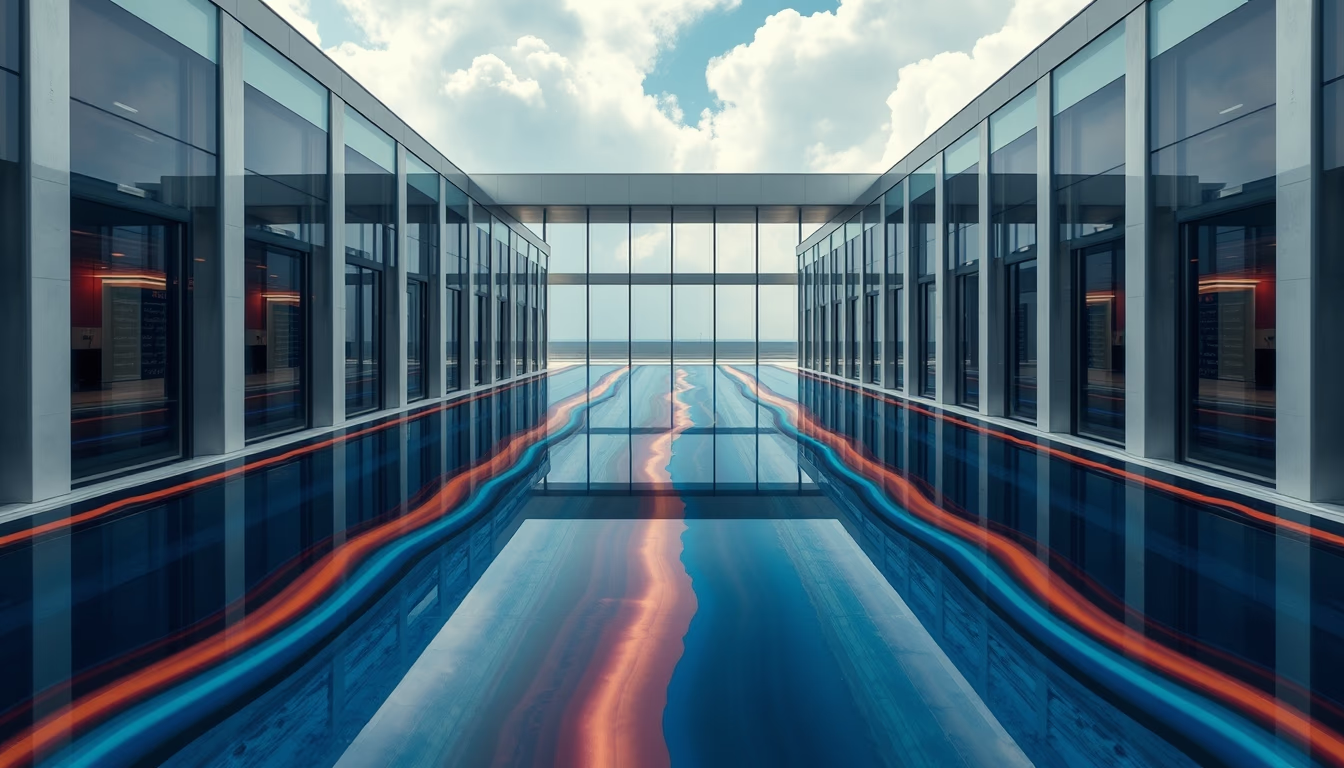
Mesh gradients are color mesh compositions that create smooth and dynamic transitions, widely used in digital design and abstract photography.
About this subject
Mesh gradients are a chromatic transition technique based on a grid of control points, each set to a specific color. Unlike linear or radial gradients that follow a fixed direction, mesh allows colors to blend freely in multiple directions, creating organic and fluid effects. Software such as Adobe Illustrator (with the Mesh Tool) and Figma (with plugins) popularized this technique, which has become a strong trend in graphic design, user interfaces, and even travel photography to create surreal atmospheres.
The aesthetic of mesh gradients recalls the psychedelic visuals of the 1960s but gained a new twist with the vaporwave movement and minimalist design of the 2010s. By 2026, the trend solidifies as a way to add depth and visual movement without resorting to complex elements. Brands in technology, fashion, and lifestyle use mesh gradients in logos, backgrounds, and packaging to convey modernity and fluidity.
Interestingly, the color physics in mesh gradients can be approximated by bicubic interpolation techniques, similar to what happens in gradient map images. In abstract photography, mesh gradients appear as backdrops or main elements, often combined with grainy textures or Gaussian blur for an ethereal finish. Pink, in particular, evokes calmness, creativity, and femininity, being one of the most used hues in mesh gradient palettes.
Professionals recommend using mesh gradients sparingly: overuse can clutter the composition. The key is to balance control points and choose colors that interact harmoniously, avoiding harsh contrasts. Online tools like Coolors and Meshgradient.com allow experimenting with combinations without installing software.
Frequently Asked Questions
How to create a mesh gradient?
You can create a mesh gradient in Adobe Illustrator using the Mesh Tool (U). Click on an object, add mesh points, and assign colors to each point. In Figma, use plugins like 'Mesh Gradient' or 'Gradient Mesh'. Another option is online generators such as Meshgradient.com.
What is the difference between mesh gradient and regular gradient?
Regular gradients (linear or radial) follow a fixed direction and have simple transitions between two or more colors. Mesh gradient allows multiple color points on a grid, creating complex and organic transitions in multiple directions, resulting in more natural and fluid effects.
Why are mesh gradients trending?
They offer a modern, psychedelic yet minimalist aesthetic. They are versatile for backgrounds, branding, and social media, and pair well with trends like glassmorphism and neumorphism. The ease of creation with digital tools has also boosted their popularity.
Direct URL
https://pub-c7d6a6ea828543ac903a74a341ccb2e1.r2.dev/imagens/mesh-gradient-pink-travel-photography-p3.avifHow to credit
Include a visible link back to UtilizAí. Copy one of the snippets below:
<a href="https://xn--utiliza-eza.com/en/midia/imagens/mesh-gradient-pink-travel-photography-p3">Mesh gradient pink</a> by <a href="https://xn--utiliza-eza.com">UtilizAí</a>, licensed under <a href="https://creativecommons.org/licenses/by/4.0/">CC BY 4.0</a>.
[Mesh gradient pink](https://xn--utiliza-eza.com/en/midia/imagens/mesh-gradient-pink-travel-photography-p3) by [UtilizAí](https://xn--utiliza-eza.com), CC BY 4.0
License: CC-BY-4.0