Mechanical keyboard rgb
1344×768 · AVIF · CC BY 4.0
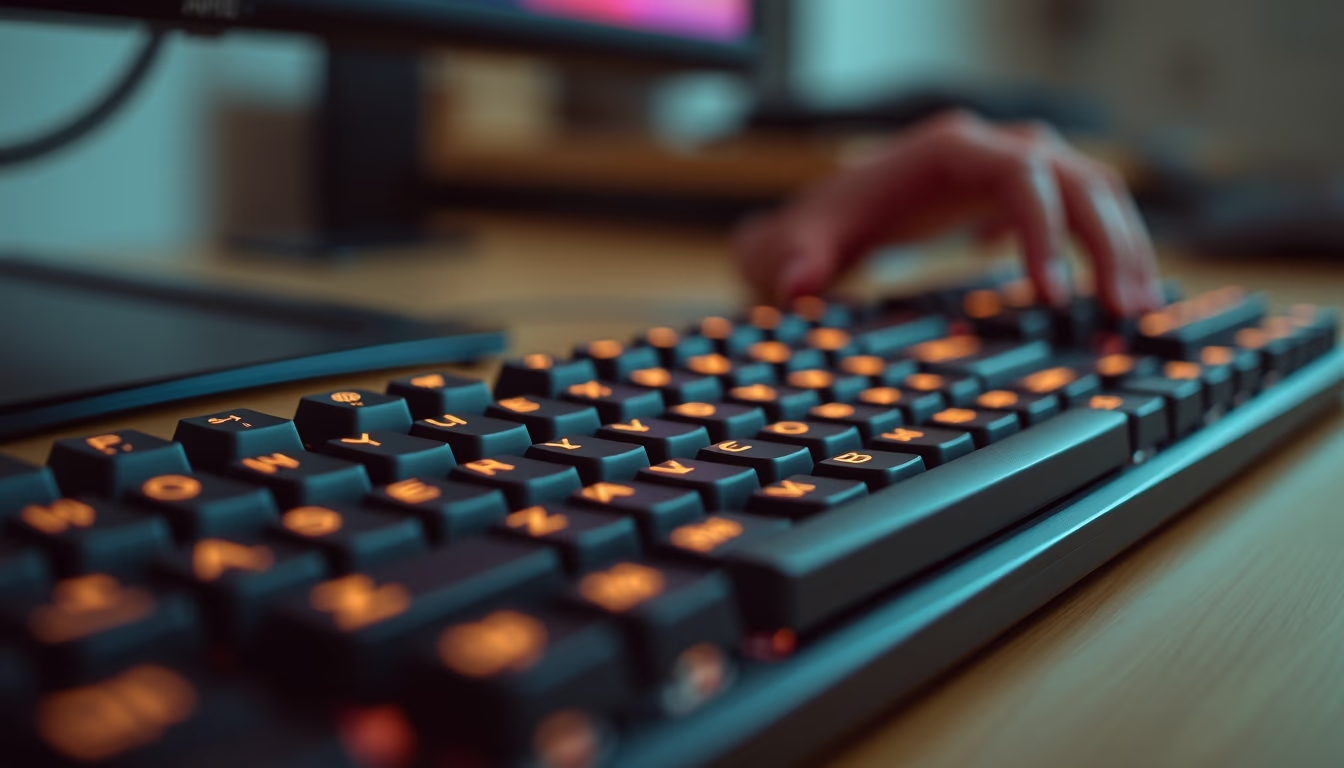
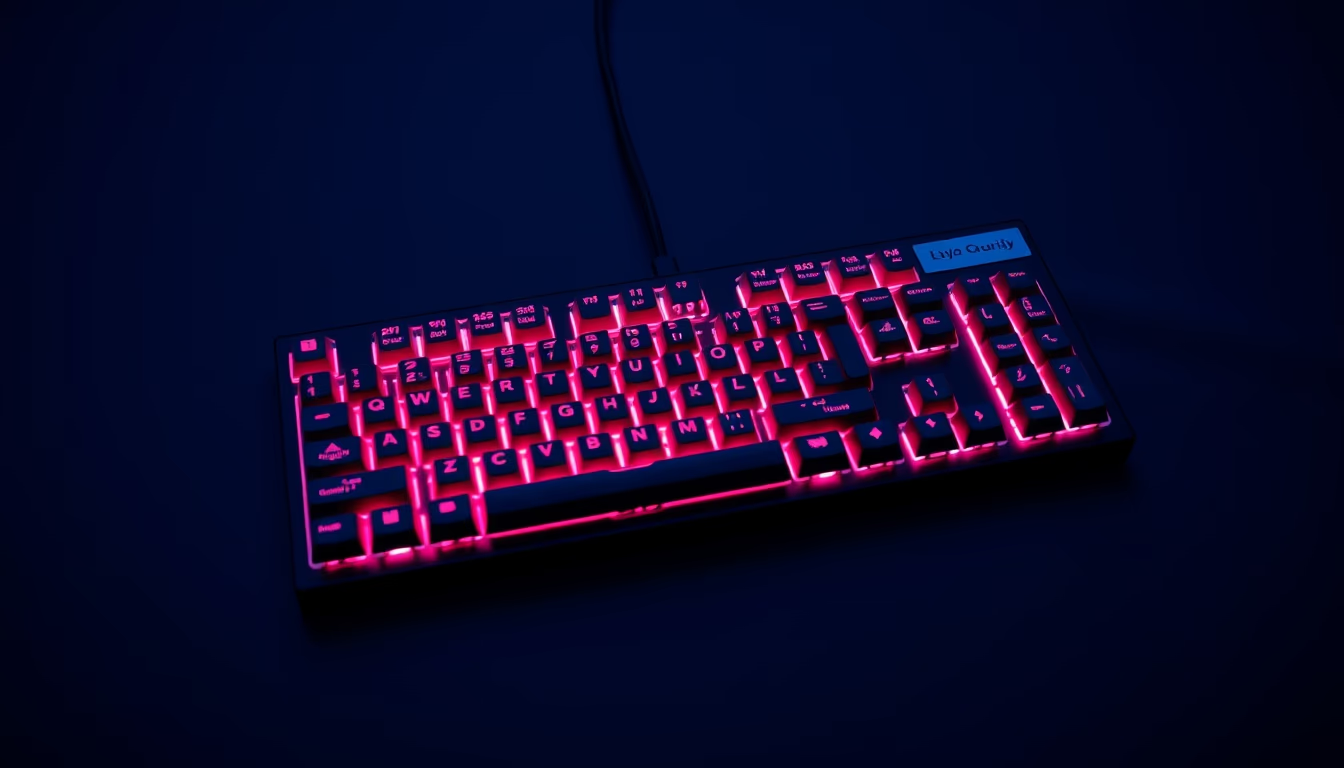
Mechanical RGB keyboards combine individual switches with customizable lighting, providing tactile feedback and aesthetics for gamers and professionals.
About this subject
Mechanical keyboards are input devices that use individual mechanical switches beneath each key, differing from membrane keyboards. Each switch contains a spring and a mechanism that registers the press independently, providing greater durability (typically 50 to 100 million keystrokes) and tactile or audible feedback. There are various switch types, such as linear (Cherry MX Red), tactile (Cherry MX Brown), and clicky (Cherry MX Blue), each with specific actuation force and sound.
RGB (Red, Green, Blue) lighting allows each key to emit customizable colors, with millions of combinations possible via software or onboard controls. This feature is not merely aesthetic: many users use lighting to identify shortcut keys, macros, or alternative layouts (such as Dvorak or Colemak) in low-light environments. Moreover, dynamic effects like waves or breathing have become a differentiator for setup enthusiasts.
The mechanical keyboard RGB market grew exponentially from the 2010s, driven by gamers and tech enthusiasts. Brands like Corsair, Razer, Logitech, and Ducky popularized the format, including keyboards with PBT (polyester) keycaps resistant to shine and hot-swappable switches that allow replacement without soldering. In Brazil, interest increased with imports of custom keyboards and national production of switches, such as those from Kailh.
The tag "film grain authentic" suggests the image incorporates a grainy style, reminiscent of vintage or cinematic textures. This visual choice contrasts with the high-tech RGB theme, creating a hybrid aesthetic. Technically, the effect can be achieved through post-processing software or camera sensors with controlled noise, but it does not alter the keyboard's functionality itself.
Frequently Asked Questions
What is the difference between a mechanical keyboard and a membrane keyboard?
Mechanical keyboards have individual switches under each key, offering greater durability and tactile/audible feedback. Membrane keyboards use a conductive rubber layer, being cheaper and quieter, but with shorter lifespan and less precise response.
Does RGB lighting consume a lot of battery?
Yes, especially on wireless keyboards. Active RGB can significantly reduce battery life. Many models allow adjusting brightness or turning off the lighting to save power.
What does hot-swappable switch mean?
It means the switches can be removed and replaced without soldering, allowing easy customization of switch type (linear, tactile, clicky) without changing the entire keyboard.
Direct URL
https://pub-c7d6a6ea828543ac903a74a341ccb2e1.r2.dev/imagens/mechanical-keyboard-rgb-film-grain-authentic-p1.avifHow to credit
Include a visible link back to UtilizAí. Copy one of the snippets below:
<a href="https://xn--utiliza-eza.com/en/midia/imagens/mechanical-keyboard-rgb-film-grain-authentic-p1">Mechanical keyboard rgb</a> by <a href="https://xn--utiliza-eza.com">UtilizAí</a>, licensed under <a href="https://creativecommons.org/licenses/by/4.0/">CC BY 4.0</a>.
[Mechanical keyboard rgb](https://xn--utiliza-eza.com/en/midia/imagens/mechanical-keyboard-rgb-film-grain-authentic-p1) by [UtilizAí](https://xn--utiliza-eza.com), CC BY 4.0
License: CC-BY-4.0