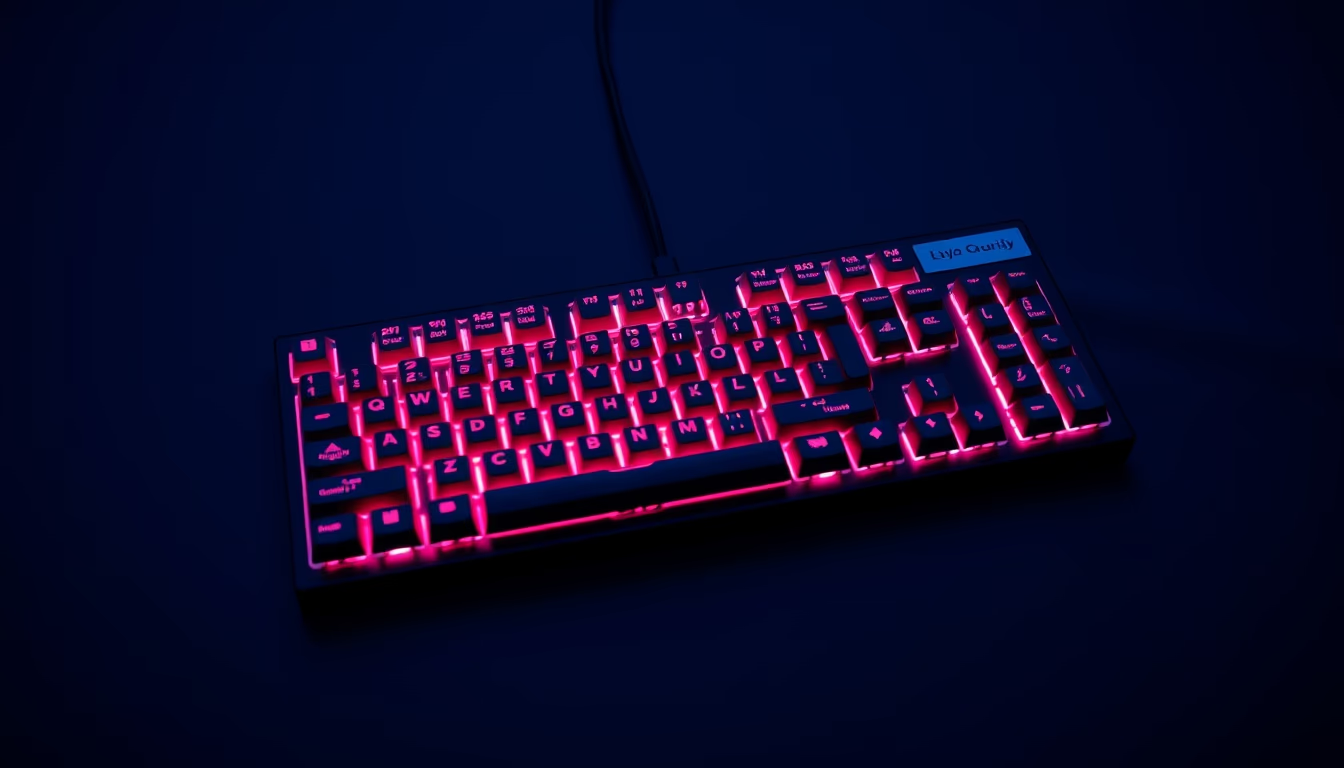
Mechanical keyboard rgb
1344×768 · AVIF · CC BY 4.0
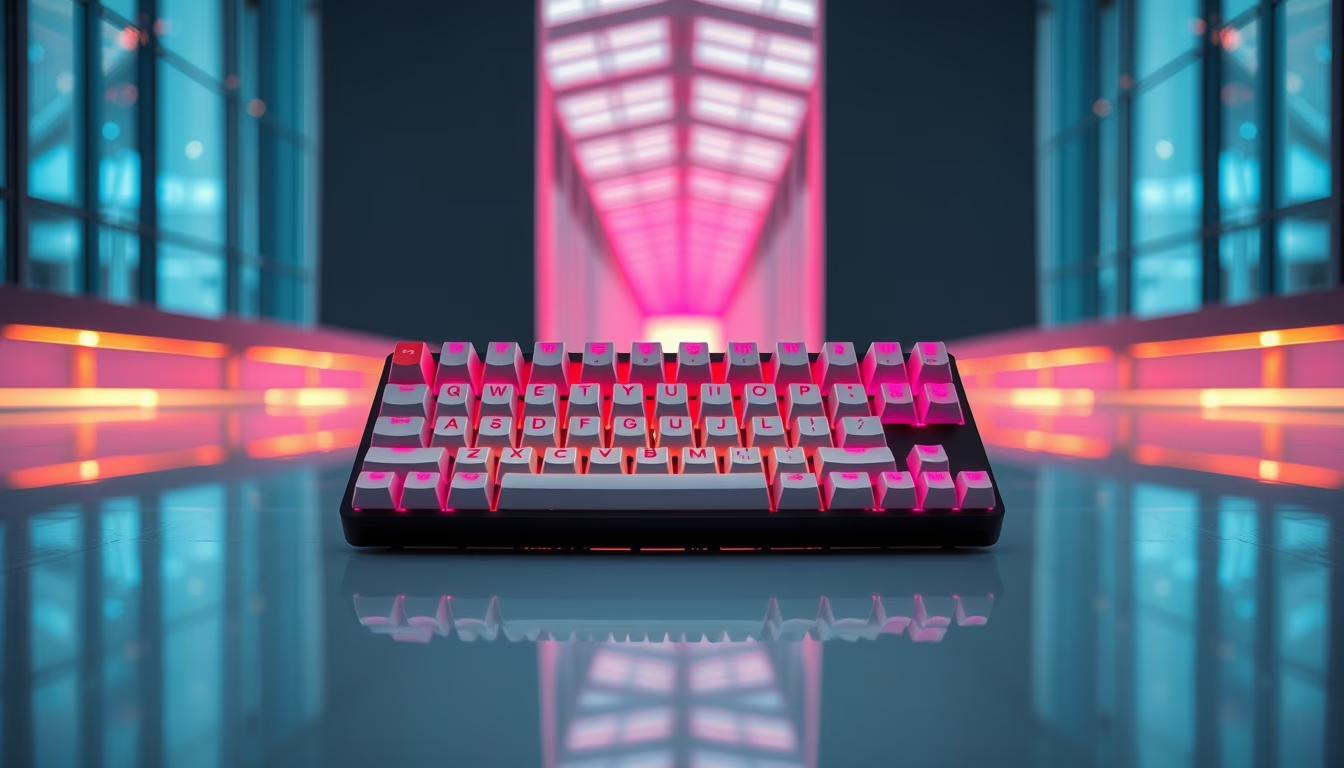
Mechanical keyboards with RGB lighting combine precise switches with customizable illumination, essential for gamers and professionals seeking performance and style.
About this subject
Mechanical keyboards with RGB lighting have secured a definitive place in the peripherals market, thanks to their durability, tactile response, and visual customization. Unlike membrane keyboards, each key has an individual switch, usually manufactured by companies such as Cherry, Gateron, or Kailh, which determines the feel when pressed. The most common switch types are linear (smooth and continuous), tactile (with a slight bump at actuation), and clicky (with an audible click). RGB lighting, which can be per-key addressable, allows dynamic effects, color waves, or static combinations synchronized with games and applications.
The popularity of these keyboards has exploded not only among gamers but also in offices and workplaces. Many tech professionals, programmers, and writers prefer mechanical keyboards for their precision and comfort during long typing sessions. The ability to swap keycaps, lubricate switches, and modify the structure (such as adding dampers or foam) has turned the hobby into a culture called "custom mechanical keyboards," with dedicated forums, sales groups, and global meetups. Brands like Corsair, Razer, Logitech, and Ducky dominate the market, but handmade and small-company options are also gaining ground.
RGB lighting is not just aesthetic: many implementations allow color profiles that indicate key shortcuts, notifications, or even battery levels. In games, illuminated keys can highlight important commands or react to in-game events. The 2026 trend points to keyboards with greater integration with artificial intelligence, automatically adjusting lighting according to user activity. Additionally, sustainability has influenced production: some manufacturers use recycled plastics and switches with lower energy consumption, without sacrificing performance.
Frequently Asked Questions
What is the difference between linear, tactile, and clicky switches?
Linear switches have a smooth, continuous press, ideal for games requiring rapid keystrokes. Tactile ones offer a slight bump in the middle, providing feedback without sound. Clicky produce an audible click and tactile feel, common for typing.
Can I replace the keycaps on a mechanical RGB keyboard?
Yes, most mechanical keyboards use removable keycaps with a standard cross-shaped stem (plus sign). Custom keycaps made of PBT or ABS can be purchased to change appearance and texture.
How can RGB lighting be useful beyond aesthetics?
It can indicate key shortcuts, battery levels, system notifications, or game profiles. On programmable keyboards, you can create color zones that correspond to frequent macros or commands.
Direct URL
https://pub-c7d6a6ea828543ac903a74a341ccb2e1.r2.dev/imagens/mechanical-keyboard-rgb-architectural-photography-p0.avifHow to credit
Include a visible link back to UtilizAí. Copy one of the snippets below:
<a href="https://xn--utiliza-eza.com/en/midia/imagens/mechanical-keyboard-rgb-architectural-photography-p0">Mechanical keyboard rgb</a> by <a href="https://xn--utiliza-eza.com">UtilizAí</a>, licensed under <a href="https://creativecommons.org/licenses/by/4.0/">CC BY 4.0</a>.
[Mechanical keyboard rgb](https://xn--utiliza-eza.com/en/midia/imagens/mechanical-keyboard-rgb-architectural-photography-p0) by [UtilizAí](https://xn--utiliza-eza.com), CC BY 4.0
License: CC-BY-4.0