Mechanical keyboard rgb
1344×768 · AVIF · CC BY 4.0
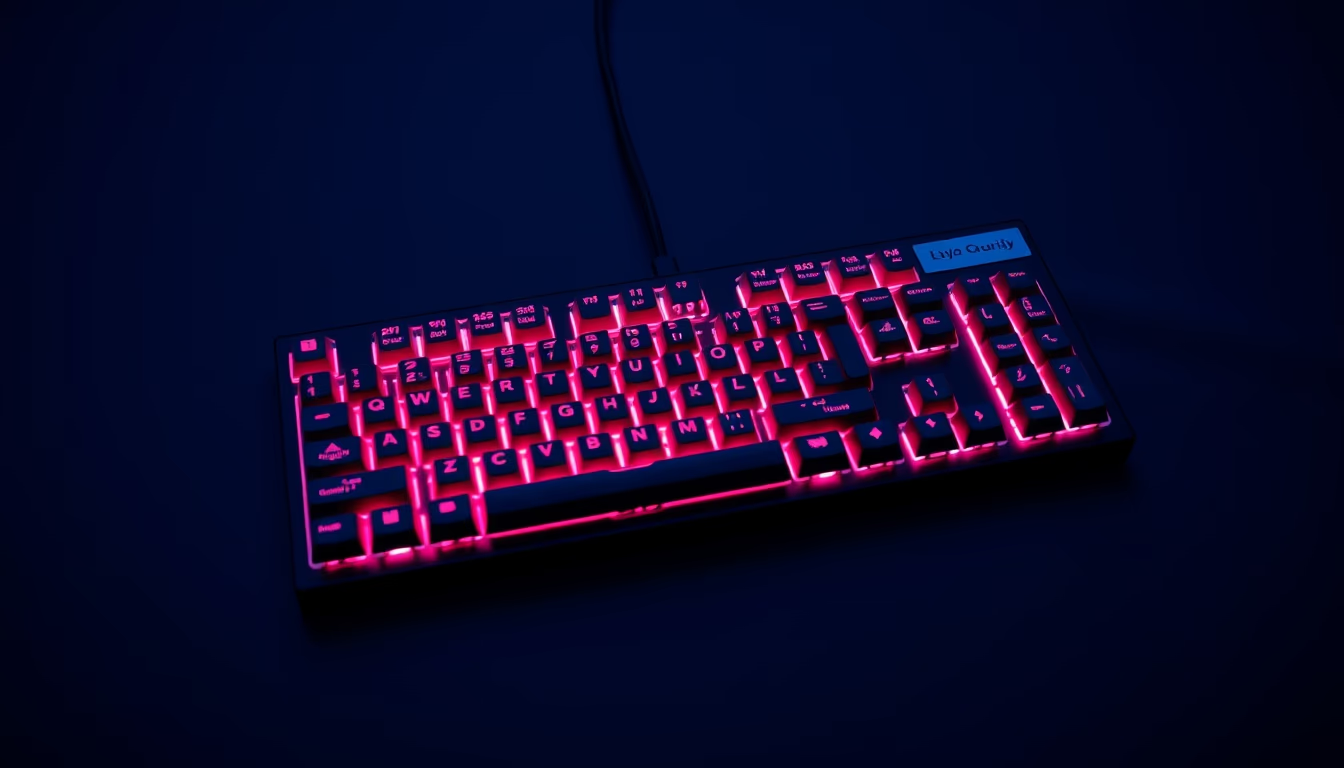
Mechanical RGB keyboards combine individual switches with programmable lighting, offering aesthetic and functional customization for gamers and professionals.
About this subject
Mechanical RGB keyboards are input devices that use individual mechanical switches for each key, unlike membrane keyboards. Each switch contains a spring and metal contacts, providing distinct tactile and auditory feedback. Brands like Cherry MX, Gateron, and Kailh produce varieties such as linear, tactile, and clicky, each suited to different typing or gaming preferences. RGB (Red, Green, Blue) lighting allows each key to display up to 16.8 million colors, controlled via software for effects like wave, ripple, or static patterns.
The popularity of mechanical RGB keyboards exploded within the gaming community, but they are now widely used by programmers, writers, and office professionals who value tactile feedback and durability. Trade shows like CES often feature launches from brands such as Corsair, Razer, and Logitech, competing on features like 1000 Hz polling rates, full N-key rollover (NKRO), and brushed aluminum construction. Customization goes beyond colors: lighting profiles can be saved per application, macros programmed, and keycaps swapped for materials like PBT or ABS.
Technical curiosities include an average lifespan of 50 to 100 million presses per switch, far superior to the 5 million of membrane keyboards. Periodic lubrication of switches can reduce noise and smooth movement. Some models offer wireless connectivity with batteries lasting up to 40 hours with RGB active, though lighting significantly drains battery. The global market ranges from $30 (basic models) to $300+ (high-end), with increasing availability in online and physical stores.
Frequently Asked Questions
What is the advantage of a mechanical RGB keyboard over a regular keyboard?
The main advantage is the tactile and auditory feedback of each key, plus superior durability (50 million presses vs. 5 million). RGB lighting allows aesthetic and functional customization, such as highlighting shortcut keys in games.
Are all mechanical switches the same?
No. There are linear switches (smooth, no tactile feedback), tactile switches (a slight bump when pressed), and clicky switches (with an audible click). Each type caters to different preferences: linear for action games, tactile for typing, clicky for those who enjoy sound.
Does RGB lighting drain battery on wireless keyboards?
Yes, active RGB lighting can reduce battery life by 50% or more. Many wireless keyboards offer power-saving modes or allow turning off RGB to extend usage between charges.
Direct URL
https://pub-c7d6a6ea828543ac903a74a341ccb2e1.r2.dev/imagens/mechanical-keyboard-rgb-aerial-drone-shot-p6.avifHow to credit
Include a visible link back to UtilizAí. Copy one of the snippets below:
<a href="https://xn--utiliza-eza.com/en/midia/imagens/mechanical-keyboard-rgb-aerial-drone-shot-p6">Mechanical keyboard rgb</a> by <a href="https://xn--utiliza-eza.com">UtilizAí</a>, licensed under <a href="https://creativecommons.org/licenses/by/4.0/">CC BY 4.0</a>.
[Mechanical keyboard rgb](https://xn--utiliza-eza.com/en/midia/imagens/mechanical-keyboard-rgb-aerial-drone-shot-p6) by [UtilizAí](https://xn--utiliza-eza.com), CC BY 4.0
License: CC-BY-4.0