Liquid cooling loop
1344×768 · AVIF · CC BY 4.0
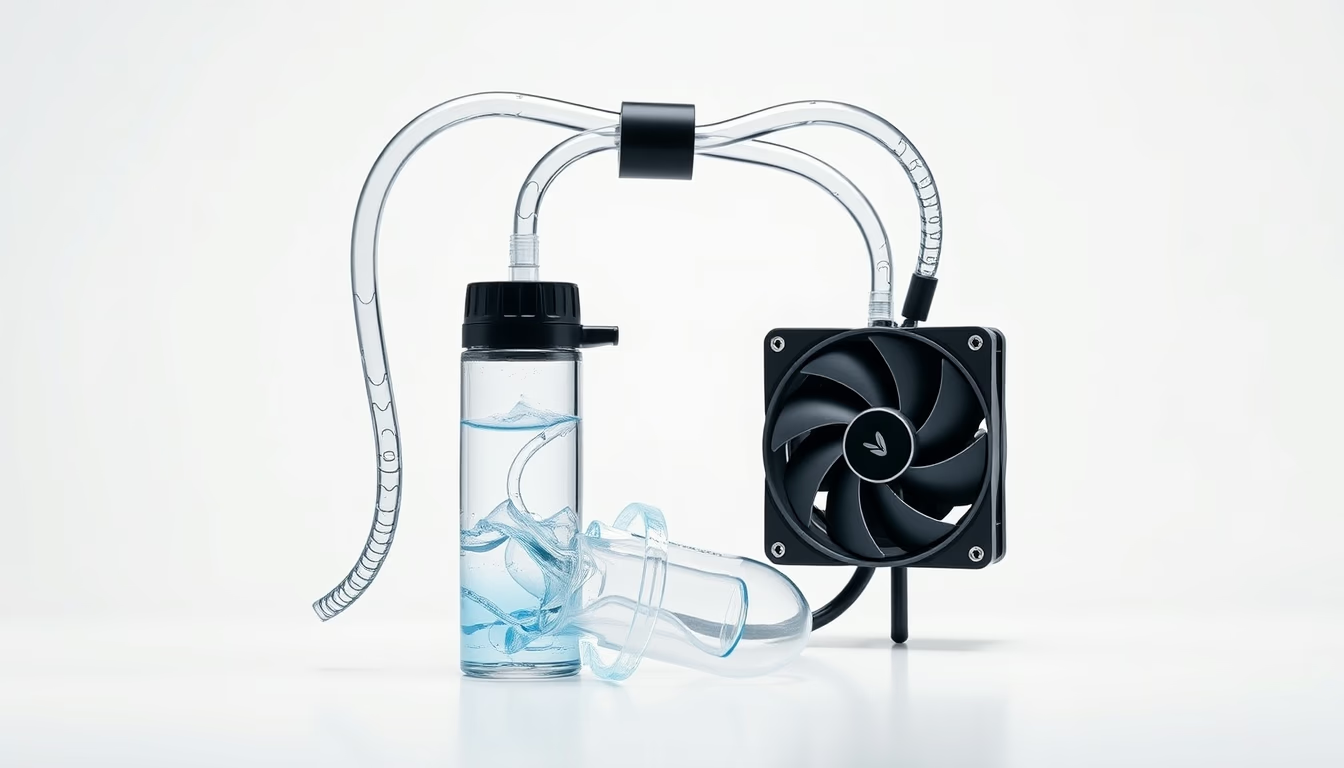
Liquid cooling loops are advanced thermal dissipation systems for computers, composed of pumps, radiators, and water blocks, ideal for overclocking and noise reduction.
About this subject
Liquid cooling loops, commonly called water cooling, replace traditional air coolers in high-performance computers. The system works by circulating a coolant fluid (typically distilled water with additives) through water blocks attached to components like the CPU and GPU. Heat is transferred to the liquid, which then passes through a radiator with fans, where heat is dissipated into the air. A pump maintains continuous flow, and a reservoir helps remove air bubbles.
The main advantage is efficient heat removal. While top-tier air coolers handle 250-300 W of thermal dissipation, custom liquid loops can exceed 500 W, making them essential for extreme overclocking of processors and graphics cards. Additionally, because the radiator can be placed away from critical components, fans can run at lower speeds, resulting in reduced noise compared to high-performance air coolers.
Building a loop requires careful planning: rigid tubes (acrylic or PETG) or flexible ones, fittings, and radiator support inside the case. Periodic maintenance is necessary to prevent biological growth (algae) or corrosion, using fluids with inhibitors or replacing the coolant every one or two years. Brands like EKWB, Corsair, and Thermaltake offer complete kits for beginners.
Historically, liquid cooling was limited to enthusiasts and servers but gained popularity with the growth of the PC gaming market. All-in-one (AIO) systems simplify installation by offering pre-assembled sealed loops, though performance is lower than custom loops. Current trends include RGB integration and modular components, blending aesthetics with functionality.
Frequently Asked Questions
What is the difference between an AIO and a custom loop?
AIO (All-in-One) systems are pre-assembled and sealed, easier to install with minimal maintenance, but have limited thermal performance compared to custom loops, which allow choosing larger radiators, GPU blocks, and specialty coolants.
Is liquid cooling safe for computers?
Yes, when properly installed. Leaks are rare with quality components and careful assembly. Kits from reputable brands undergo rigorous testing. It is still advisable to use non-conductive fluids and periodically check connections.
How long does a liquid cooling loop last?
Lifespan depends on maintenance. Quality pumps can last 5 years or more, but coolant should be replaced every 1-2 years to prevent contamination. Tubes and seals may dry out over time and need replacement as needed.
Direct URL
https://pub-c7d6a6ea828543ac903a74a341ccb2e1.r2.dev/imagens/liquid-cooling-loop-commercial-product-photography-p11.avifHow to credit
Include a visible link back to UtilizAí. Copy one of the snippets below:
<a href="https://xn--utiliza-eza.com/en/midia/imagens/liquid-cooling-loop-commercial-product-photography-p11">Liquid cooling loop</a> by <a href="https://xn--utiliza-eza.com">UtilizAí</a>, licensed under <a href="https://creativecommons.org/licenses/by/4.0/">CC BY 4.0</a>.
[Liquid cooling loop](https://xn--utiliza-eza.com/en/midia/imagens/liquid-cooling-loop-commercial-product-photography-p11) by [UtilizAí](https://xn--utiliza-eza.com), CC BY 4.0
License: CC-BY-4.0





