Crypto exchange UI on smartphone showing trading pair
1344×768 · AVIF · CC BY 4.0
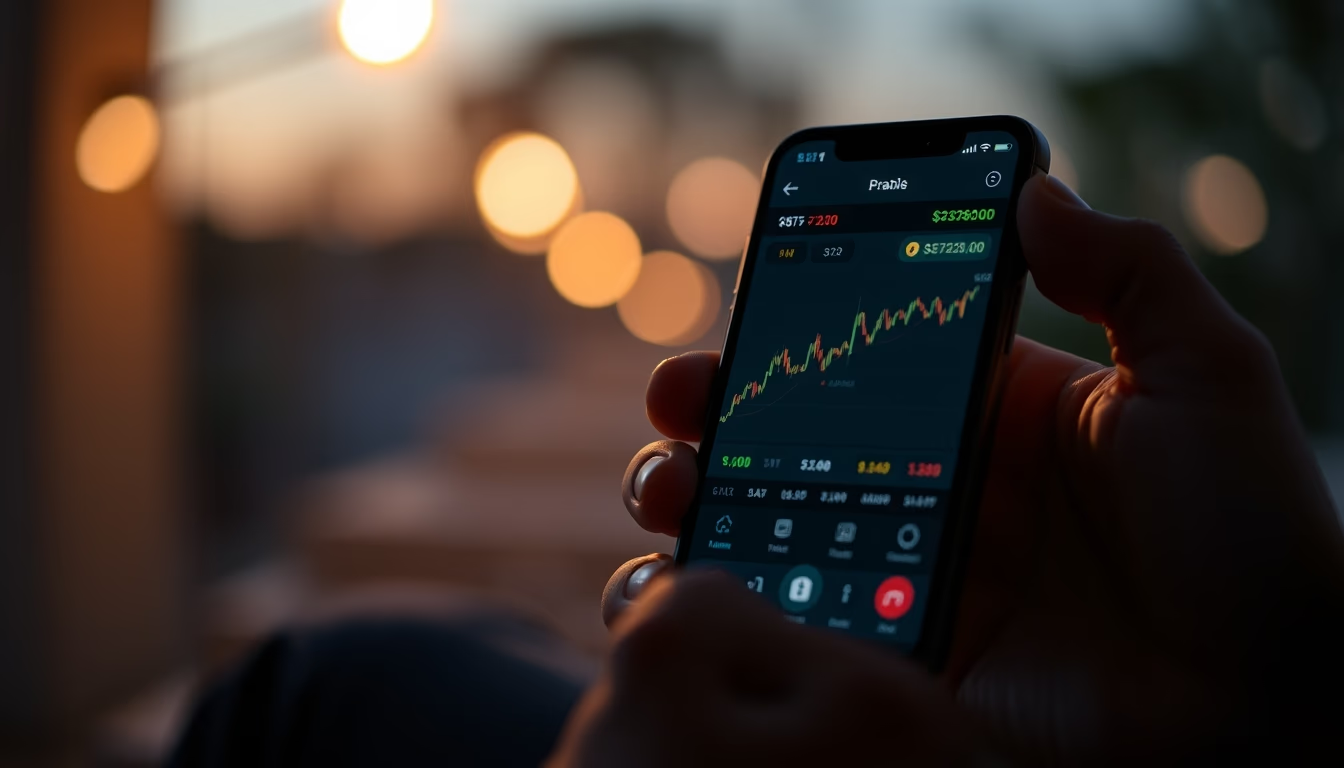
Cryptocurrency exchange interface on a smartphone displays BTC/USDT trading pair with real-time candlestick chart.
About this subject
The cryptocurrency exchange interface on a smartphone displays the BTC/USDT trading pair, one of the most liquid in the market. Candlestick charts show price variation in 1-hour intervals, with green candles indicating uptrends and red candles indicating downtrends. The order book displays buy and sell orders, highlighting the spread between the best bid and ask. Indicators such as volume and market depth help traders identify trends. The dark mode screen reduces eye strain during extended analysis. Exchanges like Binance, Kraken, and Mercado Bitcoin offer similar features optimized for mobile devices. Brazil has over 4 million cryptocurrency investors, according to the Federal Revenue Service, and smartphone trading grew 300% between 2020 and 2023. Transaction security relies on two-factor authentication and cold wallets. The BTC/USDT pair is often used as a benchmark for altcoin pricing and for arbitrage between exchanges.
Frequently Asked Questions
What does BTC/USDT mean on an exchange?
BTC/USDT is a trading pair that represents the price of Bitcoin relative to Tether (USDT), a stablecoin pegged to the US dollar. It is the most traded pair on global exchanges.
How to interpret a candlestick chart in trading?
Each candlestick shows the opening, closing, high, and low prices over a period. Green candles indicate that the close was higher than the open (uptrend), while red candles indicate the opposite (downtrend).
Is it safe to trade cryptocurrencies on a smartphone?
Yes, provided the exchange is reputable and the user enables security measures such as two-factor authentication, strong passwords, and cold wallets for long-term storage.
Direct URL
https://pub-c7d6a6ea828543ac903a74a341ccb2e1.r2.dev/imagens/crypto-exchange-ui-on-smartphone-showing-trading-pair-closeup-twilight-2.avifHow to credit
Include a visible link back to UtilizAí. Copy one of the snippets below:
<a href="https://xn--utiliza-eza.com/en/midia/imagens/crypto-exchange-ui-on-smartphone-showing-trading-pair-closeup-twilight-2">Crypto exchange UI on smartphone showing trading pair</a> by <a href="https://xn--utiliza-eza.com">UtilizAí</a>, licensed under <a href="https://creativecommons.org/licenses/by/4.0/">CC BY 4.0</a>.
[Crypto exchange UI on smartphone showing trading pair](https://xn--utiliza-eza.com/en/midia/imagens/crypto-exchange-ui-on-smartphone-showing-trading-pair-closeup-twilight-2) by [UtilizAí](https://xn--utiliza-eza.com), CC BY 4.0
License: CC-BY-4.0