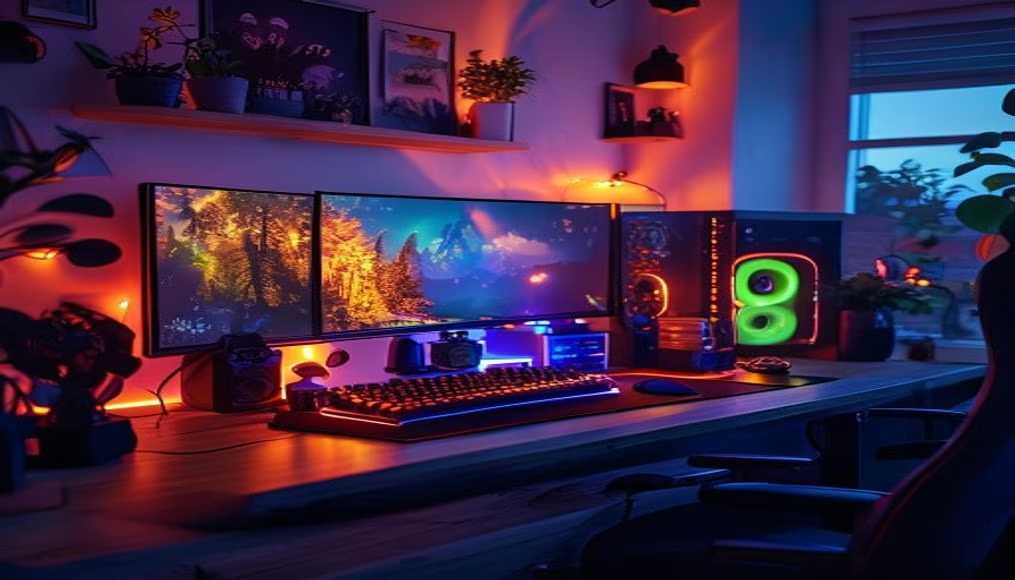
Setup gamer with rgb lights
1344×768 · AVIF · CC BY 4.0
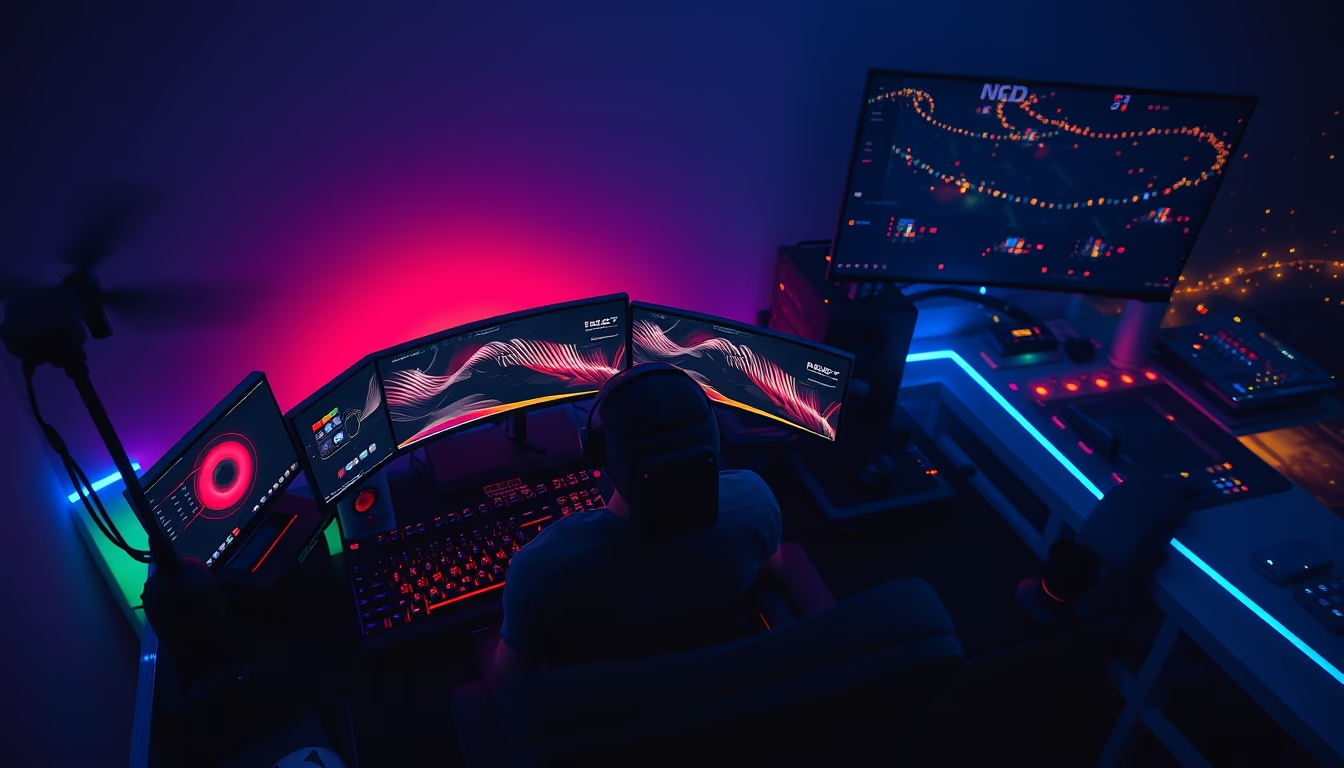
Setup gamer com iluminação RGB é a configuração de computadores e periféricos voltada para jogos, destacando-se pela personalização visual e desempenho.
Sobre o tema
Um setup gamer com iluminação RGB é mais do que uma estação de trabalho: é um ambiente imersivo que combina hardware potente com estética personalizada. A sigla RGB refere-se aos LEDs que emitem luz nas cores vermelho, verde e azul, permitindo milhões de combinações cromáticas. Essa tendência surgiu no início dos anos 2000 com periféricos da Razer e Logitech, mas se popularizou com a padronização de softwares como o ASUS Aura Sync e Corsair iCUE, que sincronizam a iluminação entre teclados, mouses, headsets, gabinetes e placas-mãe.
O coração do setup é o computador, geralmente equipado com processadores Intel Core i7/i9 ou AMD Ryzen 7/9, placas de vídeo NVIDIA GeForce RTX ou AMD Radeon RX, e memória RAM de alta frequência (32 GB ou mais). Monitores com taxas de atualização de 144 Hz a 360 Hz são comuns, assim como cadeiras ergonômicas e mesas ajustáveis. A iluminação RGB não é apenas decorativa: muitos jogos, como "Overwatch" e "Fortnite", integram APIs que fazem as luzes reagirem a eventos do jogo, como dano recebido ou kills.
Culturalmente, o setup gamer tornou-se um símbolo de identidade nas comunidades de jogos, com influenciadores e atletas de esports exibindo suas configurações em redes sociais. A personalização vai além das cores: inclui cabos sleeved, water coolers com displays LCD e suportes para headsets com iluminação. Em 2023, o mercado global de periféricos gamer movimentou mais de US$ 10 bilhões, com o Brasil representando uma fatia crescente, impulsionado por eventos como a Brasil Game Show e o crescimento dos esports.
Uma curiosidade técnica: o efeito "rainbow" padrão é muitas vezes criticado por puristas, que preferem esquemas monocromáticos ou gradientes sutis. Além disso, a iluminação RGB pode consumir até 15 watts extras em um sistema completo, mas gabinetes com vidro temperado e fans RGB continuam sendo os mais vendidos. Para quem busca performance e estilo, investir em um setup com iluminação RGB é uma forma de unir funcionalidade e expressão pessoal.
Perguntas frequentes
O que é necessário para montar um setup gamer com RGB?
É preciso um computador com placa-mãe compatível com RGB (como ASUS Aura ou MSI Mystic Light), periféricos (teclado, mouse, headset) com iluminação endereçável, e um software de controle (Corsair iCUE, Logitech G Hub) para sincronizar as cores.
A iluminação RGB afeta o desempenho do PC?
Não afeta o desempenho de jogos ou processamento, mas consome energia adicional (cerca de 10 a 15 watts no total). O impacto na temperatura é mínimo, pois LEDs geram pouco calor.
Qual a diferença entre RGB endereçável e não endereçável?
RGB endereçável (aRGB) permite controlar cada LED individualmente, criando efeitos como ondas e gradientes. RGB não endereçável controla todas as luzes de uma vez, com cores uniformes.
URL direta
https://pub-c7d6a6ea828543ac903a74a341ccb2e1.r2.dev/imagens/gaming-setup-with-rgb-lights-aerial-drone-shot.avifComo creditar
Inclua um link visível de volta pro UtilizAí. Copie um dos snippets abaixo:
<a href="https://xn--utiliza-eza.com/midia/imagens/gaming-setup-with-rgb-lights-aerial-drone-shot">Setup gamer with rgb lights</a> by <a href="https://xn--utiliza-eza.com">UtilizAí</a>, licensed under <a href="https://creativecommons.org/licenses/by/4.0/">CC BY 4.0</a>.
[Setup gamer with rgb lights](https://xn--utiliza-eza.com/midia/imagens/gaming-setup-with-rgb-lights-aerial-drone-shot) by [UtilizAí](https://xn--utiliza-eza.com), CC BY 4.0
Licença: CC-BY-4.0