Usb-c connector macro
1344×768 · AVIF · CC BY 4.0
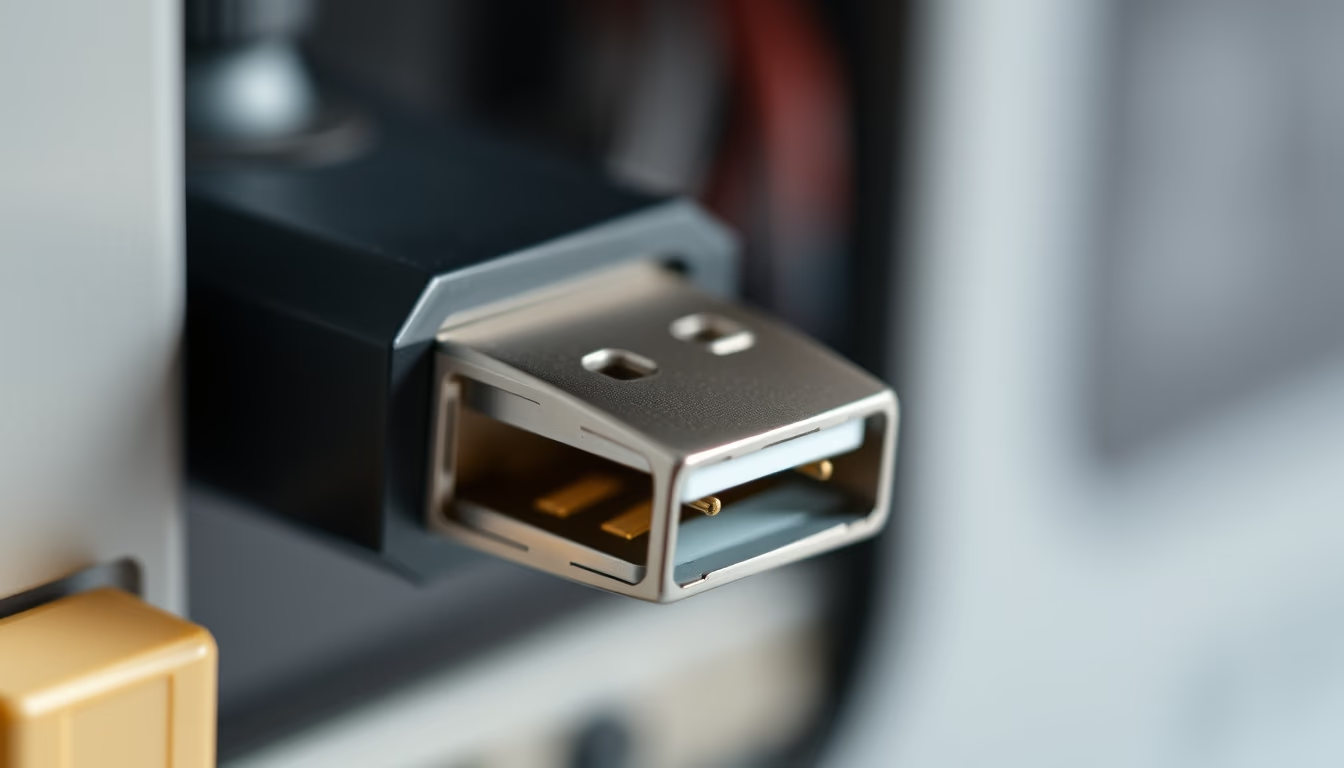
O conector USB-C é um padrão reversível de 24 pinos que unifica carregamento, transferência de dados e vídeo em um único cabo, adotado globalmente desde 2014.
Sobre o tema
Desenvolvido pelo USB Implementers Forum (USB-IF), o conector USB-C foi lançado em 2014 como uma evolução dos padrões anteriores, como USB-A e micro-USB. Sua principal inovação foi o design simétrico e reversível, que elimina a frustração de tentar conectar o cabo no sentido correto. Além disso, o USB-C suporta uma ampla gama de protocolos: USB 3.1, 3.2 e USB4 para transferência de dados, Thunderbolt 3 e 4 para alta velocidade, e Power Delivery (USB PD) para carregamento de até 240 watts. Isso permite que um único cabo substitua múltiplos fios, de carregadores de laptop a cabos HDMI.
A adoção do USB-C cresceu rapidamente. Hoje, é encontrado em smartphones modernos (como iPhones a partir do 15), laptops (MacBooks, Chromebooks, muitos Windows), tablets, monitores, consoles de videogame (Nintendo Switch, Steam Deck) e até em fones de ouvido. A União Europeia tornou o USB-C obrigatório para carregamento de dispositivos eletrônicos de pequeno e médio porte a partir de 2024, uma medida que visa reduzir o lixo eletrônico e simplificar a vida dos consumidores. Em comparação com conectores antigos, o USB-C é mais fino e robusto, com vida útil estimada em 10.000 ciclos de inserção.
Tecnicamente, o conector possui 24 pinos dispostos simetricamente, o que permite a reversibilidade. As taxas de transferência variam: USB 3.1 Gen 1 atinge 5 Gbps, Gen 2 chega a 10 Gbps, USB 3.2 Gen 2x2 alcança 20 Gbps, e USB4 ou Thunderbolt 4 entregam até 40 Gbps. O Power Delivery 3.1 eleva a capacidade de carregamento para 240W, suficiente para laptops gamers e estações de trabalho. Um chip E-marker (electrically marked) no cabo informa ao dispositivo a capacidade máxima de corrente e dados, garantindo segurança. Contudo, a proliferação de cabos de baixa qualidade pode causar problemas de desempenho e até danos. A norma exige que cabos certificados passem por testes rigorosos.
O futuro do USB-C inclui o USB4 2.0, que dobra a largura de banda para 80 Gbps, e cabos ópticos que podem estender distâncias para além de 2 metros. Sua versatilidade está impulsionando a adoção em setores como automotivo (carregamento de veículos elétricos) e industrial (sensores e atuadores). A tendência é que dispositivos eletrônicos eliminem gradualmente portas dedicadas, como HDMI e DisplayPort, em favor do USB-C, consolidando-o como o conector universal definitivo.
Perguntas frequentes
USB-C é compatível com versões anteriores de USB?
Sim, USB-C pode ser usado com adaptadores para USB-A, micro-USB ou outros. No entanto, a velocidade e a potência ficam limitadas ao padrão mais antigo do adaptador e do dispositivo.
Qual a diferença entre USB-C e Thunderbolt?
Thunderbolt 3 e 4 usam o mesmo conector físico USB-C, mas oferecem maior largura de banda (até 40 Gbps), suporte a múltiplos monitores e recursos como encadeamento de dispositivos (daisy-chain). Nem todo cabo USB-C suporta Thunderbolt.
Como identificar um cabo USB-C de qualidade?
Procure cabos certificados pelo USB-IF e que especifiquem suporte a USB PD e taxas de dados desejadas. Cabos para carregamento rápido (acima de 60W) devem conter chip E-marker. Evite cabos muito baratos sem especificações claras.
URL direta
https://pub-c7d6a6ea828543ac903a74a341ccb2e1.r2.dev/imagens/usb-c-connector-macro-national-geographic-style-p8.avifComo creditar
Inclua um link visível de volta pro UtilizAí. Copie um dos snippets abaixo:
<a href="https://xn--utiliza-eza.com/midia/imagens/usb-c-connector-macro-national-geographic-style-p8">Usb-c connector macro</a> by <a href="https://xn--utiliza-eza.com">UtilizAí</a>, licensed under <a href="https://creativecommons.org/licenses/by/4.0/">CC BY 4.0</a>.
[Usb-c connector macro](https://xn--utiliza-eza.com/midia/imagens/usb-c-connector-macro-national-geographic-style-p8) by [UtilizAí](https://xn--utiliza-eza.com), CC BY 4.0
Licença: CC-BY-4.0





