Pc fan rgb glowing
1344×768 · AVIF · CC BY 4.0
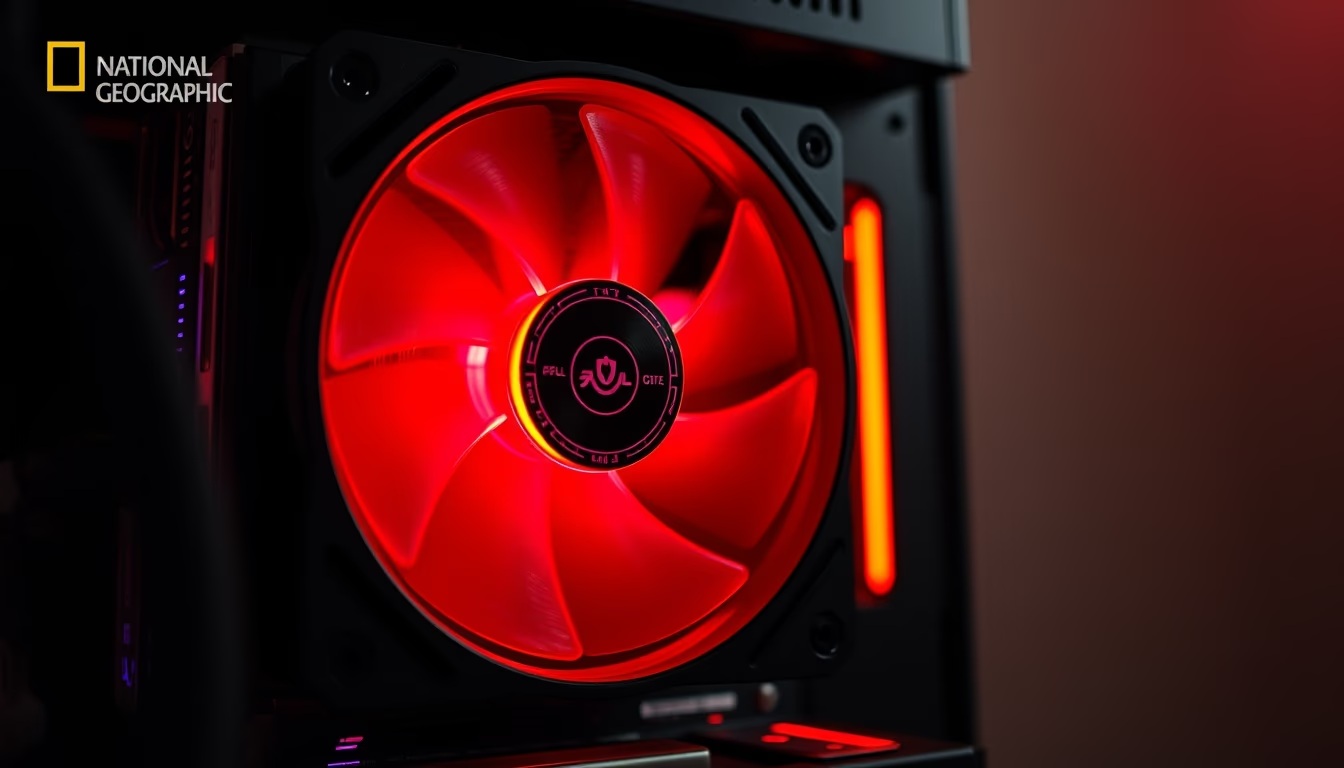
Ventoinhas RGB transformaram o resfriamento de computadores, combinando eficiência térmica com estética personalizável em setups gamers e workstations.
Sobre o tema
As ventoinhas são componentes essenciais para dissipar o calor gerado por processadores e placas de vídeo, garantindo desempenho e longevidade do hardware. Originalmente simples e sem iluminação, evoluíram para incluir LEDs RGB que permitem personalização visual. Cada ventoinha contém LEDs endereçáveis, controlados por softwares como ASUS Aura, MSI Mystic Light ou Corsair iCUE, possibilitando milhões de cores e efeitos como respiração, arco-íris ou sincronização com música.
A adoção de RGB no resfriamento reflete a cultura gamer e o modding de PCs, onde a estética é tão valorizada quanto a performance. Cases com laterais de vidro temperado exibem ventoinhas iluminadas, criando identidade visual única. Em competições de design e exposições, setups elaborados destacam-se pelo uso criativo da iluminação. Funcionalmente, algumas ventoinhas RGB mudam de cor conforme a temperatura do sistema, servindo como alerta visual.
No mercado, tamanhos comuns são 120mm e 140mm, com variantes de 200mm para gabinetes maiores. Marcas como Noctua focam em eficiência silenciosa sem RGB, enquanto Corsair, Cooler Master e Lian Li oferecem modelos com alta pressão estática para radiadores. O fluxo de ar e o nível de ruído variam conforme o design das pás e a rotação. A instalação utiliza conectores de 4 pinos PWM para controle de velocidade e cabeçalhos RGB de 3 ou 4 pinos para iluminação.
Curiosamente, o RGB não afeta diretamente a capacidade de refrigeração, mas incentiva a manutenção de sistemas limpos e bem ventilados. A tendência atual inclui ventoinhas com iluminação ARGB (endereçável) que permite efeitos individuais por LED. Para entusiastas, o controle por hubs ou placas-mãe dedicadas simplifica a configuração. Assim, as ventoinhas RGB unem função e forma, tornando-se peça-chave na personalização de computadores modernos.
Perguntas frequentes
O que é uma ventoinha RGB?
É uma ventoinha de computador equipada com LEDs RGB que permitem personalizar as cores e efeitos de iluminação, geralmente sincronizáveis com outros componentes via software.
Como controlar as cores das ventoinhas RGB?
Através de softwares como ASUS Aura, MSI Mystic Light, Corsair iCUE ou controladoras físicas. A maioria usa conectores de 3 ou 4 pinos RGB na placa-mãe.
Ventoinhas RGB melhoram o desempenho térmico?
Não diretamente. O desempenho térmico depende do design das pás e da rotação. O RGB é puramente estético, mas pode ajudar a monitorar temperaturas visualmente.
URL direta
https://pub-c7d6a6ea828543ac903a74a341ccb2e1.r2.dev/imagens/pc-fan-rgb-glowing-national-geographic-style-p11.avifComo creditar
Inclua um link visível de volta pro UtilizAí. Copie um dos snippets abaixo:
<a href="https://xn--utiliza-eza.com/midia/imagens/pc-fan-rgb-glowing-national-geographic-style-p11">Pc fan rgb glowing</a> by <a href="https://xn--utiliza-eza.com">UtilizAí</a>, licensed under <a href="https://creativecommons.org/licenses/by/4.0/">CC BY 4.0</a>.
[Pc fan rgb glowing](https://xn--utiliza-eza.com/midia/imagens/pc-fan-rgb-glowing-national-geographic-style-p11) by [UtilizAí](https://xn--utiliza-eza.com), CC BY 4.0
Licença: CC-BY-4.0





