Two factor authentication phone
1344×768 · AVIF · CC BY 4.0
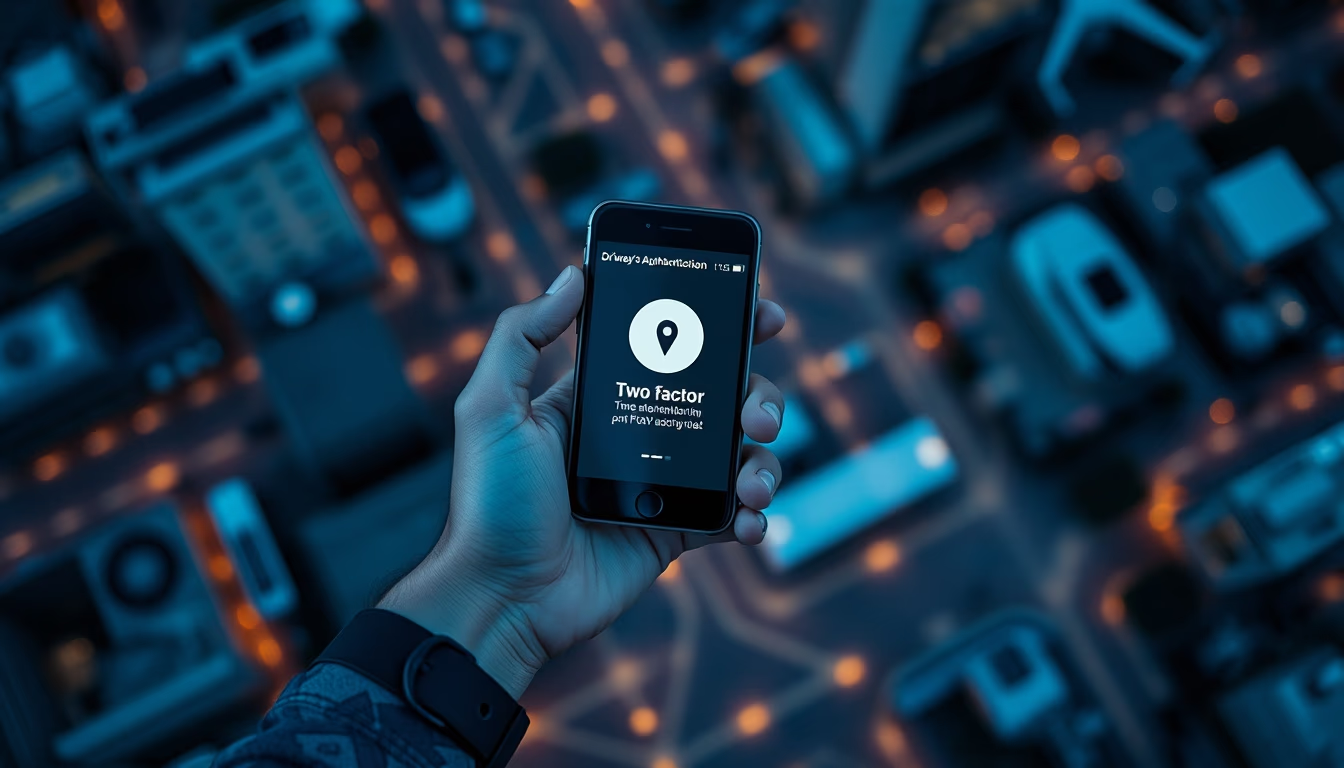
A autenticação em duas etapas (2FA) adiciona uma camada extra de segurança a contas online, exigindo um código temporário além da senha.
Sobre o tema
A autenticação em duas etapas, ou 2FA, é um mecanismo de segurança que exige duas formas distintas de verificação para acessar um serviço online. Geralmente, combina algo que você sabe (senha) com algo que você possui (como um smartphone para receber códigos via SMS ou gerar tokens em aplicativos autenticadores). Essa prática reduz drasticamente o risco de invasões, pois mesmo que a senha seja comprometida, o atacante precisaria do segundo fator para concluir o login.
Existem diferentes tipos de 2FA: o mais comum é o código enviado por SMS, mas também há aplicativos como Google Authenticator e Authy, que geram códigos de seis dígitos que expiram a cada 30 segundos. Chaves físicas de segurança, como YubiKey, são consideradas mais seguras por não dependerem da rede de telefonia. Segundo dados da Microsoft, a 2FA pode bloquear 99,9% dos ataques automatizados a contas, tornando-a uma das medidas mais eficazes contra phishing e roubo de credenciais.
A adoção da 2FA cresceu significativamente com a popularização dos serviços financeiros e de nuvem. Bancos brasileiros como Nubank e Itaú oferecem autenticação por biometria e tokens no próprio aplicativo. Redes sociais e e-mails, como Google e Facebook, também disponibilizam a opção. Apesar dos benefícios, especialistas alertam que códigos por SMS podem ser interceptados via troca de SIM (SIM swap), recomendando o uso de aplicativos autenticadores ou chaves físicas para maior proteção.
Perguntas frequentes
Como funciona a autenticação em duas etapas?
Ao fazer login, após digitar a senha, o sistema envia um código temporário para o seu celular ou aplicativo autenticador. Você insere esse código para confirmar a identidade. O código geralmente expira em 30 segundos ou após um único uso.
A autenticação por SMS é segura?
Não é a opção mais segura, pois códigos SMS podem ser interceptados por meio de ataques de troca de SIM (SIM swap). Aplicativos autenticadores ou chaves físicas são recomendados como alternativas mais robustas.
Quais são os melhores aplicativos para 2FA?
Google Authenticator, Authy e Microsoft Authenticator estão entre os mais populares. Authy oferece backup em nuvem e suporte a múltiplos dispositivos. Para maior segurança, chaves físicas como YubiKey são indicadas.
URL direta
https://pub-c7d6a6ea828543ac903a74a341ccb2e1.r2.dev/imagens/two-factor-authentication-phone-aerial-drone-shot-p1.avifComo creditar
Inclua um link visível de volta pro UtilizAí. Copie um dos snippets abaixo:
<a href="https://xn--utiliza-eza.com/midia/imagens/two-factor-authentication-phone-aerial-drone-shot-p1">Two factor authentication phone</a> by <a href="https://xn--utiliza-eza.com">UtilizAí</a>, licensed under <a href="https://creativecommons.org/licenses/by/4.0/">CC BY 4.0</a>.
[Two factor authentication phone](https://xn--utiliza-eza.com/midia/imagens/two-factor-authentication-phone-aerial-drone-shot-p1) by [UtilizAí](https://xn--utiliza-eza.com), CC BY 4.0
Licença: CC-BY-4.0