Mousepad with mouse macro
1344×768 · AVIF · CC BY 4.0
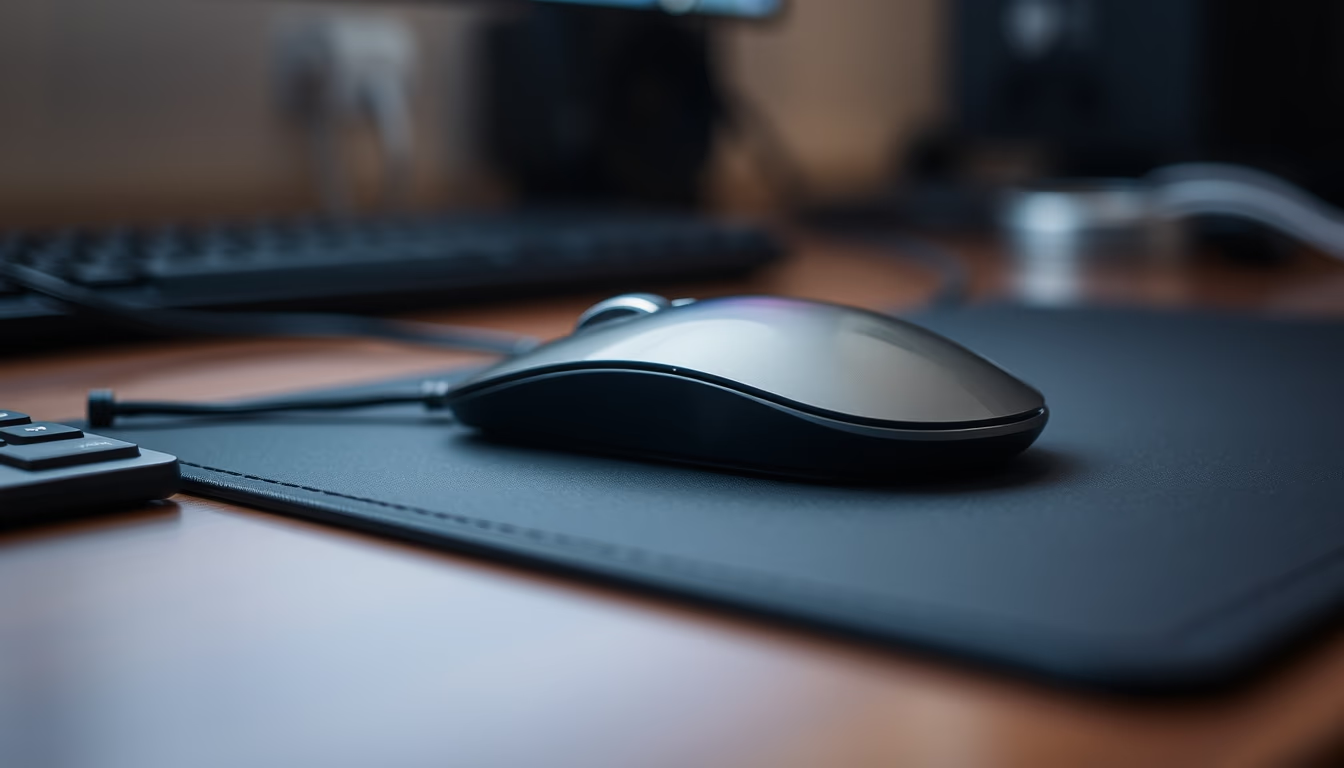
Close-up macro de um mousepad com mouse, destacando a textura do tecido e os detalhes do dispositivo de entrada.
Sobre o tema
Mousepads são superfícies projetadas para melhorar a precisão e o conforto ao usar um mouse de computador. Tradicionalmente feitos de tecido, borracha ou plástico, eles oferecem diferentes níveis de atrito e aderência. Modelos de tecido, como o da imagem, são populares por sua superfície macia que permite movimentos suaves, enquanto versões de plástico duro favorecem maior velocidade. A espessura varia de 2 a 5 mm, e muitos possuem base de borracha antiderrapante.
O mouse, por sua vez, evoluiu de dispositivos mecânicos de esfera para sensores ópticos e lasers de alta precisão. Mouses modernos contam com múltiplos botões programáveis, DPI ajustável (até 20.000 ou mais) e iluminação RGB. A ergonomia é crucial: designs ambidestros ou para destros, com suporte para a palma da mão, reduzem a fadiga em longas sessões. A combinação de um bom mousepad com um mouse adequado pode aumentar significativamente a produtividade e a performance em jogos.
No contexto brasileiro, o mercado de periféricos cresce com o aumento do home office e dos e-sports. Marcas como Multilaser, Logitech e Razer dominam as prateleiras. O mousepad da imagem, com sua superfície texturizada, exemplifica um modelo intermediário, adequado tanto para trabalho quanto para lazer. A escolha do material depende do estilo de uso: tecido para controle, plástico para velocidade. Curiosamente, muitos jogadores profissionais preferem mousepads grandes, que cobrem toda a mesa, para movimentos amplos e sem restrições.
Perguntas frequentes
Qual a diferença entre mousepad de tecido e de plástico?
Mousepads de tecido oferecem mais atrito e controle, ideais para jogos que exigem precisão. Já os de plástico têm superfície lisa, proporcionando menos resistência e maior velocidade, preferidos para movimentos rápidos.
Como limpar um mousepad de tecido?
Para limpar, use água morna e sabão neutro, esfregando suavemente com uma escova macia. Evite produtos químicos agressivos. Deixe secar à sombra para não deformar.
O que significa DPI em um mouse?
DPI (dots per inch) indica a sensibilidade do mouse: quanto maior o DPI, mais rápido o cursor se move na tela. Ajustes entre 400 e 1600 são comuns para jogos, enquanto valores acima de 3000 são usados em monitores de alta resolução.
URL direta
https://pub-c7d6a6ea828543ac903a74a341ccb2e1.r2.dev/imagens/mousepad-with-mouse-macro-macro-closeup-p6.avifComo creditar
Inclua um link visível de volta pro UtilizAí. Copie um dos snippets abaixo:
<a href="https://xn--utiliza-eza.com/midia/imagens/mousepad-with-mouse-macro-macro-closeup-p6">Mousepad with mouse macro</a> by <a href="https://xn--utiliza-eza.com">UtilizAí</a>, licensed under <a href="https://creativecommons.org/licenses/by/4.0/">CC BY 4.0</a>.
[Mousepad with mouse macro](https://xn--utiliza-eza.com/midia/imagens/mousepad-with-mouse-macro-macro-closeup-p6) by [UtilizAí](https://xn--utiliza-eza.com), CC BY 4.0
Licença: CC-BY-4.0