Carteira Metamask UI on smartphone screen
1344×768 · AVIF · CC BY 4.0
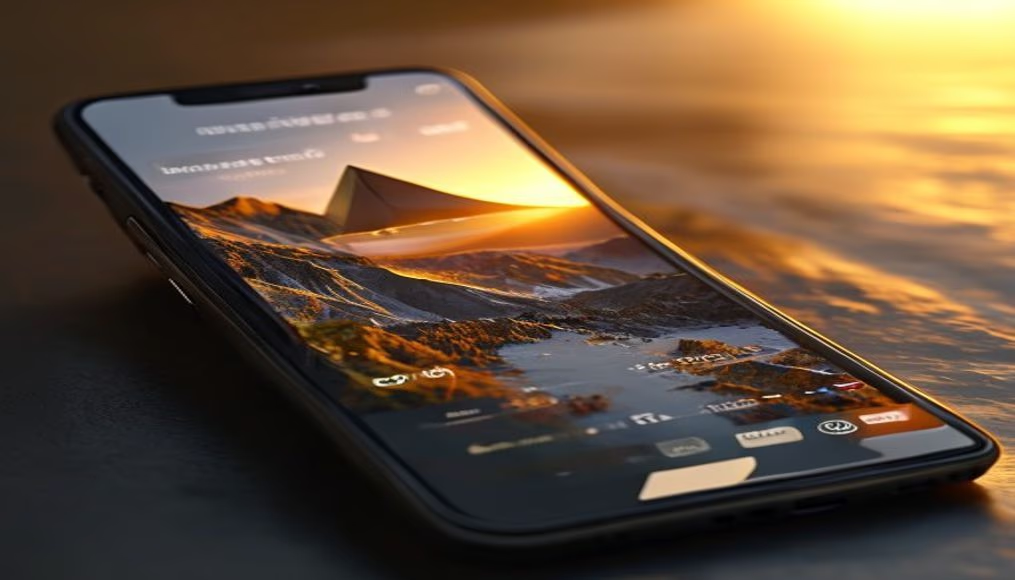
A interface do Metamask em um smartphone permite gerenciar criptomoedas e interagir com aplicativos descentralizados de forma segura e prática.
Sobre o tema
O Metamask é uma carteira digital que funciona como extensão de navegador ou aplicativo móvel, sendo uma das ferramentas mais populares para acesso ao ecossistema Ethereum e redes compatíveis, como Polygon, Binance Smart Chain e Avalanche. Em dispositivos móveis, sua interface foi redesenhada para oferecer uma experiência simplificada, permitindo enviar e receber tokens, visualizar saldos em tempo real e conectar-se a dApps (aplicativos descentralizados) como exchanges descentralizadas, jogos NFT e plataformas de finanças descentralizadas (DeFi).
Criado em 2016 pela ConsenSys, o Metamask rapidamente se tornou um padrão para usuários de criptomoedas, acumulando mais de 30 milhões de usuários ativos mensais em 2024. A versão mobile destaca-se por recursos de segurança como autenticação biométrica (impressão digital ou Face ID) e frases-semente criptografadas localmente. Para iniciantes, a carteira oferece um guia integrado de boas práticas, como nunca compartilhar a frase de recuperação e verificar contratos inteligentes antes de assinar transações.
Entretanto, o uso em smartphones também apresenta riscos: aplicativos falsos do Metamask em lojas não oficiais já causaram perdas significativas. A recomendação é baixar apenas da Google Play Store ou Apple App Store oficiais e ativar a proteção contra phishing. Além disso, o Metamask não é uma carteira de custódia, o usuário mantém controle total das chaves privadas, o que exige responsabilidade sobre backups.
Globalmente, o Metamask mobile é uma porta de entrada para finanças descentralizadas, especialmente em regiões com baixa penetração bancária. Estima-se que 70% das transações em dApps da Ethereum passem por carteiras como Metamask, reforçando seu papel como infraestrutura crítica da web3.
Perguntas frequentes
O Metamask é seguro para usar no celular?
Sim, desde que baixado da loja oficial e com autenticação biométrica ativada. Mantenha a frase-semente offline e nunca a compartilhe.
Quais redes o Metamask suporta?
Além da Ethereum, suporta redes como Polygon, BNB Chain, Avalanche, Arbitrum, Optimism e muitas outras configuráveis manualmente.
Posso usar o Metamask sem internet?
Não. O Metamask precisa de conexão para consultar saldos e enviar transações, mas as chaves privadas ficam armazenadas localmente.
URL direta
https://pub-c7d6a6ea828543ac903a74a341ccb2e1.r2.dev/imagens/metamask-wallet-ui-on-smartphone-screen-travel-photography-v10.avifComo creditar
Inclua um link visível de volta pro UtilizAí. Copie um dos snippets abaixo:
<a href="https://xn--utiliza-eza.com/midia/imagens/metamask-wallet-ui-on-smartphone-screen-travel-photography-v10">Carteira Metamask UI on smartphone screen</a> by <a href="https://xn--utiliza-eza.com">UtilizAí</a>, licensed under <a href="https://creativecommons.org/licenses/by/4.0/">CC BY 4.0</a>.
[Carteira Metamask UI on smartphone screen](https://xn--utiliza-eza.com/midia/imagens/metamask-wallet-ui-on-smartphone-screen-travel-photography-v10) by [UtilizAí](https://xn--utiliza-eza.com), CC BY 4.0
Licença: CC-BY-4.0