Chat bubble notification
1344×768 · AVIF · CC BY 4.0

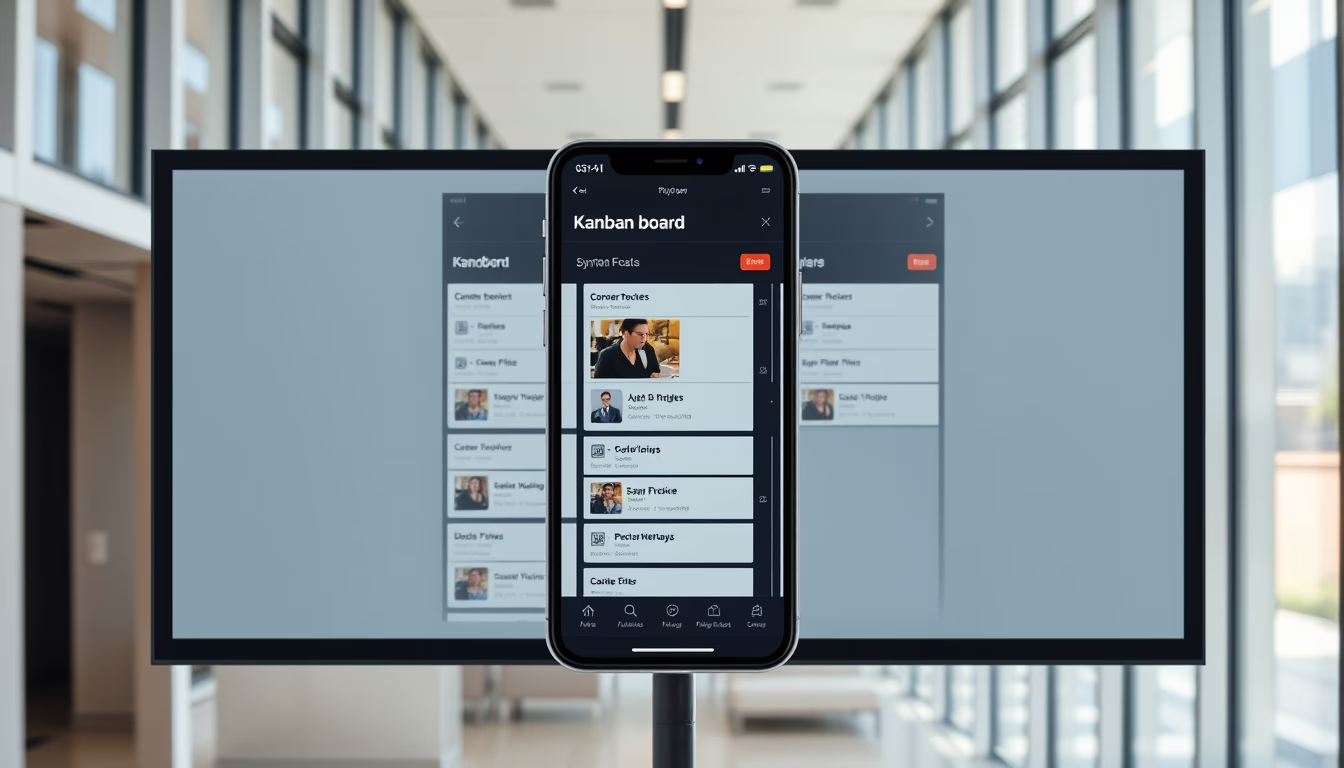
Notificação de bolha de chat é um elemento de interface que exibe alertas de mensagens em formato de balão, amplamente usado em aplicativos de mensagens e redes sociais.
Sobre o tema
A notificação de bolha de chat, também conhecida como balão de mensagem, tem suas raízes nos quadrinhos, onde balões de fala indicavam diálogo. Na computação, o conceito foi adaptado para interfaces gráficas nos anos 1980, com sistemas como o Mac OS utilizando balões de ajuda. No entanto, a popularização massiva veio com aplicativos de mensagens como o WhatsApp e o Facebook Messenger, que adotaram bolhas para notificar novas mensagens sem interromper a experiência do usuário.
Do ponto de vista técnico, a notificação de bolha é uma forma de notificação in-app ou push. Diferente de badges numéricos ou banners, a bolha oferece contexto imediato ao exibir um trecho da mensagem ou o nome do remetente. Isso reduz a fricção na comunicação, permitindo que o usuário decida rapidamente se quer responder. Em sistemas como Android, as bolhas são implementadas via API de notificações e podem persistir em outras telas, criando uma experiência multitarefa.
Culturalmente, a bolha de chat se tornou um símbolo de comunicação instantânea. O design arredondado e a cor de destaque chamam a atenção sem serem intrusivos. Estudos de UX indicam que bolhas aumentam a taxa de resposta em até 20% comparado a notificações tradicionais. Além disso, em apps de e-commerce, bolhas são usadas para suporte ao cliente em tempo real, como no recurso de chat ao vivo.
Curiosidade: o primeiro uso documentado de balões em interfaces computacionais foi no Xerox Star (1981), com balões de ajuda explicativos. Já a notificação de bolha para chat se popularizou no início dos anos 2000 com o ICQ e depois com o Skype. Atualmente, plataformas como o Discord e Slack refinam o conceito com bolhas que agrupam mensagens por canal.
Perguntas frequentes
Por que as notificações de bolha são tão populares em apps de mensagens?
Porque elas combinam visibilidade com contexto: mostram um trecho da mensagem sem exigir que o usuário abra o app, agilizando a decisão de responder. O design arredondado e as cores chamativas também as tornam menos intrusivas que banners.
Como funcionam tecnicamente as bolhas de notificação no Android?
As bolhas no Android são gerenciadas pela API NotificationChannel, com a flag BUBBLE. Elas aparecem como uma sobreposição flutuante em outras telas e podem ser expandidas ou descartadas. O desenvolvedor precisa implementar o BubbleMetadata.
Qual a diferença entre uma bolha de chat e um badge de notificação?
Um badge é um número pequeno exibido no ícone do app, indicando a quantidade de notificações sem conteúdo. Já a bolha mostra parte da mensagem e permite interação direta, como responder sem abrir o aplicativo.
URL direta
https://pub-c7d6a6ea828543ac903a74a341ccb2e1.r2.dev/imagens/chat-bubble-notification-architectural-photography-p3.avifComo creditar
Inclua um link visível de volta pro UtilizAí. Copie um dos snippets abaixo:
<a href="https://xn--utiliza-eza.com/midia/imagens/chat-bubble-notification-architectural-photography-p3">Chat bubble notification</a> by <a href="https://xn--utiliza-eza.com">UtilizAí</a>, licensed under <a href="https://creativecommons.org/licenses/by/4.0/">CC BY 4.0</a>.
[Chat bubble notification](https://xn--utiliza-eza.com/midia/imagens/chat-bubble-notification-architectural-photography-p3) by [UtilizAí](https://xn--utiliza-eza.com), CC BY 4.0
Licença: CC-BY-4.0