Audio interface knobs
1344×768 · AVIF · CC BY 4.0
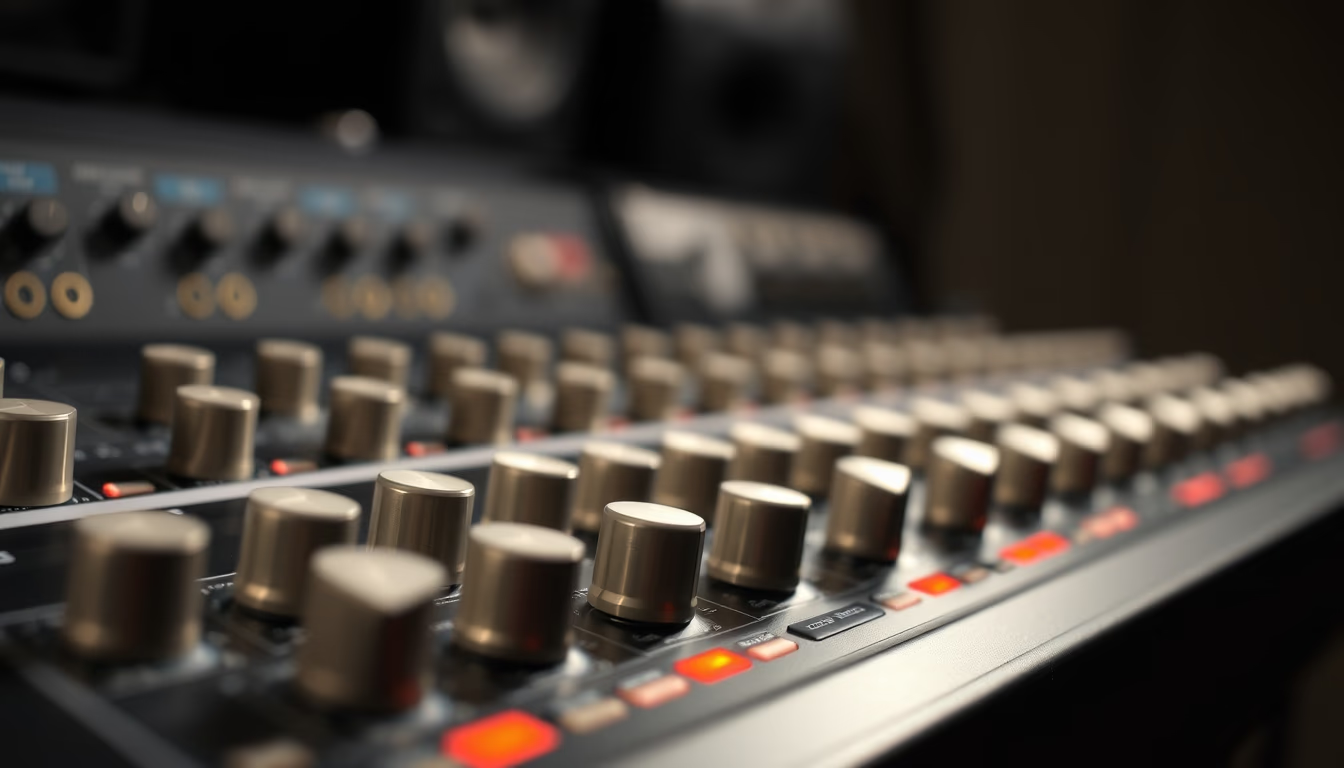
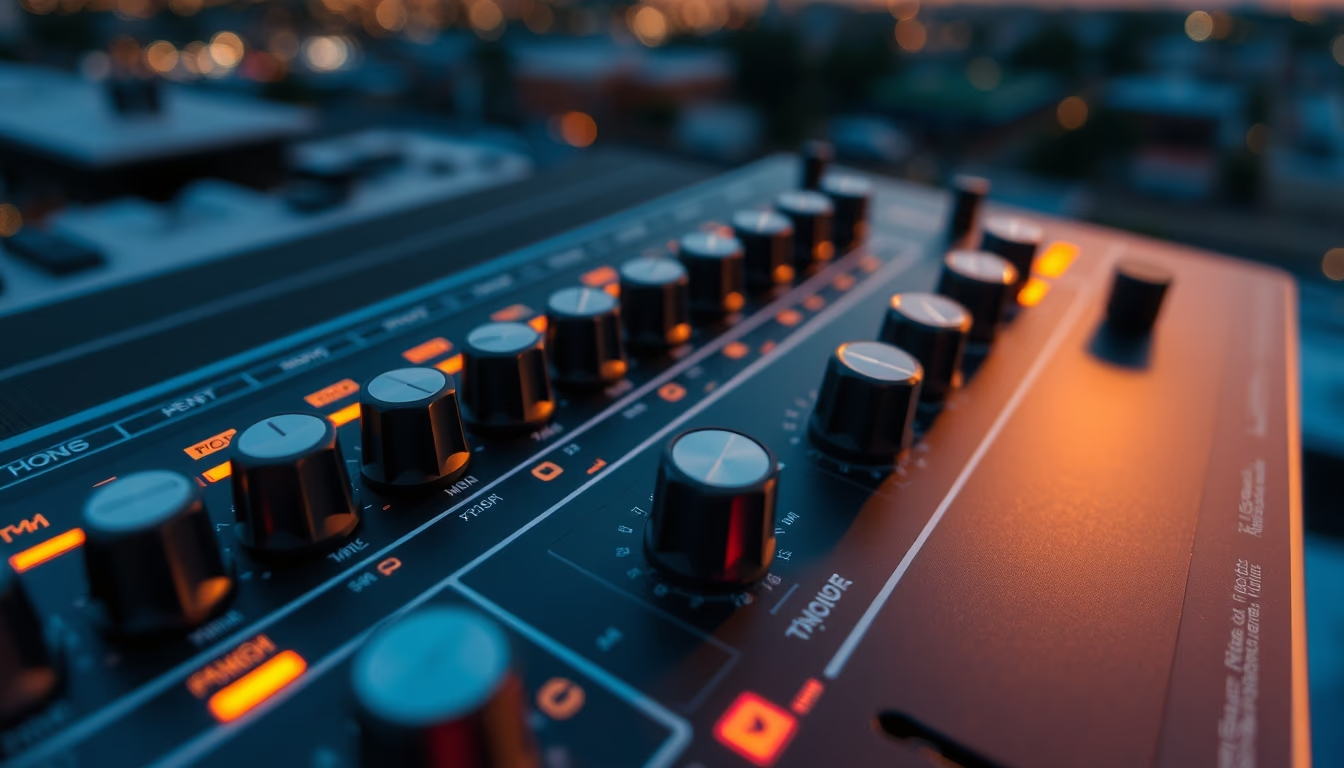
Os knobs de uma interface de áudio controlam ganho, equalização e nível de monitoramento, peças essenciais para a captação e mixagem de som profissional.
Sobre o tema
Uma interface de áudio é o coração de qualquer estúdio de gravação caseiro ou profissional. Seus knobs, botões rotativos, são os principais pontos de interação do usuário com o hardware, permitindo ajustes finos em tempo real. Cada knob tem uma função específica: os de ganho (gain) controlam a sensibilidade do pré-amplificador de microfone, os de equalização (EQ) moldam o timbre do som, e os de nível de monitoramento (volume) regulam o que se ouve nos fones ou caixas acústicas. Modelos modernos também incluem knobs para balanceamento de mix entre sinal direto e computador.
A padronização dos knobs varia entre fabricantes. Marcas como Focusrite, Universal Audio e Behringer utilizam designs diferentes, desde knobs com detentes (que encaixam em posições fixas) até os de curso contínuo, usados para controle de parâmetros digitais via MIDI. A ergonomia é crucial: knobs grandes e com textura facilitam ajustes rápidos durante uma gravação, enquanto knobs menores economizam espaço em interfaces portáteis. Muitos modelos usam potenciômetros Alps ou Bourns, conhecidos por durabilidade e precisão.
Historicamente, os knobs em equipamentos de áudio remontam aos consoles analógicos dos anos 1960. Com a digitalização, interfaces modernas mantêm os knobs físicos mesmo quando os parâmetros são controlados por software, pois a resposta tátil é valorizada por engenheiros de som. A quantidade de knobs varia de 1 ou 2 em interfaces básicas a dezenas em unidades multipista. Curiosamente, alguns knobs possuem iluminação LED para indicar clipping ou presença de sinal, recurso útil em estúdios com pouca luz.
Perguntas frequentes
O que significam os diferentes knobs em uma interface de áudio?
Os knobs principais são: Gain (ajusta a sensibilidade de entrada), Volume ou Monitor (controla o nível de saída para fones ou caixas), e eventualmente EQ (equalização). Interfaces maiores têm knobs para balanceamento de mix ou efeitos.
Como calibrar o ganho corretamente usando os knobs?
Ajuste o knob de ganho até que o sinal atinja picos entre -12 dB e -6 dB no medidor da interface, evitando clipping. Use um tom de teste ou cante na intensidade máxima esperada para a gravação.
Qual a diferença entre knobs analógicos e digitais em interfaces modernas?
Knobs analógicos controlam diretamente circuitos elétricos, como potenciômetros. Knobs digitais enviam dados MIDI ou controlam parâmetros via software. Muitos knobs modernos são "digitais" por dentro, mas simulam resposta analógica.
URL direta
https://pub-c7d6a6ea828543ac903a74a341ccb2e1.r2.dev/imagens/audio-interface-knobs-studio-editorial-portrait-fresh17.avifComo creditar
Inclua um link visível de volta pro UtilizAí. Copie um dos snippets abaixo:
<a href="https://xn--utiliza-eza.com/midia/imagens/audio-interface-knobs-studio-editorial-portrait-fresh17">Audio interface knobs</a> by <a href="https://xn--utiliza-eza.com">UtilizAí</a>, licensed under <a href="https://creativecommons.org/licenses/by/4.0/">CC BY 4.0</a>.
[Audio interface knobs](https://xn--utiliza-eza.com/midia/imagens/audio-interface-knobs-studio-editorial-portrait-fresh17) by [UtilizAí](https://xn--utiliza-eza.com), CC BY 4.0
Licença: CC-BY-4.0