Audio interface knobs
1344×768 · AVIF · CC BY 4.0
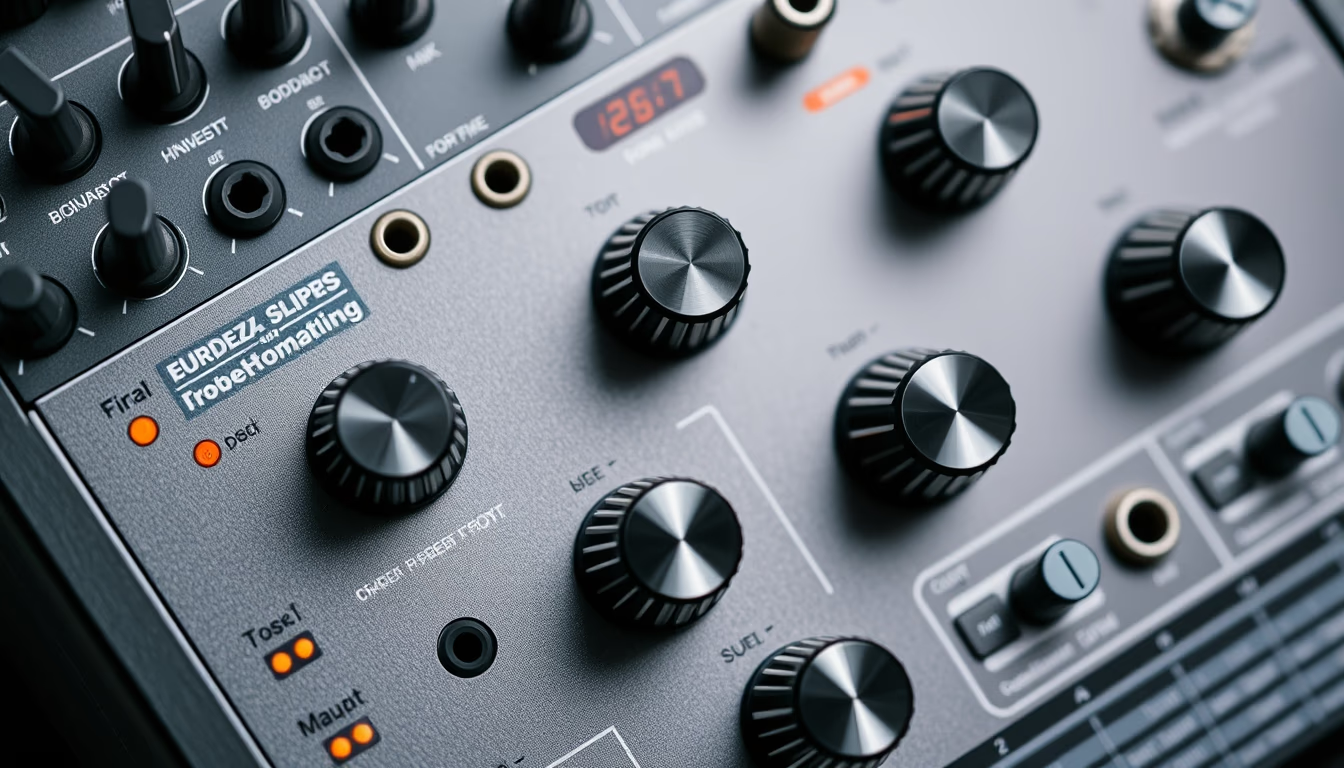
Os knobs de uma interface de áudio são controles essenciais para ajustar ganho, equalização e monitoramento em estúdios caseiros e profissionais.
Sobre o tema
As interfaces de áudio modernas possuem diversos knobs (botões rotativos) que permitem ao produtor musical ou engenheiro de som controlar parâmetros críticos de forma tátil e imediata. O knob mais comum é o de ganho (gain), que ajusta a sensibilidade de entrada do microfone ou instrumento, evitando distorção e garantindo nível adequado para gravação. Outros knobs típicos incluem controles de volume de fones de ouvido (headphone volume), balanceamento entre sinal direto e processado (mix), e equalizadores de canal.
A disposição e o design desses knobs variam conforme o fabricante e o modelo da interface. Marcas como Focusrite, Universal Audio, Behringer e PreSonus utilizam knobs com diferentes texturas, tamanhos e cores para facilitar a identificação visual e tátil durante o uso. Knobs com ranhuras ou com indicações luminosas (LED ring) oferecem feedback adicional sobre o nível configurado. Em estúdios profissionais, a qualidade dos potenciômetros é crucial para precisão e durabilidade, já que são componentes sujeitos a desgaste mecânico.
Além da funcionalidade técnica, os knobs também carregam um valor estético e ergonômico. Muitos usuários preferem interfaces com knobs grandes e bem espaçados, que permitem ajustes finos sem atrapalhar outros controles. Em layouts isométricos ou flat lay, como o desta imagem, os knobs são frequentemente dispostos de maneira a evidenciar a simetria e o design industrial do equipamento, que muitas vezes segue padrões de rack (1U ou 2U) para instalação em estúdios.
Curiosamente, o termo knob remonta aos primeiros rádios e amplificadores valvulados, onde botões rotativos eram a única interface de controle. Hoje, apesar da popularização de controles digitais em softwares, os knobs físicos continuam indispensáveis para músicos que buscam fluidez durante sessões de gravação e mixagem, especialmente em situações ao vivo ou em estúdios sem grandes superfícies de controle.
Perguntas frequentes
Qual a função principal dos knobs de ganho em uma interface de áudio?
O knob de ganho ajusta o nível de entrada do sinal vindo do microfone ou instrumento, para que ele fique alto o suficiente sem distorcer (clipping). É o primeiro estágio de controle na cadeia de áudio.
Por que algumas interfaces possuem knobs com luzes ao redor (LED ring)?
Os LEDs ao redor do knob indicam visualmente o nível atual (por exemplo, verde para sinal saudável, amarelo para próximo do limite, vermelho para distorção). Isso facilita o monitoramento rápido sem desviar o olhar da interface.
Como escolher uma interface de áudio com bons knobs para uso em estúdio?
Priorize interfaces com knobs robustos, de material metálico ou plástico de alta qualidade, com curso suave e boa sensação tátil. Verifique também o espaçamento entre knobs para evitar ajustes acidentais.
URL direta
https://pub-c7d6a6ea828543ac903a74a341ccb2e1.r2.dev/imagens/audio-interface-knobs-isometric-flat-lay-fresh11.avifComo creditar
Inclua um link visível de volta pro UtilizAí. Copie um dos snippets abaixo:
<a href="https://xn--utiliza-eza.com/midia/imagens/audio-interface-knobs-isometric-flat-lay-fresh11">Audio interface knobs</a> by <a href="https://xn--utiliza-eza.com">UtilizAí</a>, licensed under <a href="https://creativecommons.org/licenses/by/4.0/">CC BY 4.0</a>.
[Audio interface knobs](https://xn--utiliza-eza.com/midia/imagens/audio-interface-knobs-isometric-flat-lay-fresh11) by [UtilizAí](https://xn--utiliza-eza.com), CC BY 4.0
Licença: CC-BY-4.0