Audio interface knobs
1344×768 · AVIF · CC BY 4.0
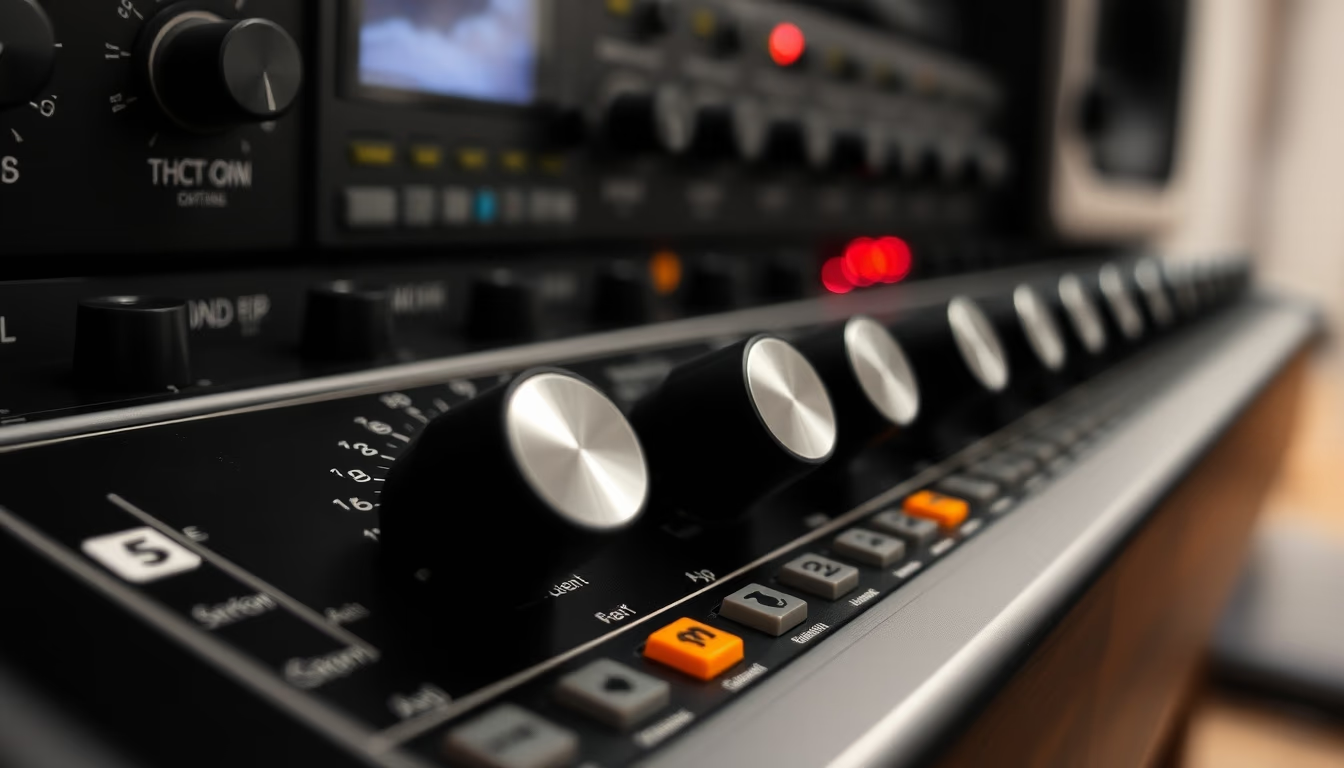
Os knobs de uma interface de áudio controlam ganho, volume e parâmetros de mixagem com precisão tátil essencial para produtores.
Sobre o tema
Os knobs de uma interface de áudio são componentes rotativos que permitem ajustar parâmetros fundamentais como ganho de entrada, nível de saída, balanceamento de monitoração e, em modelos mais avançados, equalização e efeitos. Eles são geralmente potenciômetros (pots) ou encoders rotativos. Os potenciômetros analógicos oferecem uma resposta contínua e suave, enquanto os encoders digitais, comuns em interfaces modernas, proporcionam passos discretos e podem incluir funções de push-to-select. A escolha entre eles impacta diretamente a sensação tátil e a precisão do controle.
Os materiais e o design dos knobs variam entre marcas e faixas de preço. Knobs de metal, muitas vezes com revestimento anodizado, são mais duráveis e oferecem uma sensação premium, como nos equipamentos da Universal Audio e RME. Já knobs de plástico com insertos de borracha são comuns em interfaces de entrada, como as da Focusrite Scarlett, priorizando custo-benefício. A textura da superfície também é relevante: knobs com ranhuras ou relevos facilitam o ajuste preciso, especialmente em estúdios com pouca iluminação.
Além da funcionalidade técnica, os knobs têm um papel ergonômico e estético. Dispostos em painéis frontais compactos, eles devem permitir ajustes rápidos sem obstruir a visualização dos LEDs indicadores. A resistência ao torque é calibrada para evitar movimentos acidentais, mas garantir fluidez. Em estúdios caseiros e setups de podcast, a interface de áudio é o centro do controle, e a qualidade dos knobs influencia a experiência do usuário, desde a sensação ao girar até a durabilidade a longo prazo.
Curiosamente, a evolução dos knobs reflete a transição do analógico para o digital. Interfaces mais antigas usavam exclusivamente potenciômetros analógicos, que podem sofrer desgaste com o tempo (crackling). Já os encoders digitais, sem contato físico, eliminam esse problema e permitem funções como reset automático de parâmetros. No entanto, muitos engenheiros de áudio ainda preferem a resposta análogica dos pots pela musicalidade no ajuste de ganho e EQ.
Perguntas frequentes
O que controlam os knobs de uma interface de áudio?
Os knobs controlam principalmente o ganho de entrada (para microfones e instrumentos), o volume de saída (fones e monitores), e em modelos avançados, parâmetros de mixagem como balanceamento, EQ e efeitos integrados.
Como limpar knobs de interface de áudio?
Use um pano macio levemente umedecido com álcool isopropílico. Evite líquidos em excesso e nunca aplique diretamente no knob. Para sujeira acumulada, use um pincel antiestático seco antes da limpeza úmida.
Por que alguns knobs têm ranhuras e outros são lisos?
Ranhuras ou relevos aumentam o atrito e facilitam ajustes precisos, especialmente em condições de baixa iluminação ou para usuários com mãos suadas. Knobs lisos são mais comuns em designs minimalistas e podem indicar funções que raramente exigem ajuste fino.
URL direta
https://pub-c7d6a6ea828543ac903a74a341ccb2e1.r2.dev/imagens/audio-interface-knobs-film-grain-authentic-fresh7.avifComo creditar
Inclua um link visível de volta pro UtilizAí. Copie um dos snippets abaixo:
<a href="https://xn--utiliza-eza.com/midia/imagens/audio-interface-knobs-film-grain-authentic-fresh7">Audio interface knobs</a> by <a href="https://xn--utiliza-eza.com">UtilizAí</a>, licensed under <a href="https://creativecommons.org/licenses/by/4.0/">CC BY 4.0</a>.
[Audio interface knobs](https://xn--utiliza-eza.com/midia/imagens/audio-interface-knobs-film-grain-authentic-fresh7) by [UtilizAí](https://xn--utiliza-eza.com), CC BY 4.0
Licença: CC-BY-4.0