Audio interface knobs
1344×768 · AVIF · CC BY 4.0
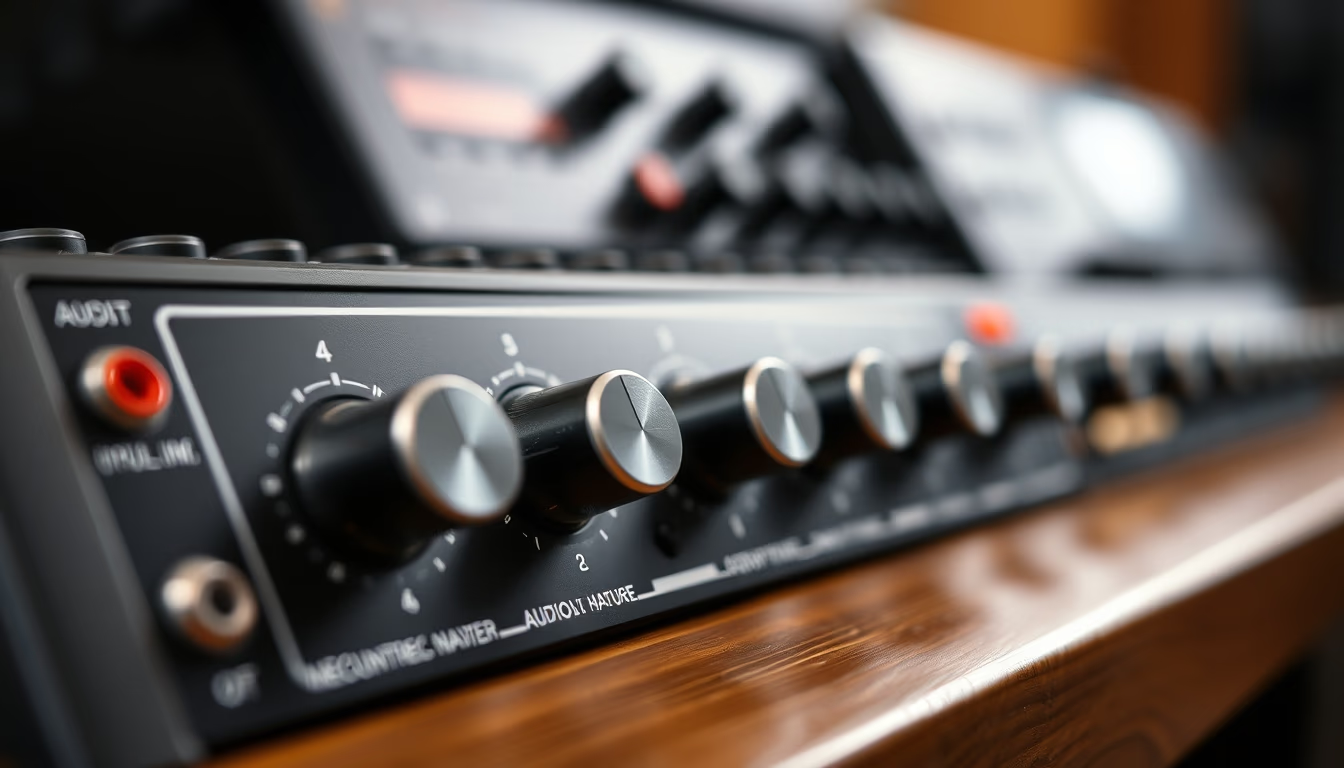
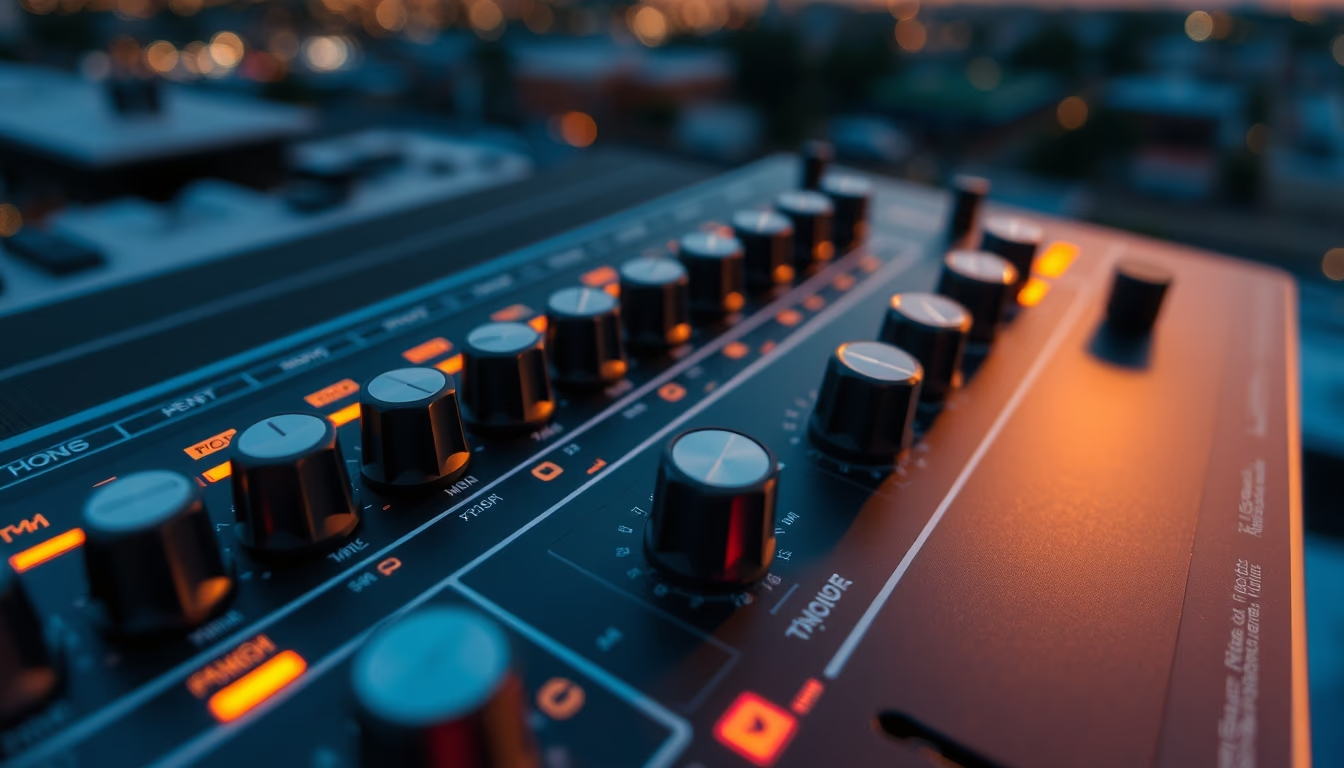
Os knobs de interface de áudio controlam ganho, volume e monitoramento em estúdios de gravação profissional e home studio.
Sobre o tema
Uma interface de áudio é o coração de qualquer estúdio de gravação digital, convertendo sinais analógicos de microfones e instrumentos em dados digitais para o computador. Os knobs nesses dispositivos são os principais meios de interação tátil do usuário, permitindo ajustes precisos de parâmetros essenciais como ganho de entrada, nível de saída, balanceamento de fones de ouvido e monitoramento direto.
Existem diferentes tipos de knobs empregados em interfaces de áudio. Os mais comuns são os potenciômetros rotativos, que oferecem uma variação contínua de resistência. Já os encoders rotativos, presentes em modelos mais modernos, permitem rotação infinita e são frequentemente usados para navegação em menus ou ajuste de parâmetros digitais. Alguns knobs possuem detentes, que produzem um clique a cada passo, indicando incrementos fixos ideais para ajustes repetíveis.
A qualidade dos knobs impacta diretamente a experiência do usuário e a durabilidade do equipamento. Knobs metálicos, com eixo de metal e revestimento emborrachado, oferecem maior precisão e longevidade que versões plásticas. Marcas como Focusrite, Universal Audio e RME são reconhecidas por utilizar componentes de alto padrão, com cursos longos e torque consistente, evitando deslizes durante gravações críticas.
Além da função técnica, os knobs carregam um aspecto ergonômico e estético. Em ambientes de estúdio com iluminação controlada, knobs retroiluminados ou com anéis cromados facilitam a visualização. No contexto do estilo "documentary nature", a imagem captura a textura e os reflexos naturais sobre os knobs, destacando a interação entre luz ambiente e superfícies metálicas, comum em fotografias que valorizam o aspecto orgânico de equipamentos eletrônicos.
Perguntas frequentes
O que significam as marcas ao redor dos knobs?
As marcas indicam a posição do knob, geralmente representando valores de ganho em dB (decibéis) ou números de 0 a 10, dependendo do parâmetro controlado. Em knobs de ganho, cada marca corresponde a um valor específico, ajudando na repetibilidade de ajustes.
Como evitar ruídos ao ajustar knobs durante a gravação?
Ruídos podem ser causados por sujeira ou oxidação nos contatos internos. Use knobs de qualidade com potenciômetros selados. Ao girar, faça movimentos suaves. Se houver estalos, aplique spray limpa-contato específico para eletrônicos (desligado da tomada).
Por que alguns knobs são maiores que outros?
Knobs maiores são geralmente destinados a funções que exigem ajustes mais finos, como ganho de microfone, pois oferecem maior superfície de contato e curso angular mais longo, permitindo variações mais precisas. Já knobs menores são usados para controles secundários, como volume de fones.
URL direta
https://pub-c7d6a6ea828543ac903a74a341ccb2e1.r2.dev/imagens/audio-interface-knobs-documentary-nature-style-fresh4.avifComo creditar
Inclua um link visível de volta pro UtilizAí. Copie um dos snippets abaixo:
<a href="https://xn--utiliza-eza.com/midia/imagens/audio-interface-knobs-documentary-nature-style-fresh4">Audio interface knobs</a> by <a href="https://xn--utiliza-eza.com">UtilizAí</a>, licensed under <a href="https://creativecommons.org/licenses/by/4.0/">CC BY 4.0</a>.
[Audio interface knobs](https://xn--utiliza-eza.com/midia/imagens/audio-interface-knobs-documentary-nature-style-fresh4) by [UtilizAí](https://xn--utiliza-eza.com), CC BY 4.0
Licença: CC-BY-4.0