Audio interface knobs
1344×768 · AVIF · CC BY 4.0

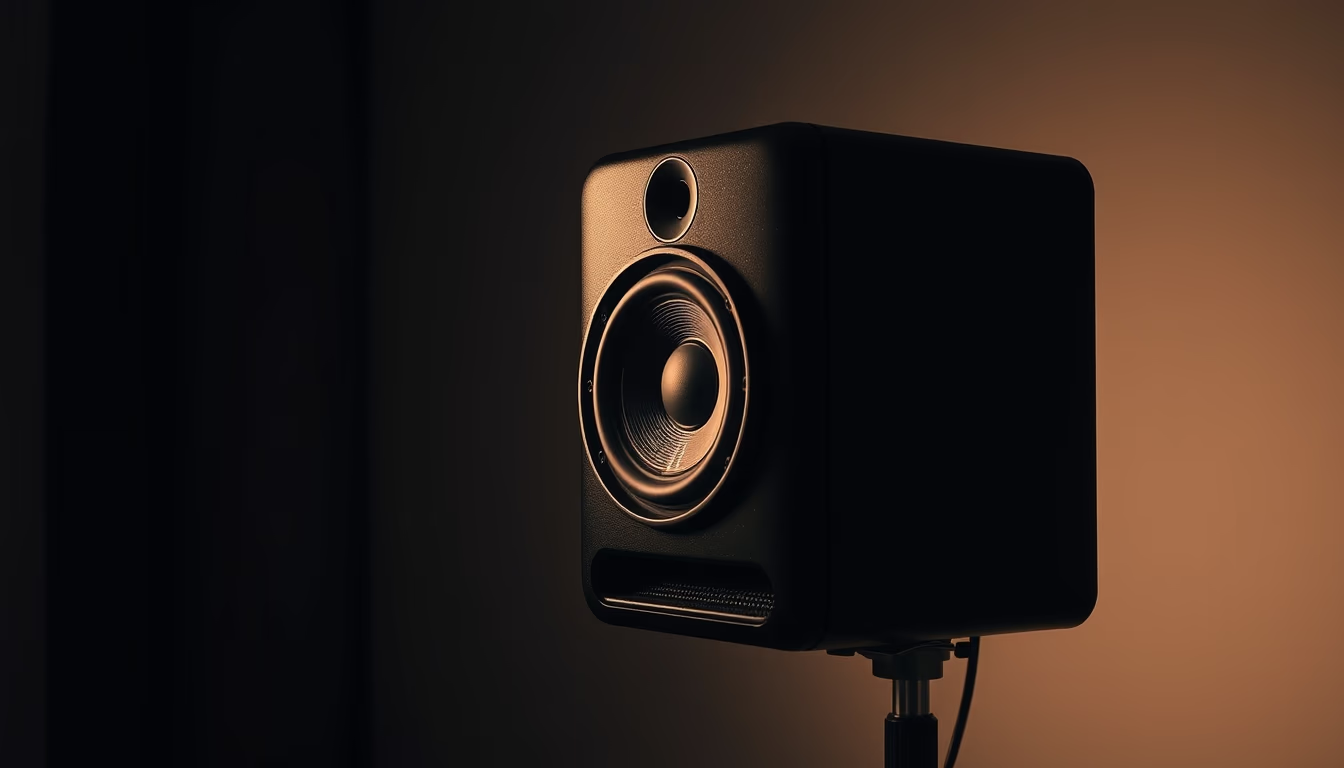
O painel frontal de uma interface de áudio exibe knobs de ganho, equalização e nível, essenciais para controle de entrada e saída em estúdios de gravação.
Sobre o tema
Uma interface de áudio é o coração de qualquer estúdio de gravação moderno, atuando como ponte entre microfones, instrumentos e o computador. Os knobs no painel frontal não são meros enfeites; cada um tem uma função crítica. O knob de ganho controla a sensibilidade do pré-amplificador, ajustando o nível de entrada para evitar distorção. Em interfaces de alto desempenho, como as da linha Focusrite Scarlett ou Universal Audio Apollo, esses potenciômetros são muitas vezes rotativos de 360 graus com curso linear, proporcionando ajuste preciso.
Além do ganho, é comum encontrar knobs para equalização (EQ), que permitem esculpir a frequência do som antes mesmo de chegar ao software. Em interfaces mais básicas, o EQ pode ser do tipo shelving (altas e baixas frequências) ou paramétrico. Interfaces profissionais também oferecem knobs de nível para monitoramento, que controlam o volume das saídas de fone de ouvido e caixas acústicas separadamente.
Curiosidade: muitos knobs são protegidos por vedações de borracha para evitar a entrada de poeira, e alguns possuem uma leve indentação no centro para indicar a posição neutra (12 horas). O design tátil varia: knobs serrilhados oferecem maior atrito, enquanto os lisos podem ser encontrados em equipamentos de estúdio vintage. A disposição segue um padrão ergonômico, com canais numerados da esquerda para a direita, facilitando o acesso rápido durante uma gravação ao vivo.
Em estúdios de podcast e home studios, interfaces com knobs de feedback via LED em torno do controle ajudam a visualizar o pico de sinal sem precisar olhar para o computador. Modelos como a Behringer U-Phoria UMC22 e a PreSonus AudioBox USB são exemplos acessíveis que mantêm a funcionalidade desses controles analógicos, demonstrando que, mesmo na era digital, os knobs continuam sendo ferramentas indispensáveis.
Perguntas frequentes
Qual a função do knob de ganho em uma interface de áudio?
O knob de ganho ajusta a sensibilidade do pré-amplificador, controlando o nível do sinal de entrada para evitar distorção e garantir um sinal limpo.
É possível substituir os knobs originais de uma interface de áudio?
Sim, muitos knobs têm eixos padronizados (6mm, D-shaft, etc.). É possível trocá-los por modelos com design diferente, desde que o encaixe seja compatível e não danifique o potenciômetro.
Interfaces de áudio com knobs de LED são melhores?
Os LEDs ao redor dos knobs facilitam a visualização rápida do nível de sinal, especialmente em ambientes com pouca luz. Isso não indica necessariamente qualidade superior, mas oferece maior praticidade.
URL direta
https://pub-c7d6a6ea828543ac903a74a341ccb2e1.r2.dev/imagens/audio-interface-knobs-architectural-photography-fresh6.avifComo creditar
Inclua um link visível de volta pro UtilizAí. Copie um dos snippets abaixo:
<a href="https://xn--utiliza-eza.com/midia/imagens/audio-interface-knobs-architectural-photography-fresh6">Audio interface knobs</a> by <a href="https://xn--utiliza-eza.com">UtilizAí</a>, licensed under <a href="https://creativecommons.org/licenses/by/4.0/">CC BY 4.0</a>.
[Audio interface knobs](https://xn--utiliza-eza.com/midia/imagens/audio-interface-knobs-architectural-photography-fresh6) by [UtilizAí](https://xn--utiliza-eza.com), CC BY 4.0
Licença: CC-BY-4.0