Two factor authentication phone
1344×768 · AVIF · CC BY 4.0
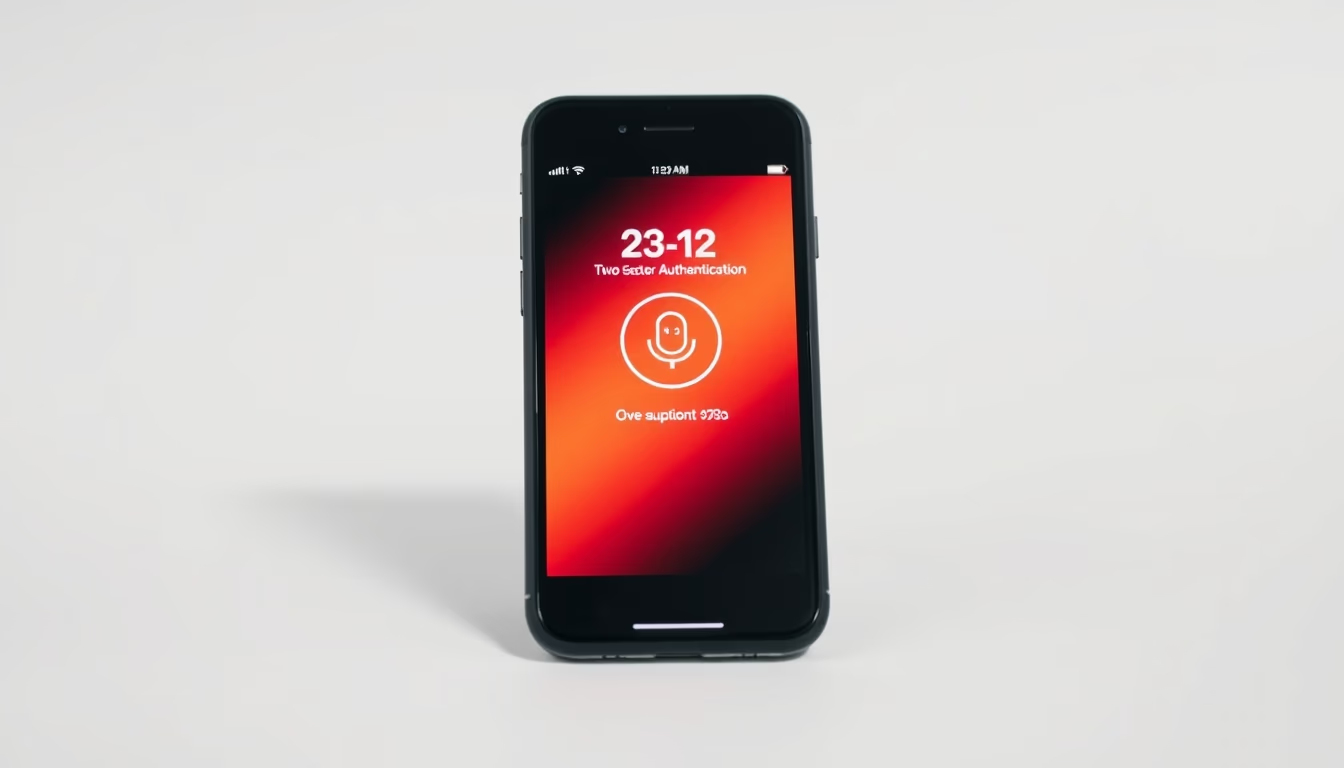
Two-factor authentication on smartphones: how this extra security layer protects online accounts from unauthorized access.
About this subject
Two-factor authentication (2FA) has become an essential digital security practice, especially on mobile devices. It adds a second verification layer beyond the password, typically something the user possesses, such as a smartphone. With the rise in cyberattacks, 2FA drastically reduces the risk of breaches. According to Google, using SMS-based 2FA blocks 100% of automated bot attacks.
On smartphones, common methods include authenticator apps like Google Authenticator and Authy, which generate time-based codes using the TOTP standard, and push notifications that allow approving or denying access requests. SMS is still widely used but is vulnerable to SIM swap attacks. Push notifications and app-generated codes are more secure because they do not rely on the phone network.
For 2026, the trend is the adoption of passkeys, which combine biometrics with encryption, eliminating the need for traditional passwords. In Brazil, banks like Itaú and Bradesco already require 2FA for transactions, and platforms like WhatsApp and Instagram offer the feature. The popularity of 2FA is also driven by regulations such as Brazil's LGPD, which encourages data protection measures.
To set up 2FA, users should go to the security settings of the desired service and follow instructions to link an authenticator app or phone number. It is crucial never to share verification codes and to keep backup copies of recovery codes, as losing the device can lock access to the account. A curiosity: the TOTP algorithm was standardized in 2011 by the IETF, but the idea dates back to 1994.
Frequently Asked Questions
What is two-factor authentication?
It is a security method that requires two forms of verification to access an account, typically something you know (password) and something you have (smartphone).
Which 2FA method is most secure for smartphones?
Authenticator apps like Google Authenticator or Authy are more secure than SMS because they are not vulnerable to SIM swap attacks.
How do I set up 2FA on my phone?
Go to the security settings of the service, choose two-factor authentication, and follow the instructions to link your authenticator app or phone number.
Direct URL
https://pub-c7d6a6ea828543ac903a74a341ccb2e1.r2.dev/imagens/two-factor-authentication-phone-commercial-product-photography-p6.avifHow to credit
Include a visible link back to UtilizAí. Copy one of the snippets below:
<a href="https://xn--utiliza-eza.com/en/midia/imagens/two-factor-authentication-phone-commercial-product-photography-p6">Two factor authentication phone</a> by <a href="https://xn--utiliza-eza.com">UtilizAí</a>, licensed under <a href="https://creativecommons.org/licenses/by/4.0/">CC BY 4.0</a>.
[Two factor authentication phone](https://xn--utiliza-eza.com/en/midia/imagens/two-factor-authentication-phone-commercial-product-photography-p6) by [UtilizAí](https://xn--utiliza-eza.com), CC BY 4.0
License: CC-BY-4.0