Password screen blurred
1344×768 · AVIF · CC BY 4.0
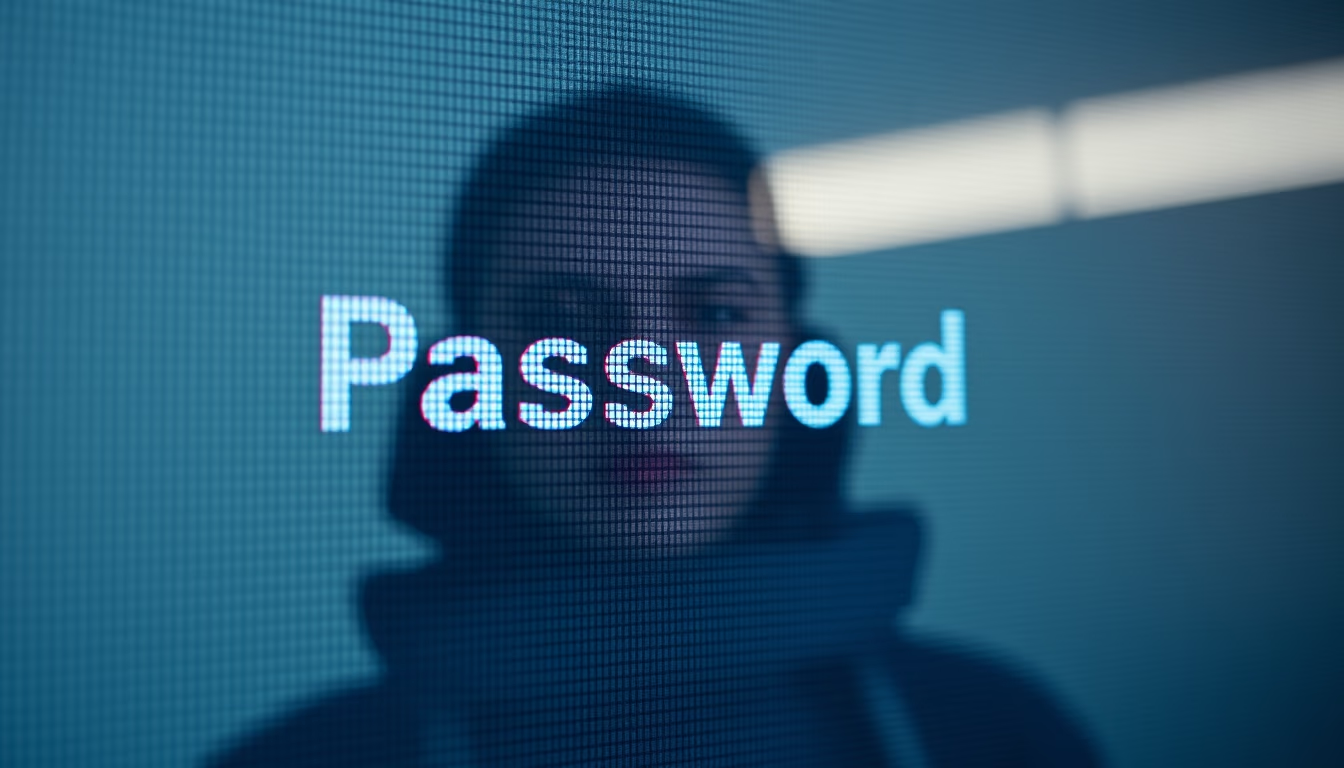
Blurred password screens are a common digital security practice to prevent credentials from being exposed in photos or videos, protecting sensitive data.
About this subject
In today's digital environment, protecting passwords is essential to prevent unauthorized access to personal and corporate accounts. The practice of blurring the screen that displays a password, whether in screenshots, recordings, or photos, has become a security measure adopted by many users and organizations. This technique prevents confidential information from being read by prying eyes or character recognition software, reducing the risk of credential leakage.
Passwords are the first line of defense against cyber intrusions, and although methods like two-factor authentication (2FA) and password managers are on the rise, the traditional password remains a frequent target of attacks. Blurring the password screen is a simple and effective solution, especially useful in public or shared environments where visual privacy may be compromised. By 2026, with increased digital surveillance and screen sharing in online meetings, this practice has become even more relevant.
Interestingly, the technique of blurring sensitive information is not limited to passwords. It is common in editorial and documentary images that show computer screens, where credit card numbers, emails, or other personal data are obscured to protect the privacy of the individuals portrayed. Blurring can be applied during image editing or via real-time filters, such as in screen-sharing software. This approach reflects growing awareness of cybersecurity and the importance of simple practices to mitigate risks.
Frequently Asked Questions
Why do images of password screens often appear blurred?
To protect sensitive data from accidental exposure, especially in publicly shared photos or videos, preventing passwords from being stolen.
Is it safe to take photos of a computer screen with a visible password?
No, because the password can be captured by cameras or software. Always blur or hide the password before sharing screen images.
What other ways can protect passwords besides blurring in images?
Using password managers, enabling two-factor authentication, and avoiding password reuse are recommended practices to enhance security.
Direct URL
https://pub-c7d6a6ea828543ac903a74a341ccb2e1.r2.dev/imagens/password-screen-blurred-documentary-photography-p5.avifHow to credit
Include a visible link back to UtilizAí. Copy one of the snippets below:
<a href="https://xn--utiliza-eza.com/en/midia/imagens/password-screen-blurred-documentary-photography-p5">Password screen blurred</a> by <a href="https://xn--utiliza-eza.com">UtilizAí</a>, licensed under <a href="https://creativecommons.org/licenses/by/4.0/">CC BY 4.0</a>.
[Password screen blurred](https://xn--utiliza-eza.com/en/midia/imagens/password-screen-blurred-documentary-photography-p5) by [UtilizAí](https://xn--utiliza-eza.com), CC BY 4.0
License: CC-BY-4.0